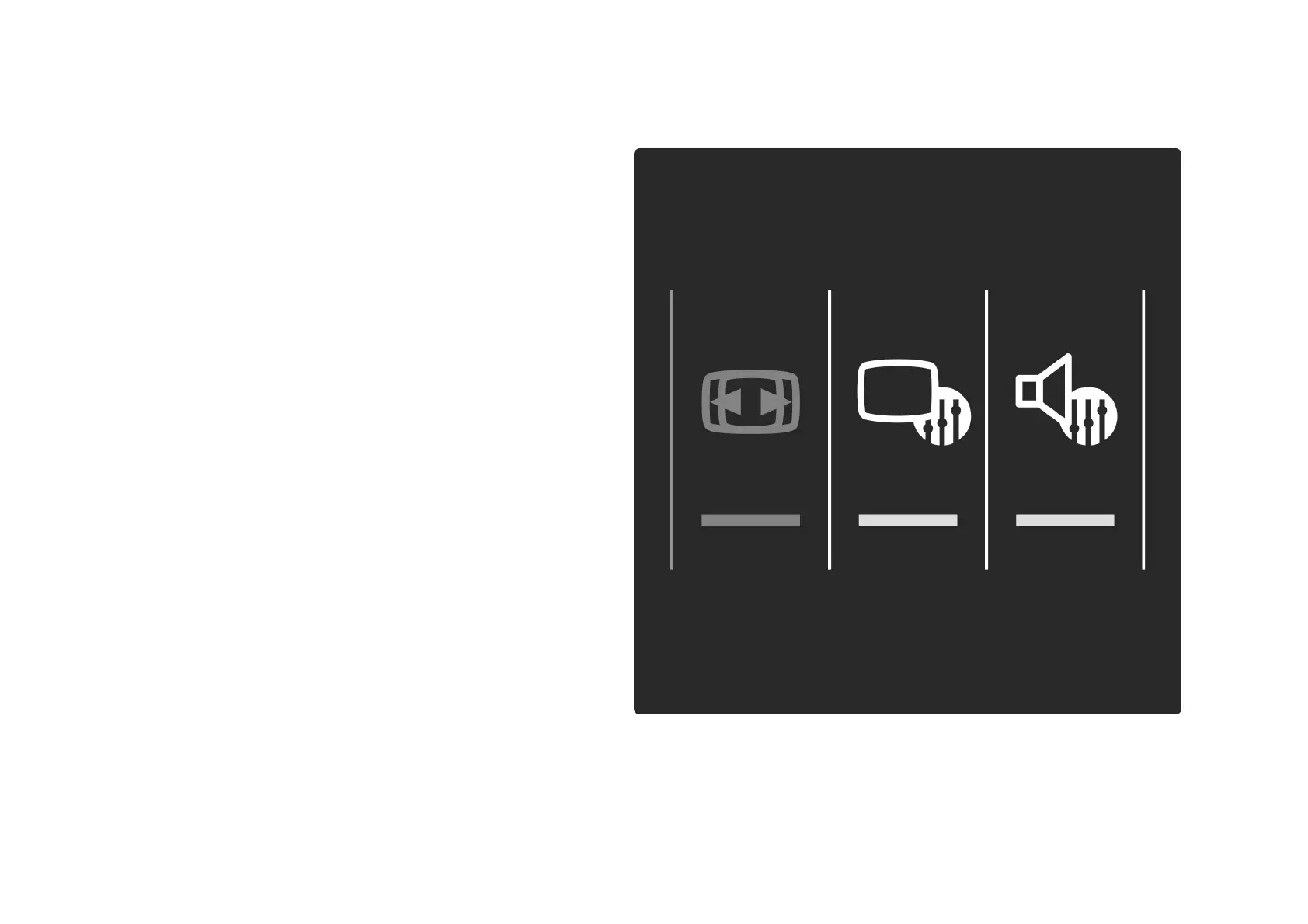
2.3.4Smart picture and sound settings 1/4
For easy picture or sound adjustment, you can select a
preset setting for each.
While watching TV, press s to open the Adjust menu and
select Smart picture or Smart sound. Make a selection
from the list and press OK.
. . .


 To Next Page
 Loading...









