3.3.1Browse USB 1/6
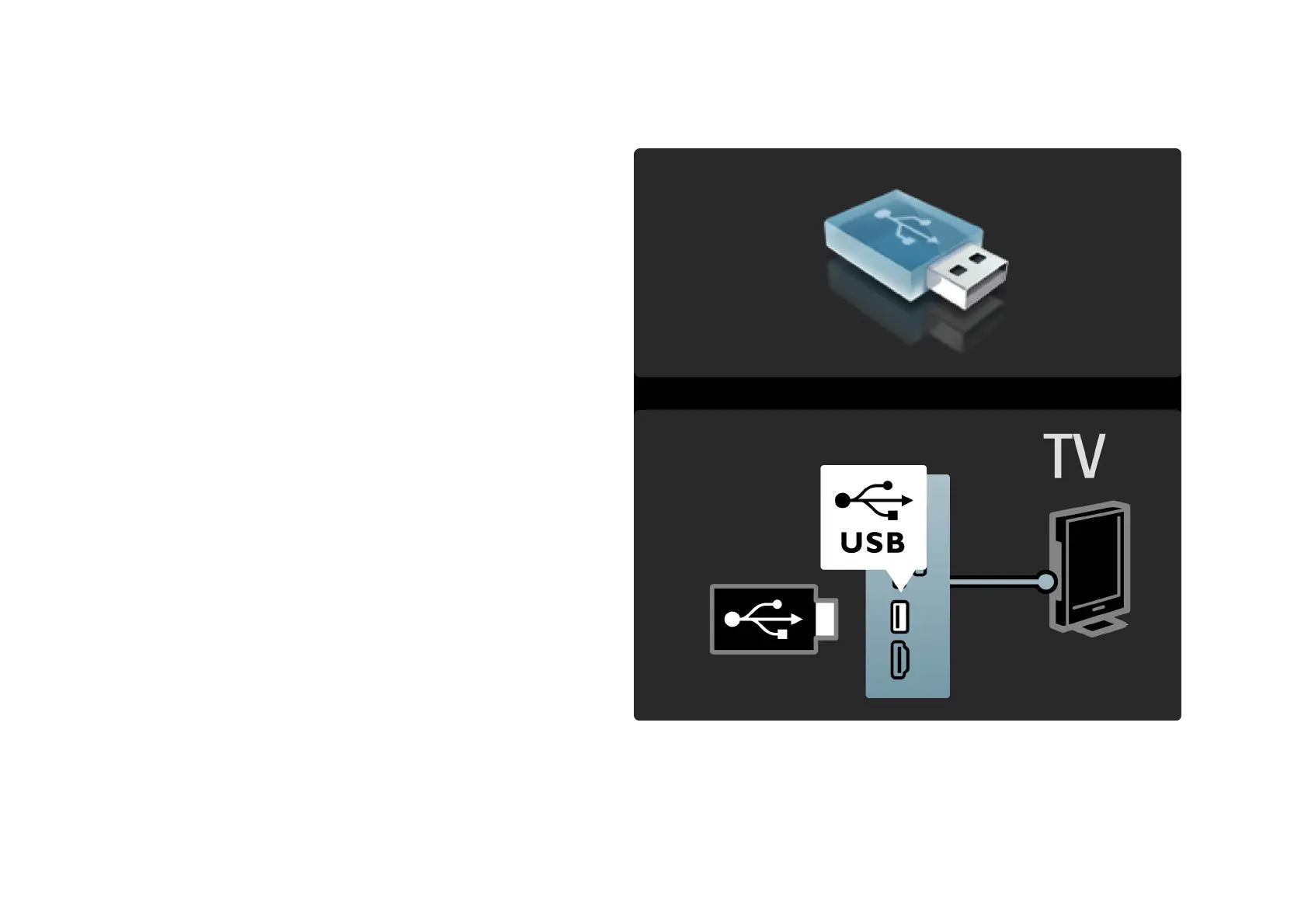
You can view photos or play your music and videos from a
USB memory device.
Insert a USB device in the USB connection on the left-hand
side of the TV while the TV is switched on. The TV detects
the device and opens a list showing its content. If the list
does not appear automatically, press h, select Browse
USB and press OK.
. . .













 To Next Page