Windows Media Player v11 on Windows XP
Set for network sharing
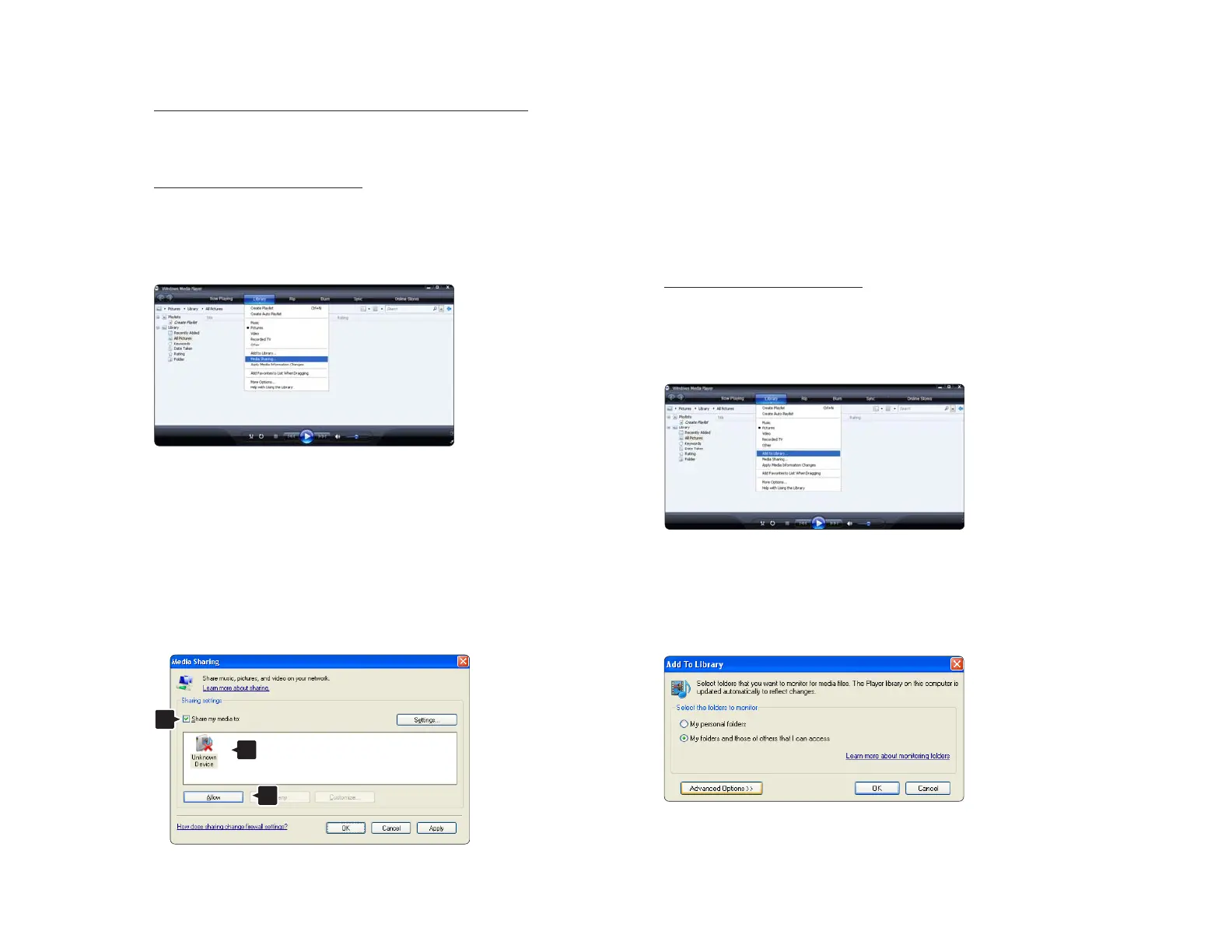
In Windows Media Player select Library from the menu
and select Media sharing …
In the Media Sharing window, check the Share my
media box.
When the TV is connected, by the router, to the PC and
everything is switched On, the Media sharing window
will show the TV as an Unkown Device. Select the
device and click Allow.
You can open the Settings window to change
particular settings on sharing.
When the device icon (the TV) is checked with a green
tick, click OK.
Set folders for sharing
In Windows Media Player select Library from the menu
and select Add to Library.
In the Add To Library window, select My folders and
those of others that I can access and click the
Advanced Options button.













 To Next Page