1.1.1The remote control 5/12
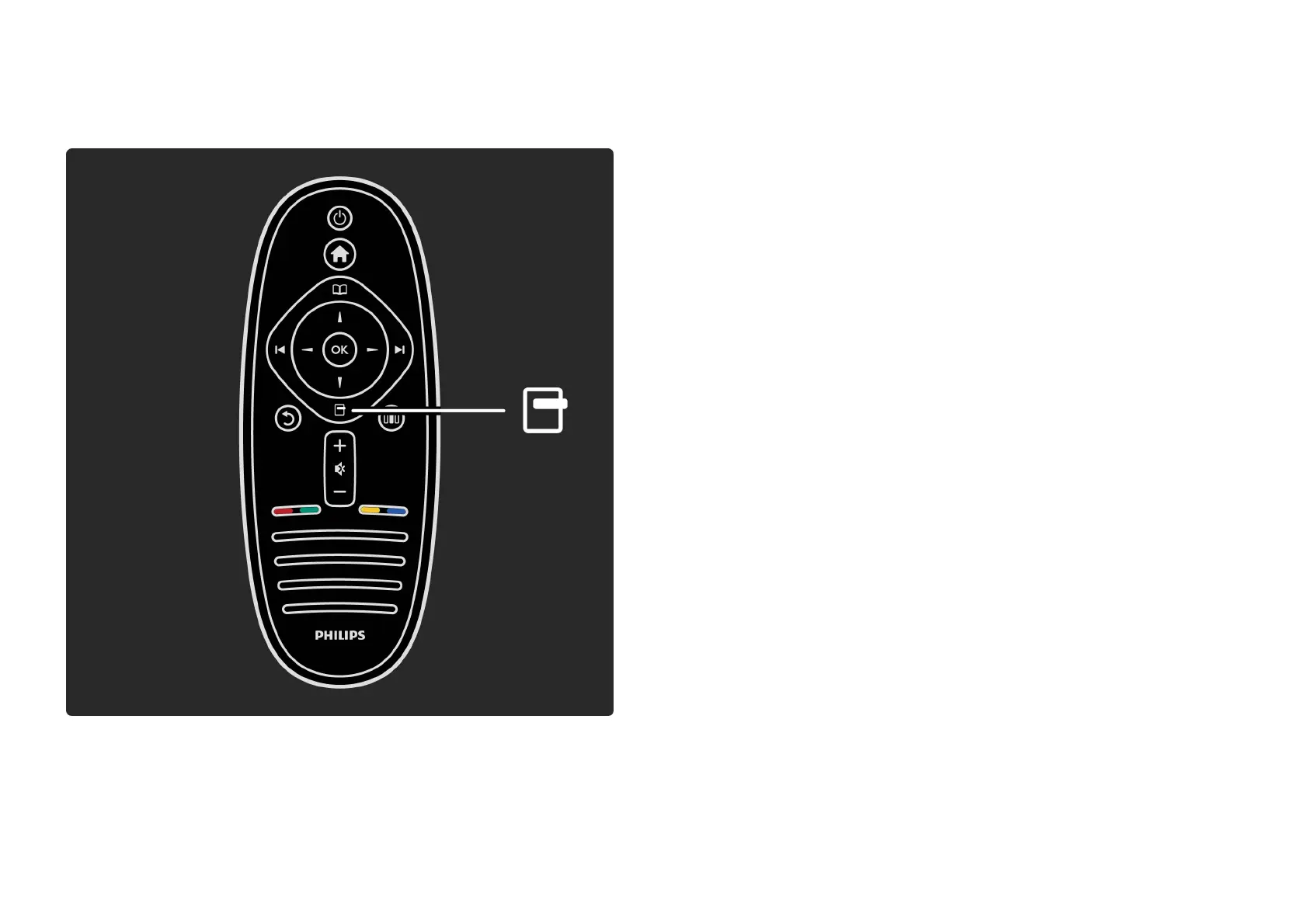
To open or close the Options menu o.
In the Options menu, you can select settings related to
what is shown on screen.
While you watch a channel, mark it as a favourite or stop
the slideshow of your photos shown on screen.
. . .













 To Next Page