2.2.1Home h 1/7
With the Home menu, you can start watching TV or a
movie disc or start any other activity. You can add an
activity when you connect a device to the TV.
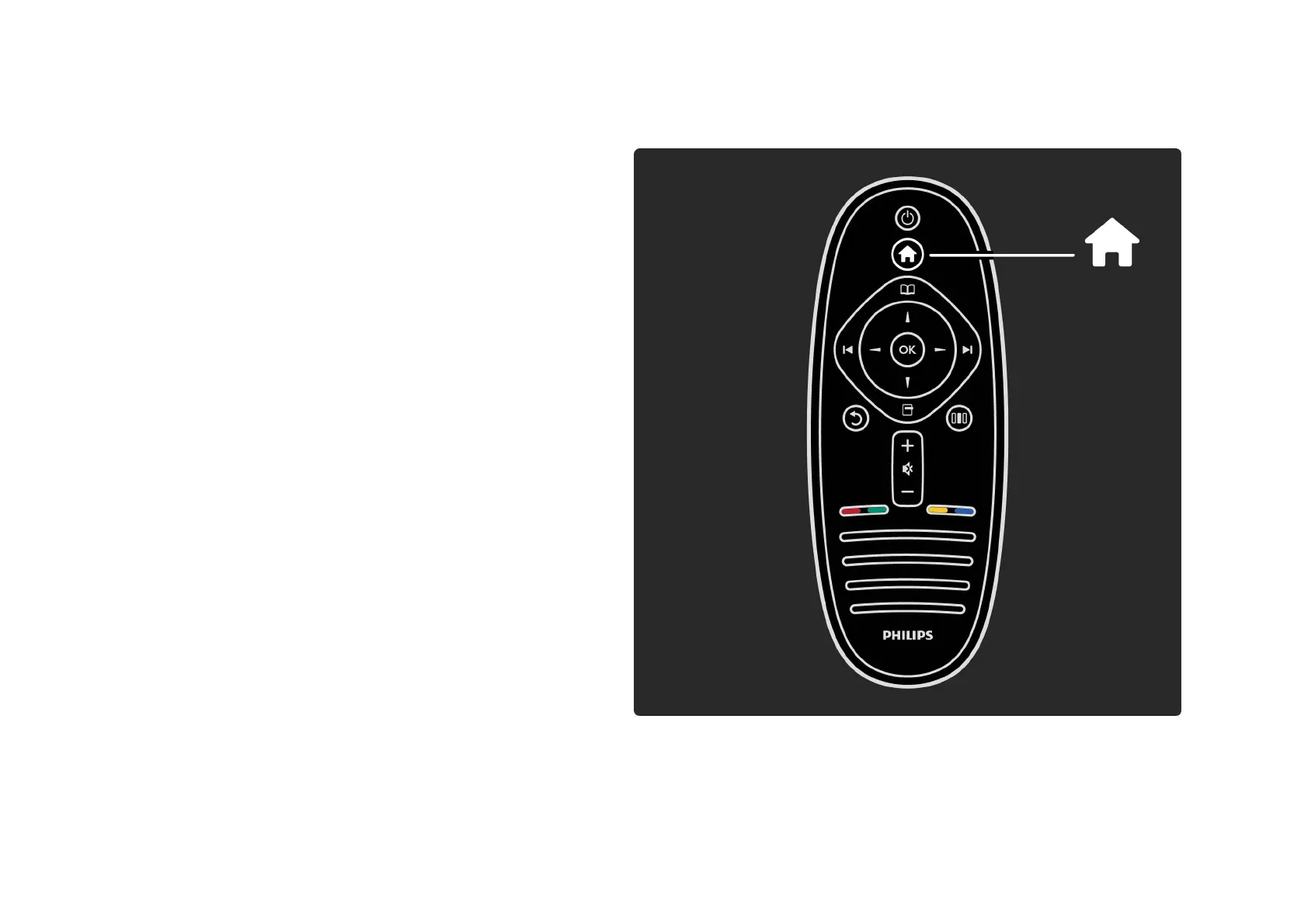
Press h to open the Home menu.
To start an activity, select it with the navigation keys and
press OK.
To close the Home menu, press h again.
. . .













 To Next Page