2.2.2Browse e 1/9
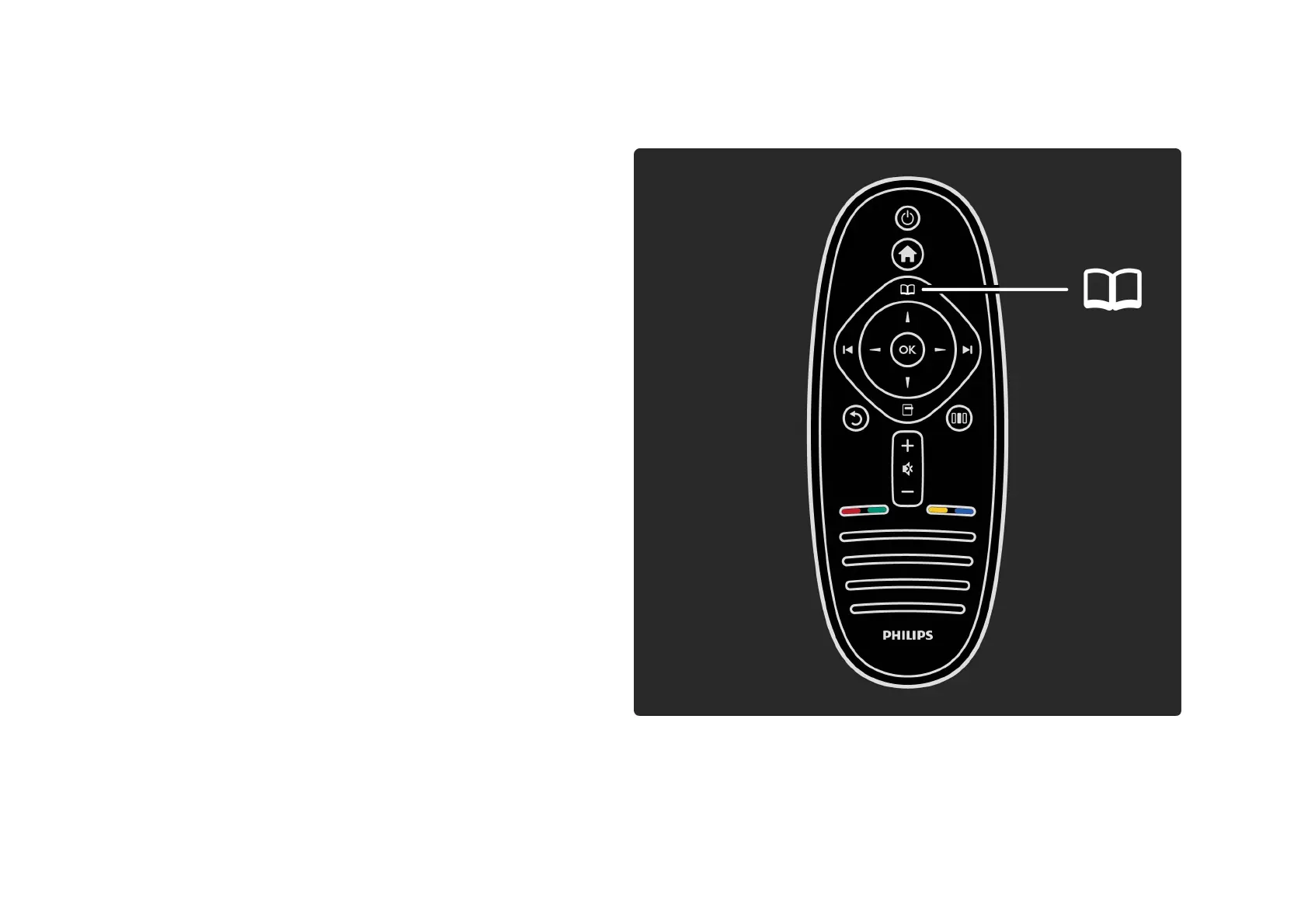
With the Browse menu, you find the channel you want to
watch from the Channel list, a future programme from the
onscreen Programme guide or a Text page.
Press e to open the Browse menu.
Select your choice with the navigation keys and press OK.
To close the Browse menu, press e again.
. . .













 To Next Page