Home
Philips
TV
32PFL8605K
Page 91
Philips 32PFL8605K - Page 91
423 pages
Manual
Save Page as PDF
To Next Page
To Next Page
To Previous Page
To Previous Page
Loading...
2.2.4
Adjust
s
1/5
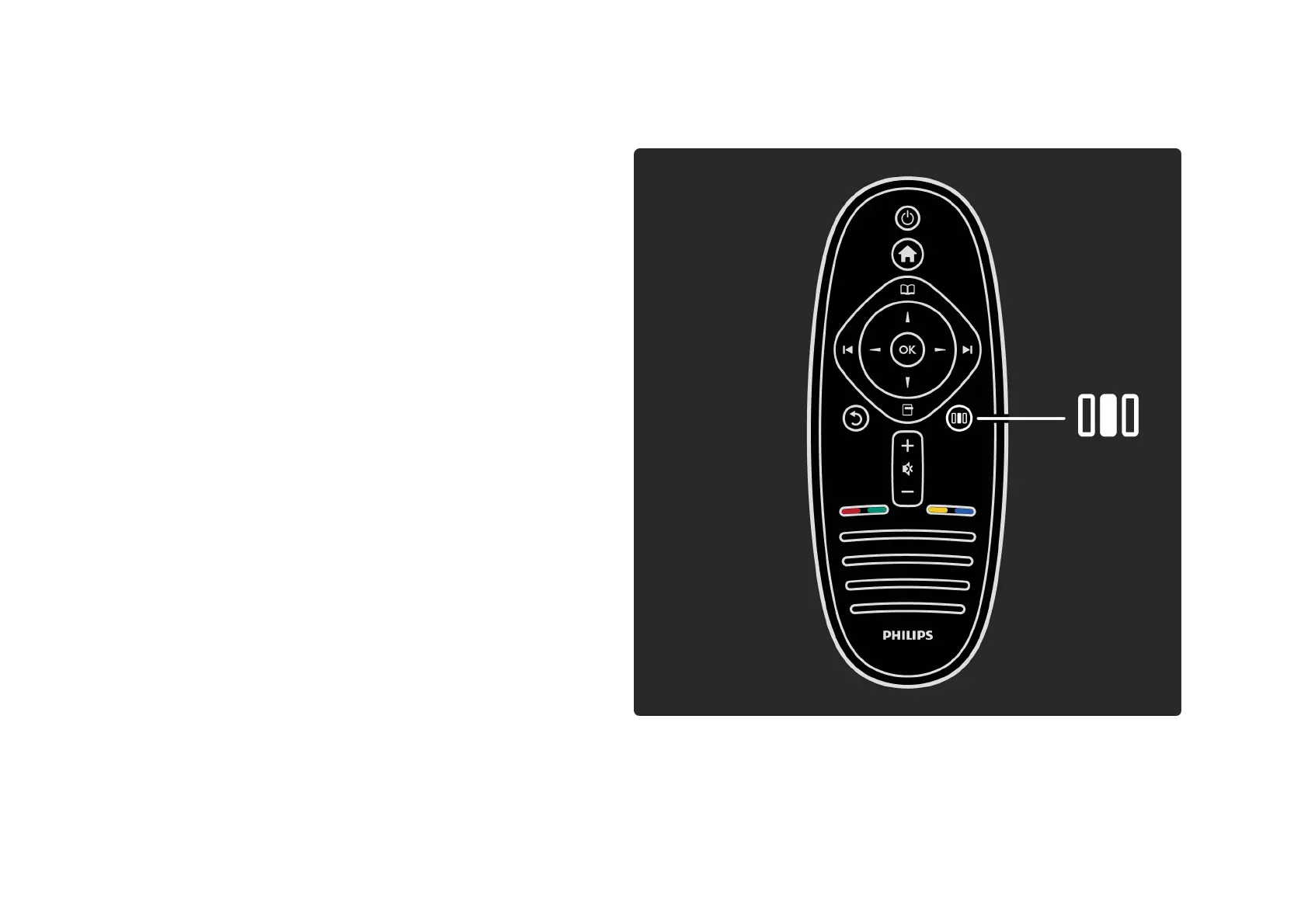
With the Adjust menu, you can adjust picture, sound and
Ambilight settings quickly.
Press
s
to open the Adjust menu.
Select your choice with the navigation keys and press OK.
To close the Adjust menu, press
s
again.
. . .
90
92
Table of Contents
Main Page
Contact Information
2
The Remote Control
3
Connecting Devices
21
High Definition TV
24
Wall Mounting
30
Positioning the TV
42
Viewing Distance
43
Screen Care
49
Power Switch
50
Register Your TV
56
Online Support
59
Contact Philips
60
Remote Control Overview
61
Switch Channels
96
Favourite Channels
102
Programme Guide
104
Picture Format
113
Switch to Standby
116
Favourite Satellite Channels
128
Child Lock
131
Select a Device
134
Use the Remote Control
135
What You Need
150
First Use
152
Browse Net TV
157
Text Setup
188
Text Options
189
Browse USB
196
Sleep Timer
213
Audio Languages
218
Hearing Impaired
222
Visually Impaired
224
Smart Settings
227
Eco Settings
238
Update Channels
241
Reinstall Channels
246
Clock Settings
253
Troubleshooting
269
What You Need
272
Wired Installation
275
Network Settings
277
Add a New Device
291
Current Software Info
302
Update with USB
305
Power Cable
310
Antenna Cable
312
Cable Quality
314
Ypbpr - Component Video
319
Game Console
346
Photo Camera
350
Wired Network Connection
360
SD Card Preparation
366
Insert an Sd Card
367
Conditional Access Module - CAM
368
Contact Information
373
TV and Remote Control
375
Picture and Sound
380
Software Version
393
Open Source Software
394
Environmental Efforts
399
Display and Sound
408
Supported Display Resolutions
410
Dimensions and Weights
416
Related product manuals
Philips 32PFL3007
66 pages
Philips 32PFL3605
3 pages
Philips 32PFL4907
67 pages
Philips 32PFL3506
36 pages
Philips 32PFL5206H
3 pages
Philips 32PFL3505D
36 pages
Philips 32PFL5604/78
67 pages
Philips 32PFL9432/98
215 pages
Philips 32PFL3008/98
60 pages
Philips 32PFL3000/F8
89 pages
Philips 32PFL4507/F8
37 pages
Philips 32PFL5404 12
42 pages













 To Next Page