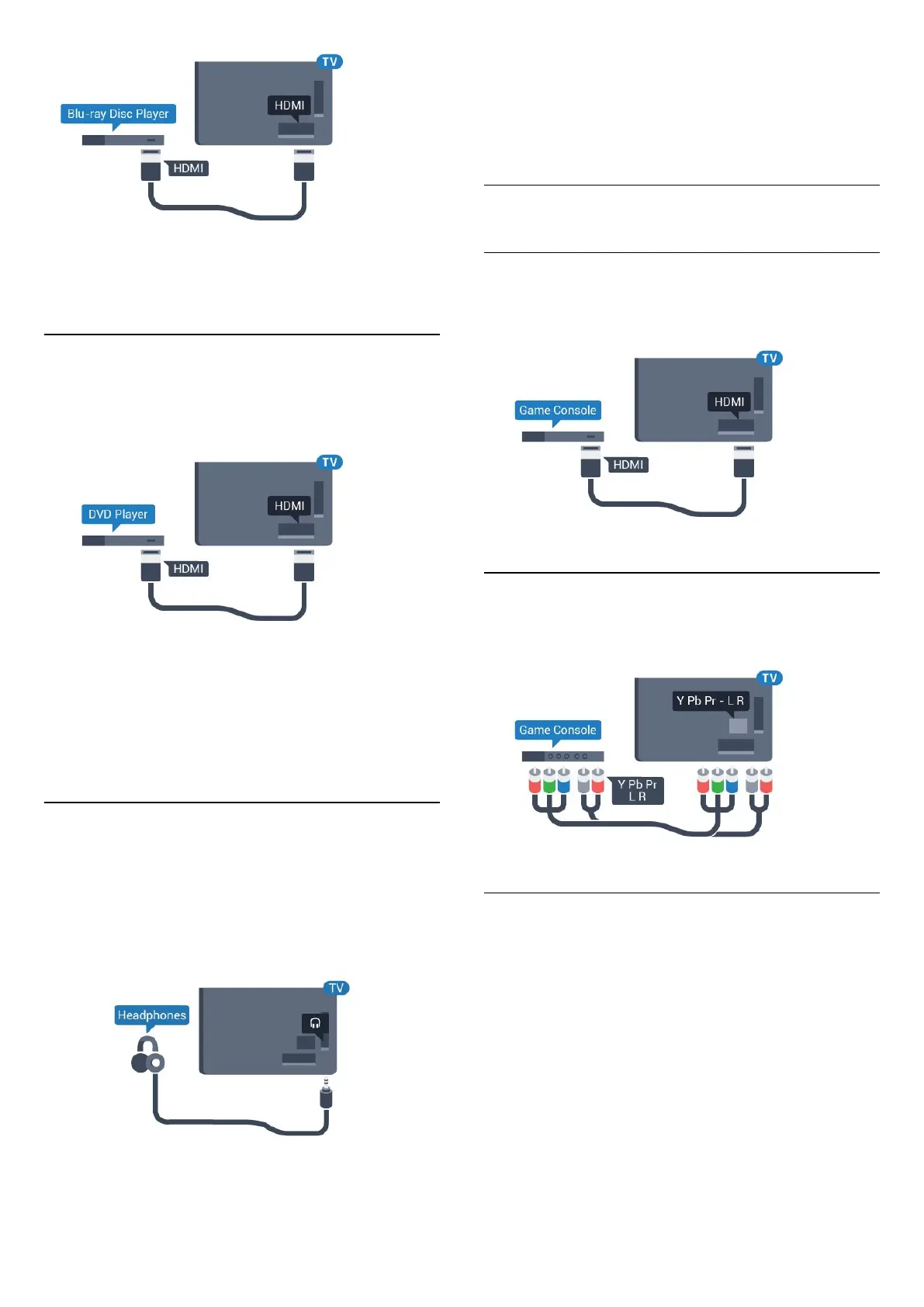
If the Blu-ray Disc player has EasyLink HDMI CEC,
you can operate the player with the TV remote
control.
4.7
DVD player
Use an HDMI cable to connect the DVD player to the
TV.
If the DVD player is connected with HDMI and has
EasyLink CEC, you can operate the player with the TV
remote control.
For more information on EasyLink, in Help, press the
colour key
Keywords and look up EasyLink
HDMI CEC.
4.8
Headphones
You can connect a set of headphones to
the
connection on the back of the TV. The
connection is a mini-jack 3.5mm. You can adjust the
volume of the headphones separately.
To adjust the volume…
1 - Press
, select Sound > Headphone
volume and press OK.
2 - Press the arrows
(up) or
(down) to adjust
the value.
3 - Press
(left) repeatedly if necessary, to close
the menu.
4.9
Game console
HDMI
For best quality, connect the game console with a
High speed HDMI cable to the TV.
Y Pb Pr - Component
Connect the game console with a component video
cable (Y Pb Pr) and an audio L/R cable to the TV.
CVBS - Audio L R
CVBS - Composite Video is a high quality
connection. Next to the CVBS signal adds the Audio
Left and Right signals for sound.
• Y shares the same jack with CVBS.
• Component and Composite share audio jacks.
16




 To Next Page