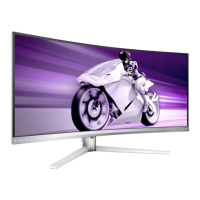
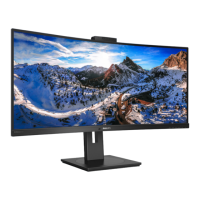
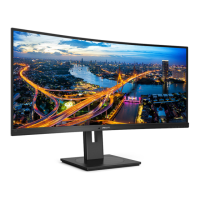
13
100mm
100mm
-5°
0° 90°
* Display design may dier from those
illustrated.
Warning
• To avoid potential screen damage,
such as panel peeling, ensure that
the monitor does not tilt downward
by more than -5 degrees.
• Do not press the screen while
adjusting the angle of the monitor.
Grasp only the bezel.
2.6 MultiView
What is it?
Multiview enables active variety connect
and view so that you can work with
multiple devices like PC and Notebook
side-by-side simultaneously, making
complex multi-tasking work a breeze.
Why do I need it?
With the ultra high resolution Philips
MultiView display, you can experience a
world of connectivity in a comfortable
way in the oce or at home. With this
display, you can conveniently enjoy
multiple content sources at one screen.
For example: You may want to keep
an eye on the live news video feed
with audio in the small window, while
working on your latest blog, or you
may want to edit an Excel le from your
Ultrabook, while logged into secured
company intranet to access les from a
desktop.
How to enable MultiView by OSD
menu?
1. Toggle to the right to enter OSD
Menu Screen.


 To Next Page
 Loading...