second App row contains all pre-installed Apps. The
Dashboard in Basic Mode does not include personal
profiles and can only perform setting changes and
display system notifications.
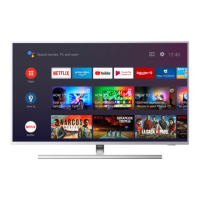
The Home screen in Full Mode has multiple tabs,
including Home, Apps, Library and Search. Each tab
contains rows of apps, movies and shows from your
services and popular apps. You can get personalized
recommendations from your streaming services based
on what you have watched and what interests you. You
can also trigger Google search with voice or text input in
the Search tab.
1.4. Open the Home Screen
To open the Home screen and open an item:
1 - Press HOME.
2 - Select an item and press OK to open or start it.
3 - Press Back continuously or press HOME to go back to
the Home screen.
5




 To Next Page