EasyManua.ls Logo

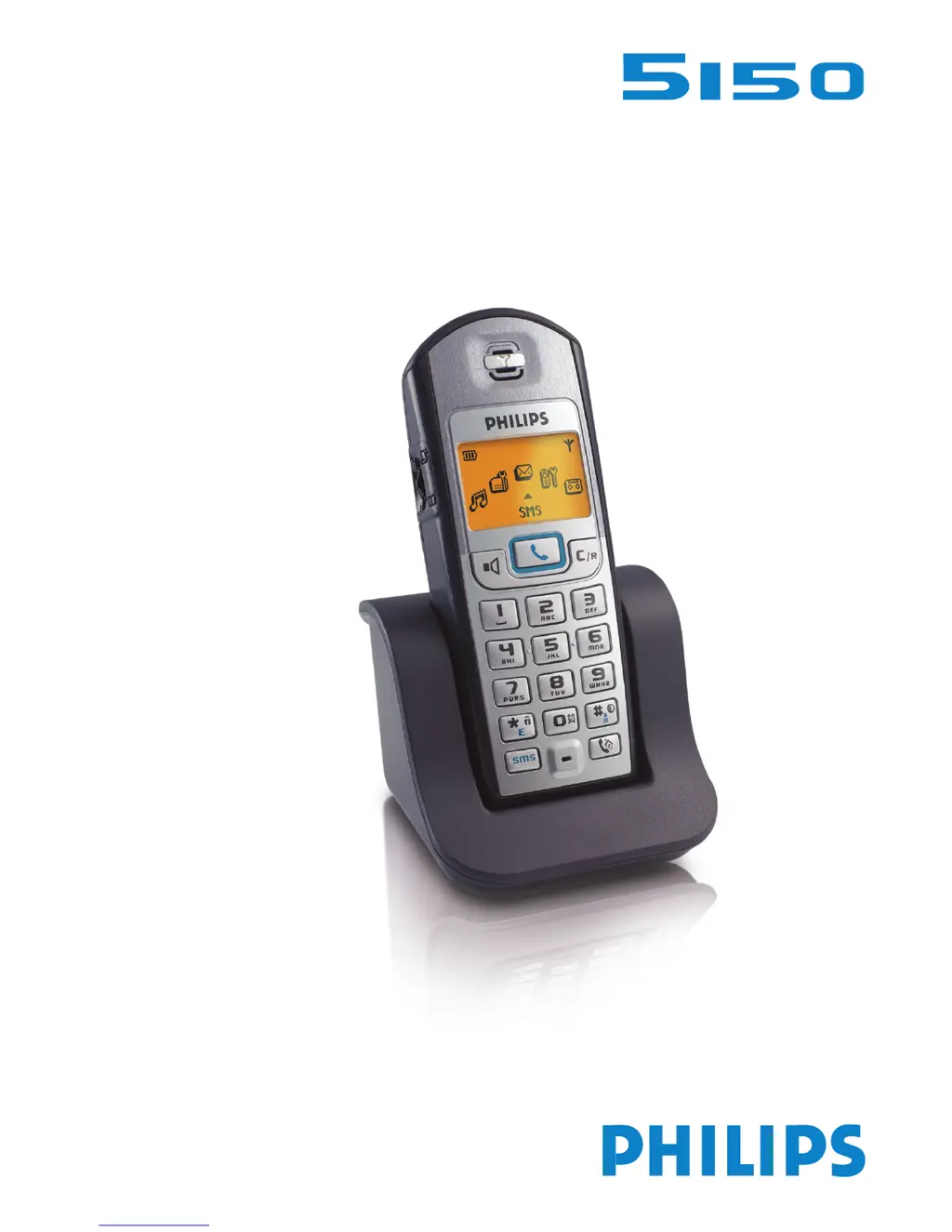
Philips 5150 - User Manual

Philips 5150
14 pages
Print Icon
To Next Page IconTo Next Page
Loading...
3111 285 22421
© 2004
Philips Consumer Electronics
Home communication
All rights reserved
Printed in Hungary
www.philips.com
GB
User Manual
IRL

Other manuals for Philips 5150

Questions and Answers

  • M
    Michael BarreraJul 26, 2025
    What to do if I hear an error beep during a call on my Philips Cordless Telephone?
    • C
      craneericJul 26, 2025
      If you hear an error beep during a call on your Philips Cordless Telephone, it could be due to two reasons: either the handset is out of range, in which case you should move closer to the base, or the handset batteries are low, so you should charge the batteries.
  • K
    Kimberly FletcherAug 1, 2025
    How to fix a Philips Cordless Telephone with no dial tone?
    • C
      Cassie SmithAug 1, 2025
      If you're not getting a dial tone on your Philips Cordless Telephone, here are a few things to check: * Make sure the handset is within range of the base station. If the icon isn't displayed, move closer. * Ensure the handset is registered to the base station. If the icon isn't displayed, register the handset. * Verify that the base station is properly connected to both the mains and the telephone line. Check all connections. * See if the batteries are low. If the icon is displayed, charge the batteries.
  • M
    Maureen CaldwellAug 6, 2025
    What to do if my Philips Cordless Telephone makes an error beep when calling?
    • R
      Reginald SotoAug 6, 2025
      If you hear an error beep from the handset when trying to make a call on your Philips Cordless Telephone, it could be because another call is already in progress from another handset or the base station. In this case, retry when the current call is finished. Alternatively, the base might be in use, so wait until it is available.
  • C
    Cory WhitakerAug 12, 2025
    Why do the batteries on my Philips Cordless Telephone stay low after charging?
    • A
      Anthony MoranAug 12, 2025
      If your Philips Cordless Telephone batteries remain low even after charging for 12 hours, check the connection of the charging unit to the mains. If the connection is fine, but the issue persists, and the handset is not registered to the base, register the handset to the base. If the problem continues, the batteries might be defective or too old, consider purchasing new batteries.
  • K
    Keith AnthonyAug 19, 2025
    What to do if my Philips Cordless Telephone doesn't beep when charging?
    • J
      Joseph HernandezAug 19, 2025
      If you don't hear a beep when placing the handset on the charging unit of your Philips Cordless Telephone, ensure the charging unit is properly connected to the mains. If it is, check if the charging contacts are dirty and clean them with a clean, dry cloth. Also, verify that the key tones are activated.

Summary

Conformity, Environment and Safety

Safety Information

General safety guidelines and warnings for the equipment.

Power Requirements

Specifies the electrical supply voltage and current requirements for the product.

Safety Precautions

Crucial safety instructions regarding water, opening the handset, and charging contacts.

The Handset

Line Key Functions

Primary functions for managing calls: taking the line, answering, and hanging up.

Call Transfer;Intercom

Initiating, cancelling, transferring, or answering internal/external calls.

Handset Display Information

Battery and Range Management

Battery Installation and Charging

Instructions for inserting batteries and initial charging requirements.

Battery Life and Range

Information on battery life expectancy and optimal usage range.

Handset Registration and Modes

Handset Registration Process

Step-by-step guide to registering a new handset to the base station.

Handset Unregistration

Procedure for removing a handset from the base station registration.

Using the Intercom Feature

Internal Calls

How to make and end internal calls between handsets.

Fast Call Transfer

Transferring external calls quickly without waiting for acceptance.

Specific Handset Transfer

Transferring calls to a particular handset while on a call.

Advanced Intercom Functions

Troubleshooting Guide

Philips 5150 Specifications

General IconGeneral
StatusDiscontinued
SIMMini-SIM
Resolution128 x 160 pixels
Call records10 dialed, 10 received, 10 missed calls
LoudspeakerNo
3.5mm jackNo
GamesYes
OrganizerYes
Stand-byUp to 250 h
Talk timeUp to 3 h
NetworkGSM 900 / 1800
Alert typesVibration
MessagingSMS

Related product manuals