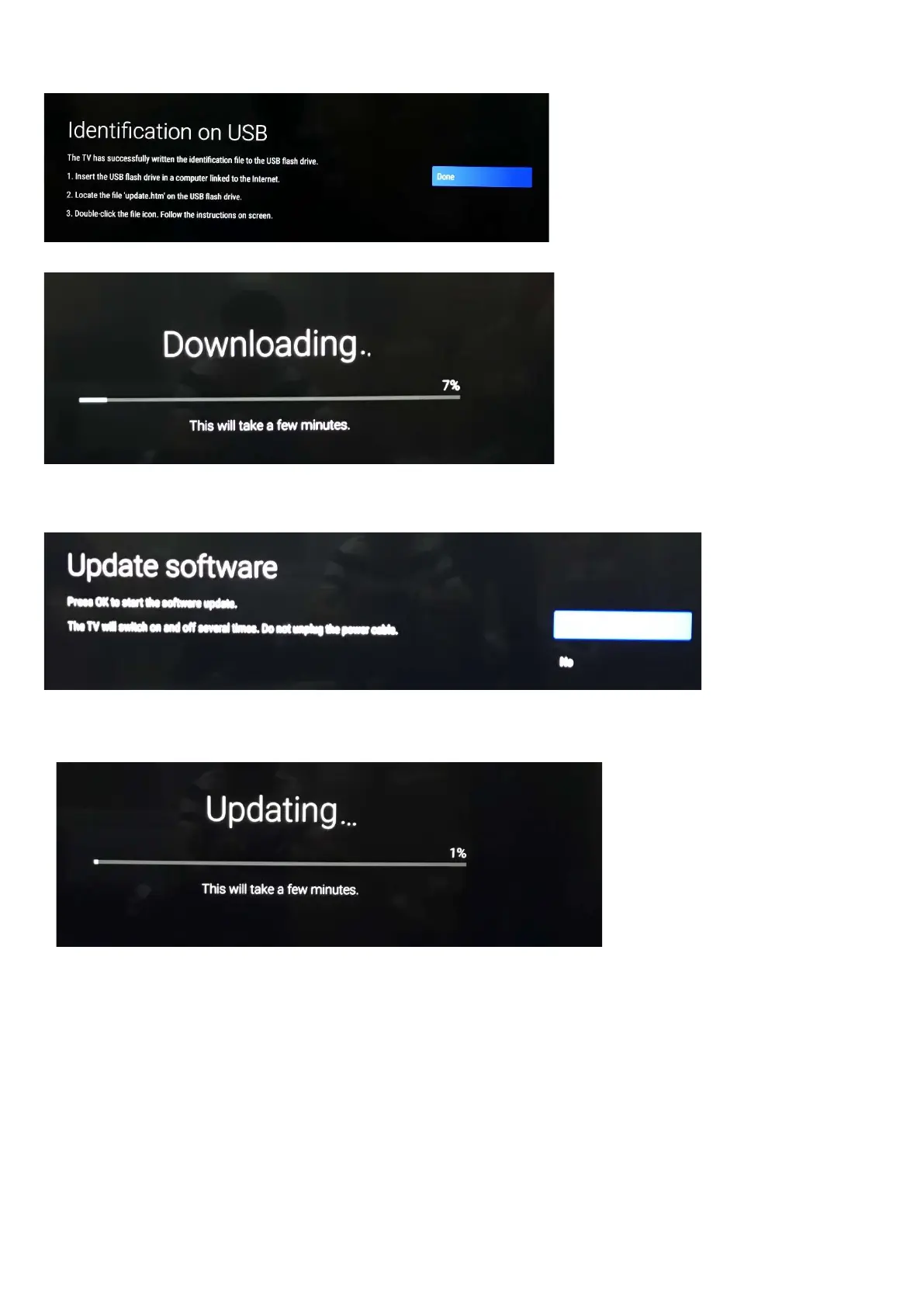
6.Choos [Upadte] press OK start the softwear update.
6. Upgrade in progress
Step 3: Check the SW version
1. After burning software, TV will restart
2. Press “123654”, enter Customer Service Mode to check if the software version is correct.
Caution: Please make sure that software upgrade is finished before unplug the USB and AC power!
5.2 Error Code
5.2.1 Introduction
Error codes are required to indicate failures in the TV set. In principle a unique error code is available for every:
• Activated (SW) protection.
• Failing I2C device.
• General I2C error.





 To Next Page