EasyManua.ls Logo

Philips 710 - General Instructions and Operations; LED Panel Indicators; Connecting to Power and Switching On;Off

Philips 710
12 pages
Print Icon
To Next Page IconTo Next Page
To Previous Page IconTo Previous Page
Loading...
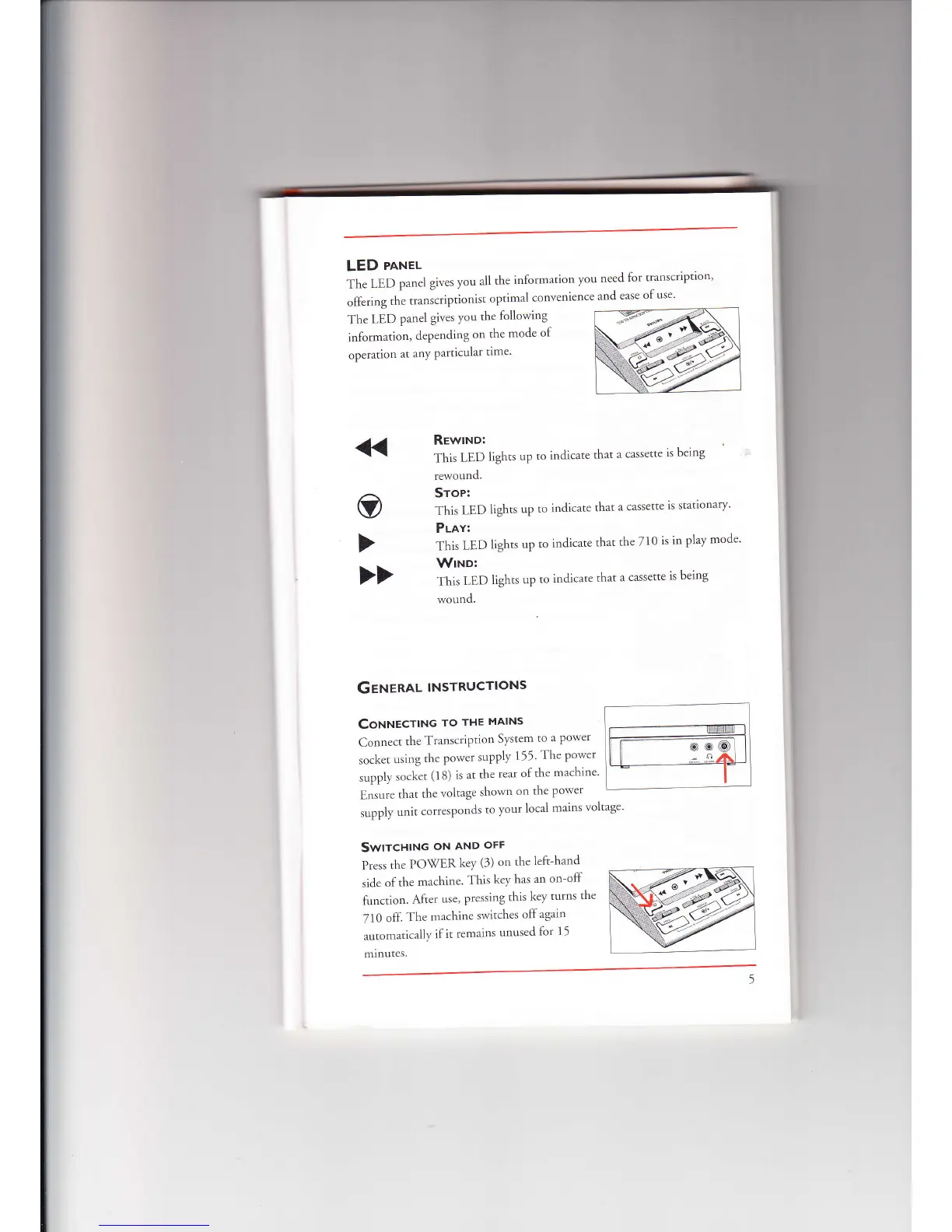
The
LED
parrel
gives
you
all
the
irrfbrmation
you
need
for
transcription'
olfering
tlre
transcrigrtionist
optin.ral
convenience
ancl
ease
of
use'
LED
pnnel
The
LED
panel
gives
you
the
lollowing
information,
depending
on
the
mocle
of
operarion
rtt
.tttv
particular
rime'
O
Gerenau
lNsrRucrloNs
CoNruecrtNc
ro
rHE
MAINs
:
C,,nrre.
t
rh<
T.arr..r'il'tiorr
Sy'tem
to
'l Power
tf
socket
using
thc
power
supply
111'
'fhe
Porver
suppl,v
sockct
(18)
is at
the
rear
of
the
rnachine
Ensure
that
the
voltage
shorvn
on
the
porver
supply
unit
corlesponds
to
vour
local
mains
voltage'
Swtrcntttc
oN
AND
oFl-
Press
the
PO\(ER
kev
(3)
on the
left-hanc1
sicle
of
the
machine.
'fhis
ke1'
has
an
on-off
fur-rctiot't.
Alter
use,
pressing
this
key
turns
the
7l0
olL
The
machine
sr'vitches
off
again
auton-ratically
if
it
remains
unused
for
11
minutes.
RewtNo:
]'his
LED
rewound.
Srop:
'fhis
LED
Plav:
This
LED
WtNo:
This
LED
*'ound.
lights
up
to
indicate
that
a
cassette
is
being
lights
up
to
indicate
that
lights
up
to
indicate
th:rt
lights
up
to
indicate
that
a cassette
ls
stattonary'
the
710
is
in
PlaY
mode
a
cassette
is
being

Related product manuals