EasyManua.ls Logo

Philips 710 - Cassette Loading and Removal

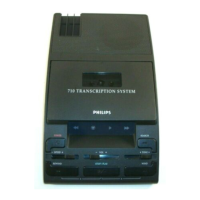
Philips 710
12 pages
Print Icon
To Next Page IconTo Next Page
To Previous Page IconTo Previous Page
Loading...
2
t
),
-l
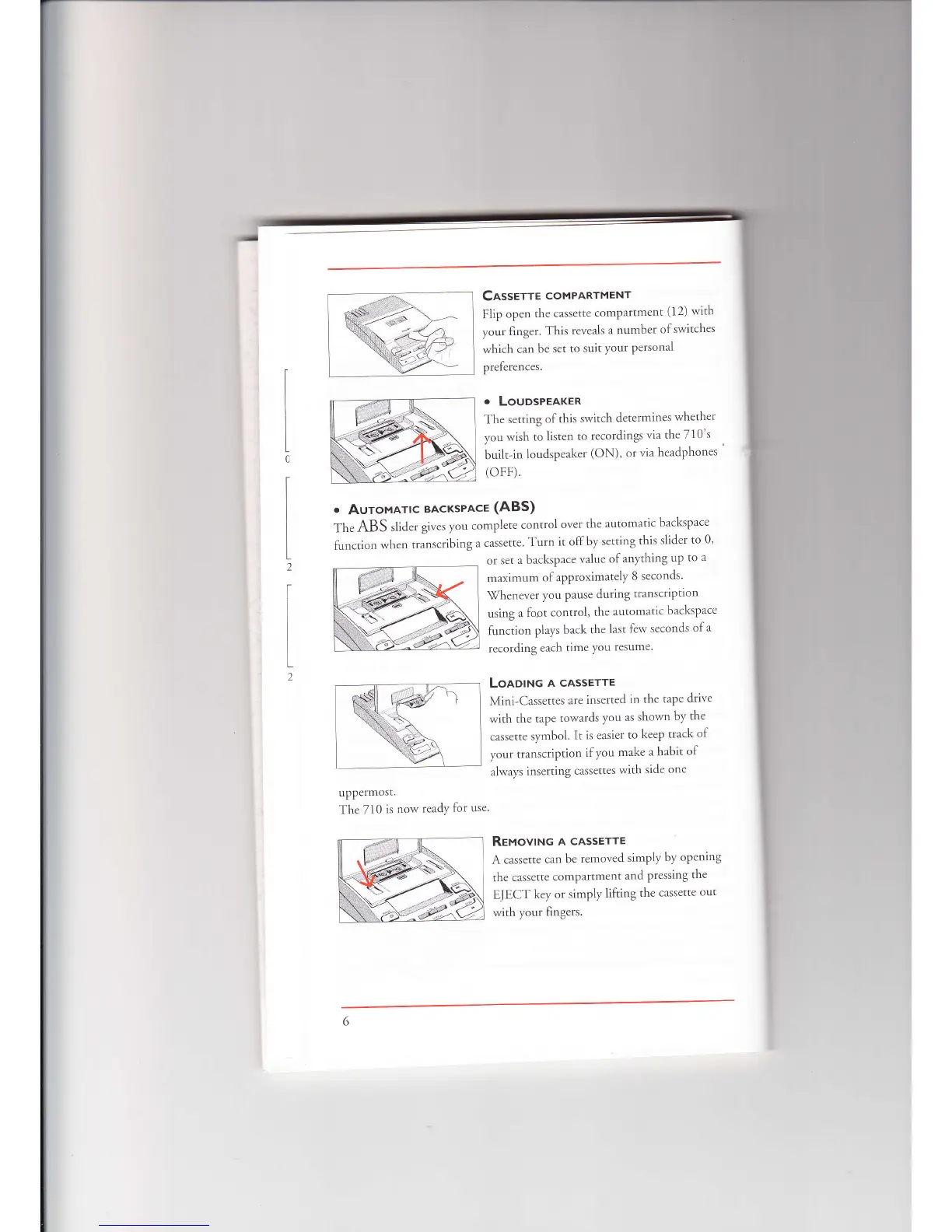
Casserrr
coMPARTMENT
Flip
open
the
cassettc
compartmcnt
(12)
with
vour
finger.
This reveals
a number
of
switches
rvhich
can
be
sct to
suit
your
personal
preleren
ces.
.
LOUDSPEAKER
fhe
setting
of
this
switch
cletermines
rvhetl'rer
1.ou
rvish
to listcn
to
recordings
via the 710's
built-in
loudspeaker
(ON),
or
via
headphones
(oFF).
.
AuroMATtc
BAcKsPAcE
(ABS)
Th.
ABS
slider
givcs
you
complcte
control
over
the
automatic
backspace
F.rnction
when
transcribing
a
cassette
Turn
it olfby
setting
this
slider
to
0'
or set
a backspace
value
of anything
up
to
a
maximurn
of approximately
B
seconds.
tVhcn.t
er
vou
l.ltl\e
during
rr.rn'criptiorr
using
a
lbot
control,
the
automatic
b:rckspace
lunction
plays
back
the
last
fcrv seconds
ofa
recorcling
each
tirne
you
resulrle.
Loaotruc
A cASSETTE
Mini-Cassettes
are
inserted
in
thc
tape
drive
with
the
tape
towards
,vou
as shown
bv
the
cassette
s1,mbol.
It is easier
to keep
track
of
your
transcription
if you
make
a habit
of
always
inserting
cassettes
with
side
one
upPermosr.
The
710
is norv
reaclY
lor
use
Revovtruc
A cASSETTE
A
cassette
c:rn
bc
removed
simply
by
opcning
the
cassette
compartment
and
prcssing
the
Ef ECT
key
or simply
lifting
the
cassctte
out
with
yoLrr
fingers.

Related product manuals