Software Alignments and Settings
The following options are performed in the Service Default Alignment Mode (SDAM). SDAM
is described in the "Service Modes, Error Codes and Fault Finding" section.
The following alignments are explained:
1. OPTIONS
2. TUNER
3. WHITE TONE
4. GEOMETRY
5. AUDIO
Options
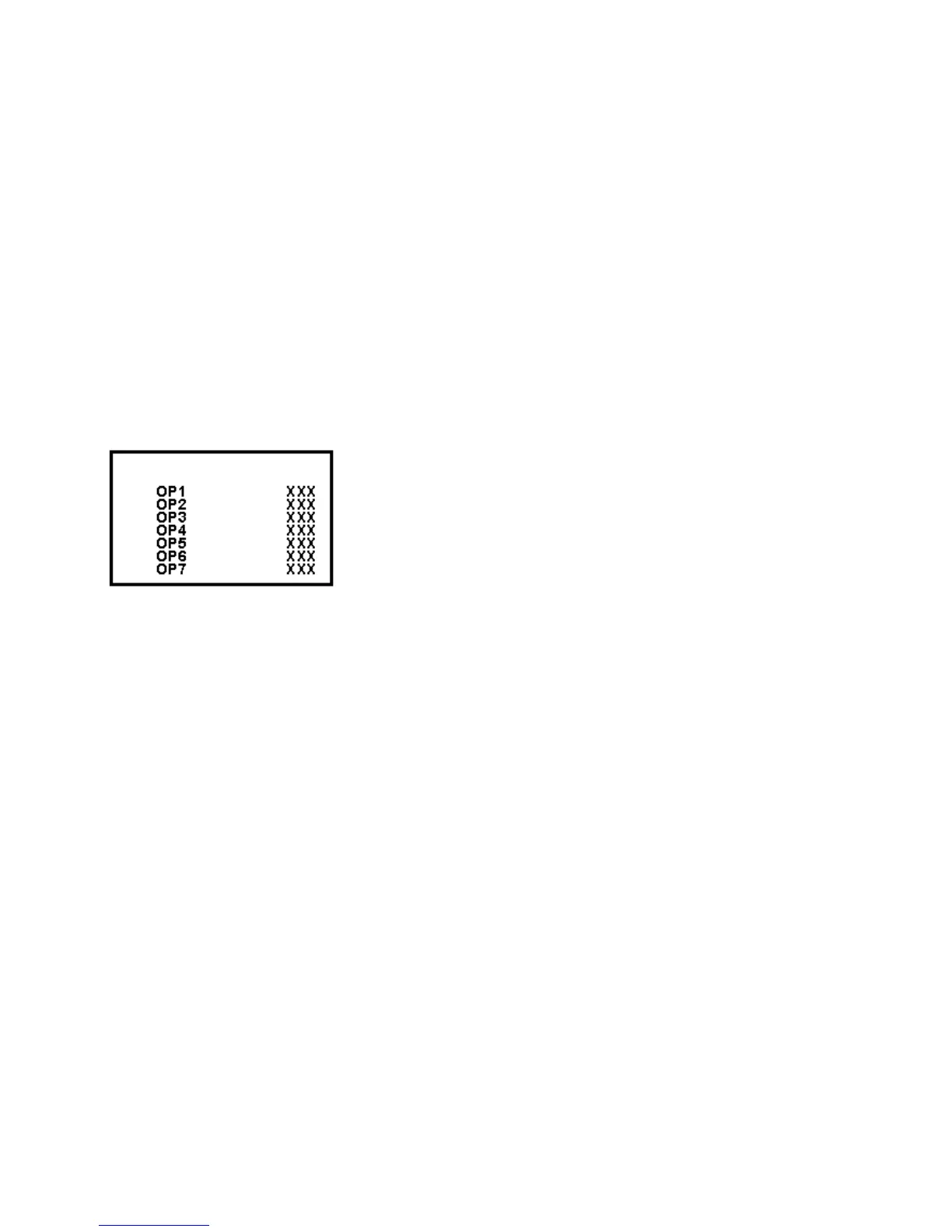
Figure: Options Menu
Options are used to control the presence or absence of certain features and hardware.
How to change an Option Byte
An Option Byte represents a number of different options. Changing these bytes directly
makes it possible to set all options very quickly. All options are controlled via seven option
bytes.
To change Option Byte(s):
1. Enter SDAM:
Press the following key sequence on the remote control transmitter:
0-6-2-5-9-6-MENU
Do not allow the display to time out between entries while keying the sequence.
2. Use the MENU UP/DOWN keys to highlight the OPTIONS sub menu.
3. Press the MENU LEFT or MENU RIGHT key to enter the OPTIONS sub menu.
4. In the OPTIONS sub menu, press the MENU UP/DOWN keys to select OP 1 through
OP 7.













 To Next Page