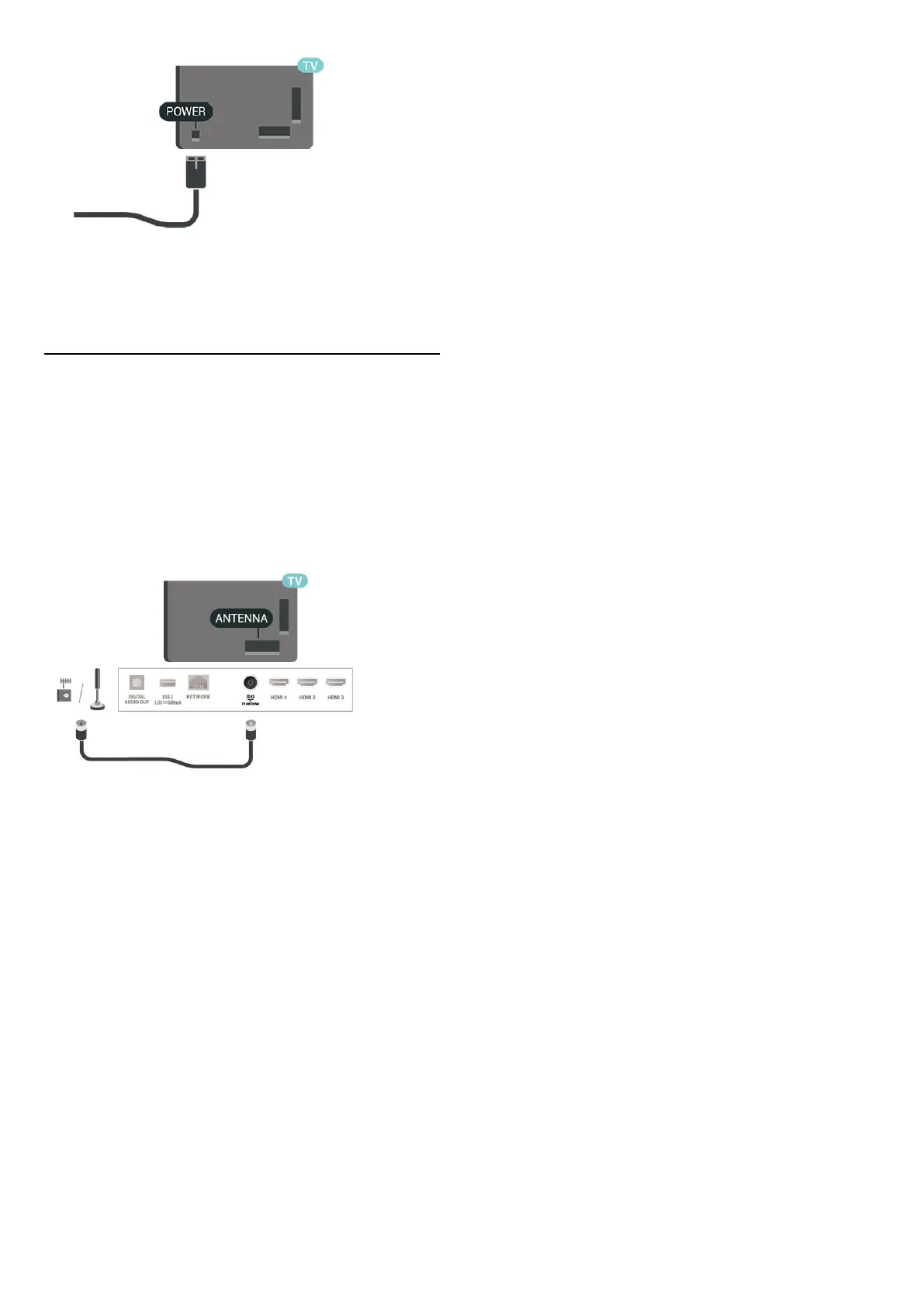
Although this TV has a very low standby power
consumption, unplug the power cable to save energy if
you do not use the TV for a long period of time.
2.5. Antenna Cable
Insert the antenna plug firmly into the Antenna socket
at the side of the TV.
You can connect your own antenna or an antenna signal
from an antenna distribution system. Use an IEC Coax 75
Ohm RF antenna connector.
7





 To Next Page