•
Selecting brightness, language
and set time functions
•
Checking Photo Display status
•
Taking care of your photo
Display
Optimizing Photo Display
Selecting brightness, language and set time functions
Use this section to select Photo Display brightness levels and on-screen information display
language. You may also enter your local time and then set a different brightness level for
the evening hours from 6:00PM~6:00AM. In addition, you can set your daily automatic
turn-off and turn-on time for Photo Display!
Setting a general brightness level
•
Turn on Photo Display.
•
Press the key (the 3
rd
key from the left on the rear of Photo Display).
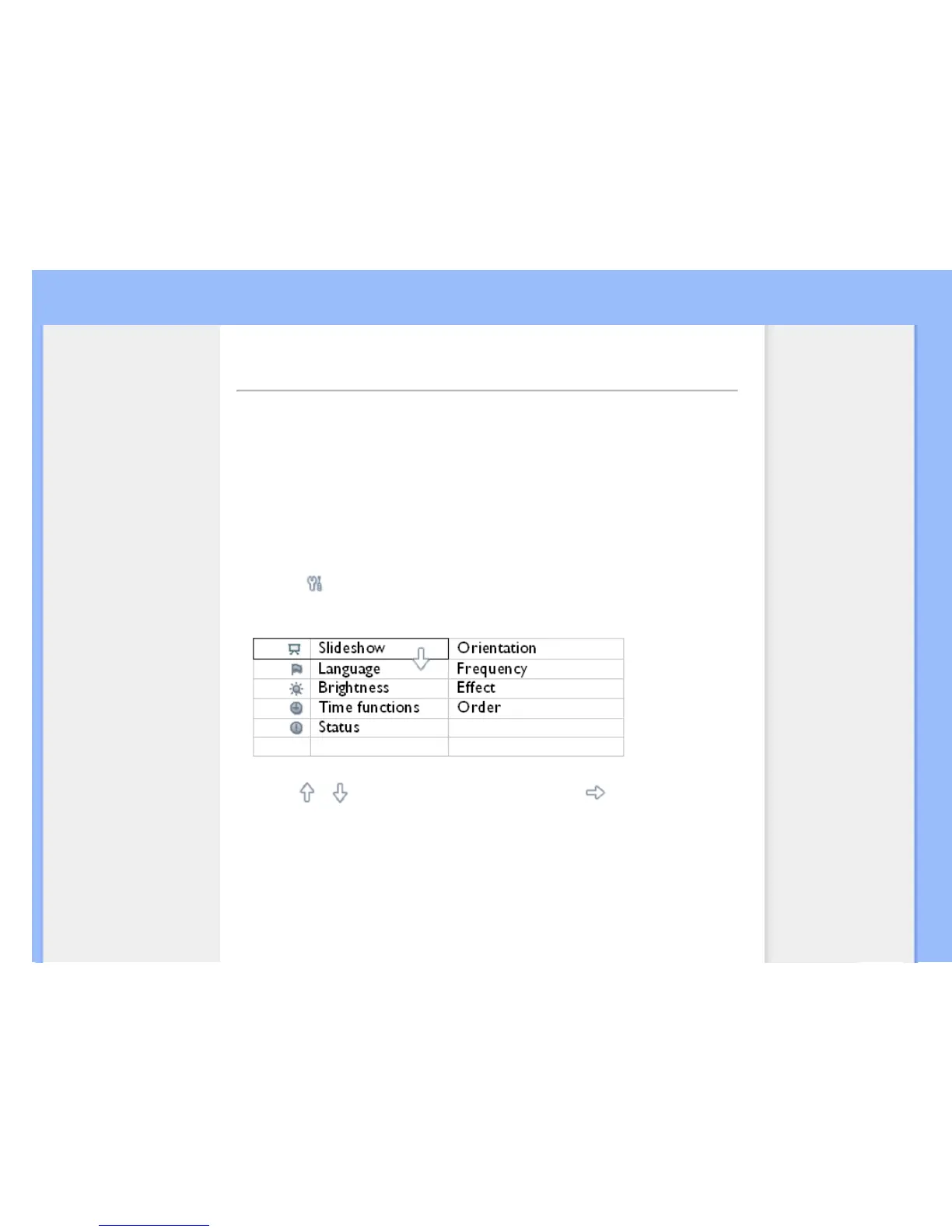
A menu with general settings for Photo Display will appear.
•
Use the or key to highlight Brightness. Next press the key to select.



 To Next Page