3
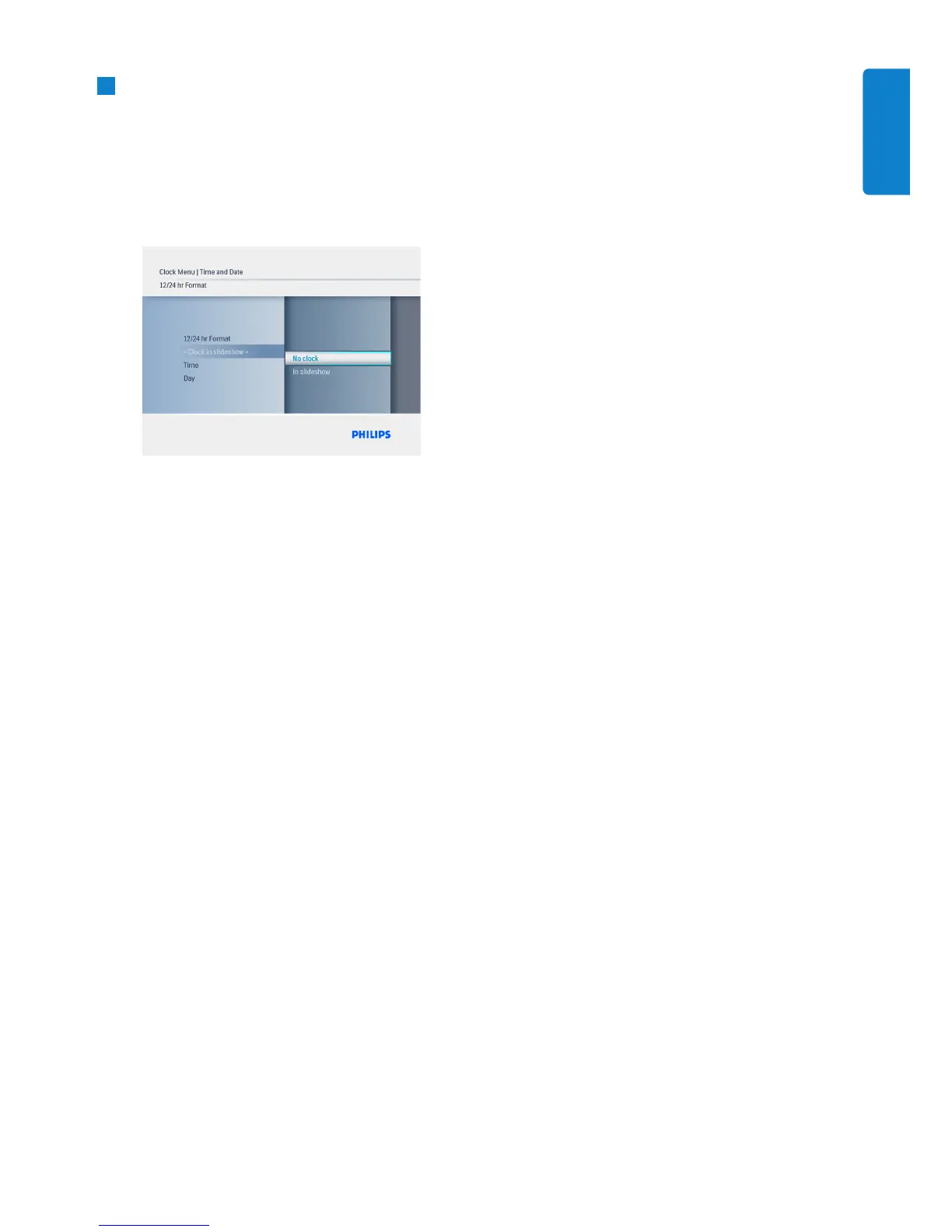
• Navigate Up and Down to select Show
clock and press Play/OK.
• Navigate Up and Down to select No
Clock or Full Screen, Slideshow or
Both.
• Press the Play/OK button to confirm
selection.
Press the Play/OK button to leave this
menu and play the slideshow, browse or
clock mode.
11
Getting Started
ENGLISH



 To Next Page