24
Settings
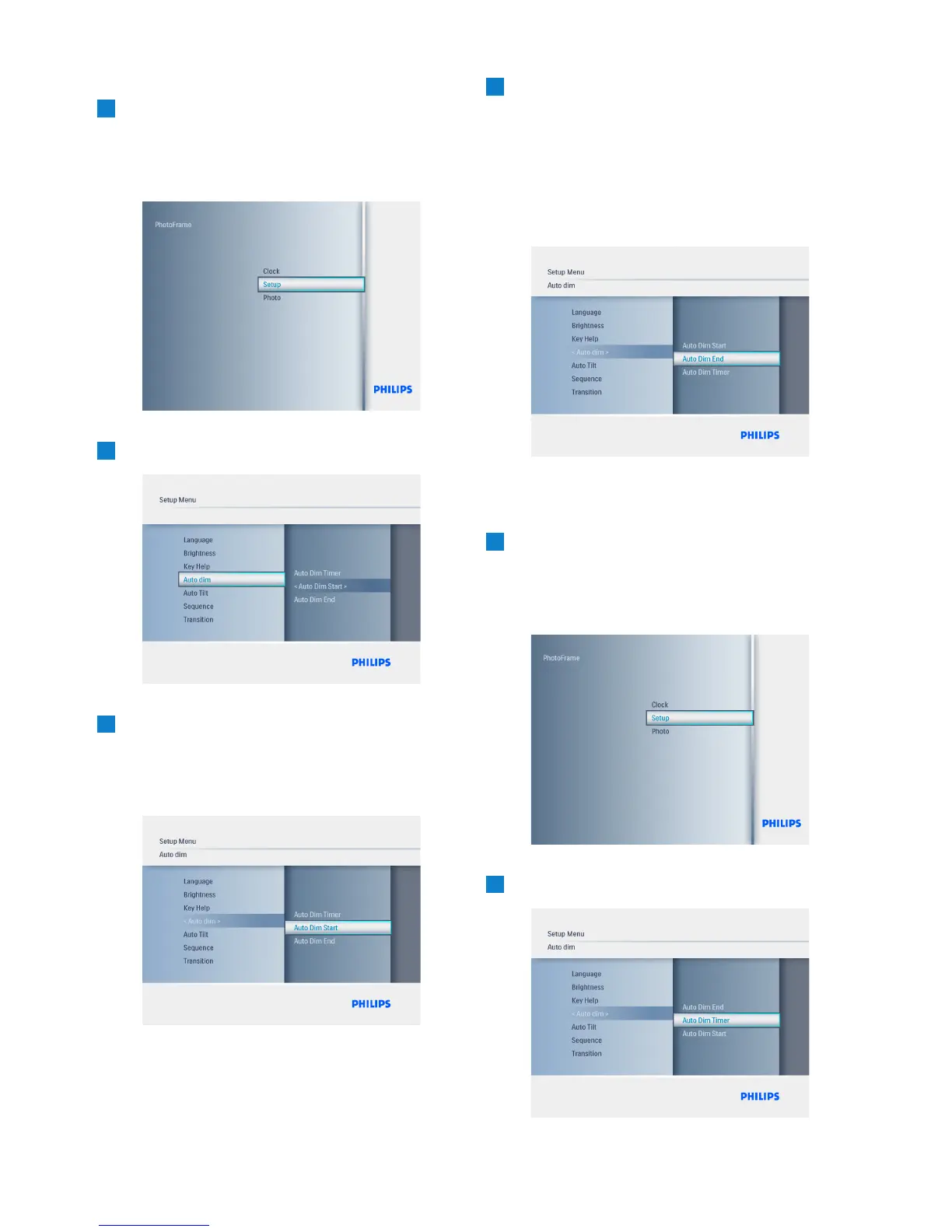
Setting the ON and OFF times
1
• Press the Mode button to access the
Main Menu.
• Navigate Up to Settings and press the
Play/OK button.
2
Navigate Down to Auto Dim.
3
• Navigate Right to select Time period.
• Navigate Up or Down to select either
Auto Dim Start or Auto Dim End.
• Navigate Right or Press Play/OK.
4
• Navigate Up and Down to adjust the
hours.
• Navigate Right to move to minutes.
• Navigate Up and Down to adjust the
minutes.
• Press Play/OK to apply the settings and
return to the previous screen.
Turning the Automatic start and finish On
and Off
1
• Press the Mode button to access the
Main Menu.
• Navigate Up to Settings and press the
Play/OK button.
2
Navigate Down to Auto Dim



 To Next Page