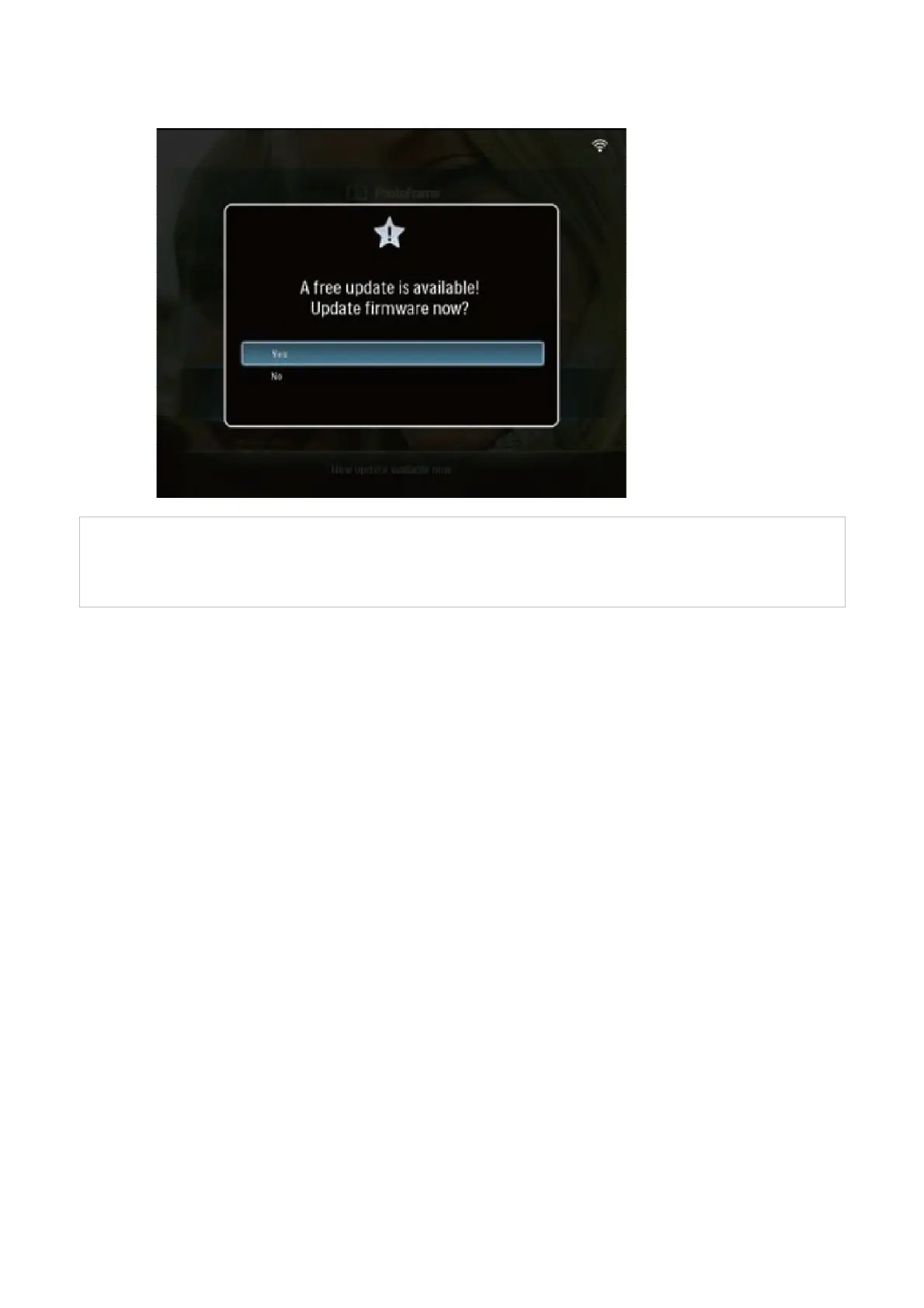
6 When the confirmation message is displayed, select [Yes], then press OK
!
Warning: Upgrade takes about 1 minute.
During the upgrade do not disconnect power, remove the memory or make new
connections. Otherwise this may harm your PhotoFrame.
!
When the update is complete, the PhotoFrame reboots.
You can check the new firmware version via: Settings → Status →Firmware.



 To Previous Page