6EN
To remove the iPod/iPhone:
Pull the iPod/iPhone out of the dock.
Charge the iPod/iPhone
When the docking speaker is connected to
power, the docked iPod/iPhone begins to
charge automatically.
Play from Bluetooth device
Pair with Bluetooth device
Note
•
Before you connect a Bluetooth device to this docking
speaker, familiarize yourself with the Bluetooth
capabilities of the device.
• The effective operation range between the docking
system and the paired device is approximately 10
meters(30feet).
• Keep this docking speaker away from other electronic
devices that may cause interference.
1 Press to select Bluetooth source.
» The Bluetooth button blinks.
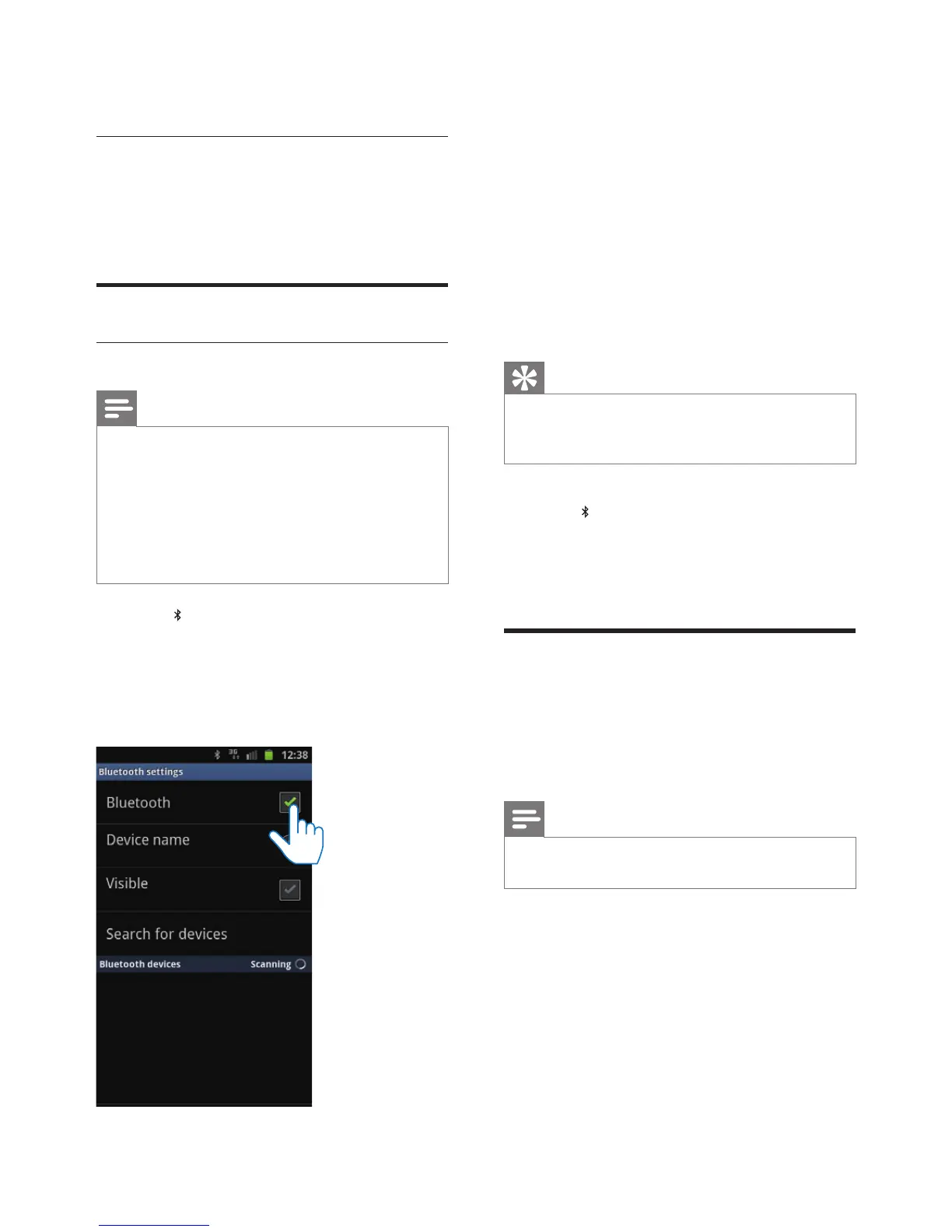
2 Turn on Bluetooth function on your device.
• Different devices may have different
way to activate Bluetooth.
3 Scan Bluetooth devices that can pair with
your device.
4 When “AD530” is displayed on your
device, select it to start connection.
» Doublebeeptoneconrmationis
heard and the Bluetooth button stops
blinking if connection is successful.
» A different Bluetooth icon is displayed
on your device.
5 Play music in your device.
» Music comes through the docking
speaker.
Tip
•
If your Bluetooth device has been paired with AD530
before,youjustneedtondout“AD530”onyour
Bluetoothmenu,thenconrmtheconnection.
To disconnect Bluetooth:
• Press
on the docking speaker again.
• Deactivate Bluetooth function on
your device or move it beyond the
communication range.
Play from an external audio
device
With this docking speaker, you can also enjoy
audio from an external device such as an MP3
player.
Note
•
Make sure that no iPod/iPhone is docked in the docking
speaker.
1 ConnectanMP3linkcable(notsupplied)to:
• the MP3-LINK socket at the back of
the docking speaker.
• the headphone socket on an external
device.
» The docking speaker switches to MP3
link mode automatically.
2 Play music on the device (see the device's
usermanual).



 To Next Page