GoSure ADR820 system settings
Press the OK button to open the menu list, allowing you
to adjust various device settings.
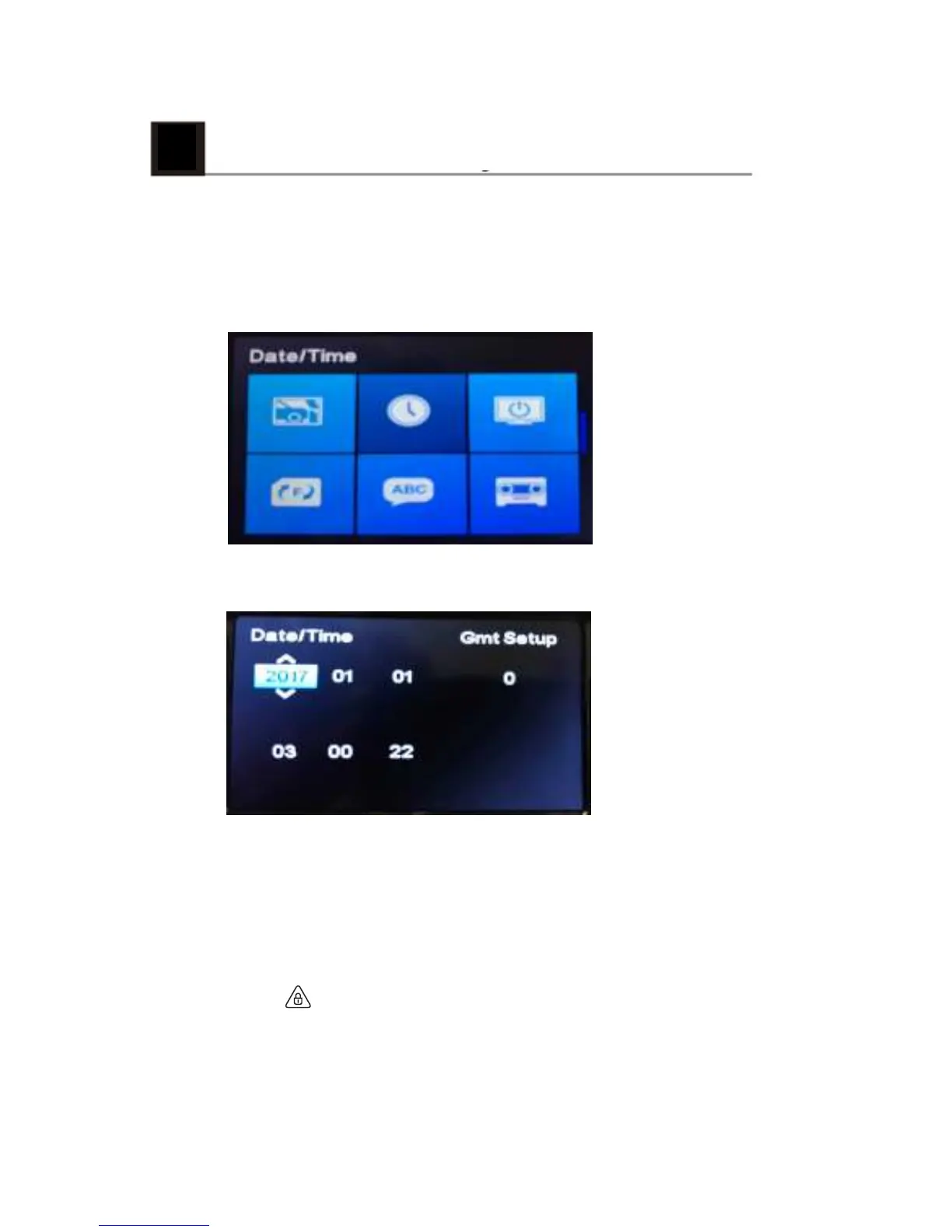
7.1 Set the Date and Time
1. Press OK to open the on-screen display menu.
2. Press ▲/▼ to select clock icon and then press OK to
enter date and time setting page.
3. To adjust date and time field, press ▲/▼ to select the
field.
4. Press▲/▼ to select the value.
5. Repeat steps 3-4 to adjust other fields.
6. Press to save your changes.
8



 To Next Page