EasyManua.ls Logo

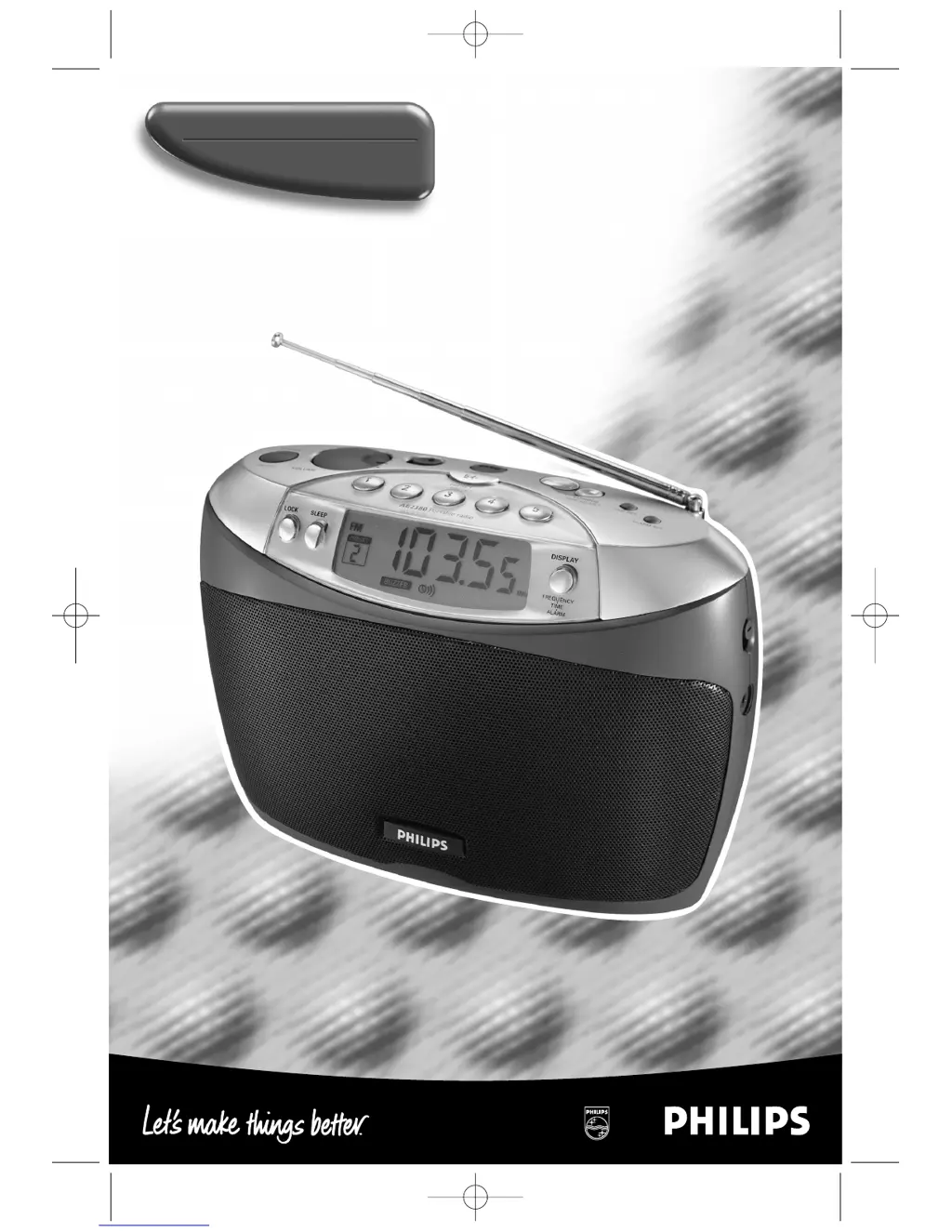
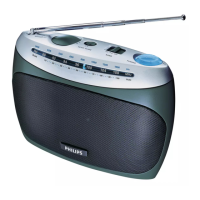
Philips AE2380/05 - User Manual

Philips AE2380/05
90 pages
Print Icon
To Next Page IconTo Next Page
Loading...
Portable Digital Radio
AE2380
AE2380/00.1n eng 28.10.1999 13:23 Uhr Seite 1

Questions and Answers

  • L
    Lisa RyanJul 30, 2025
    How to fix a Philips Portable Radio with no sound?
    • E
      ewilsonJul 30, 2025
      If your Philips Portable Radio has no sound, there are several possible reasons. First, make sure the volume isn't set too low; adjust it to a comfortable level. Second, check if headphones are connected, and if so, disconnect them. Also, verify that the mains lead is properly connected and that the batteries are not exhausted, replacing them if necessary. Finally, ensure that the batteries are inserted correctly.
  • E
    edward27Aug 4, 2025
    Why is the reception so poor on my Philips Portable Radio?
    • A
      adamsemmaAug 4, 2025
      Poor radio reception on your Philips Portable Radio can be due to a weak radio signal. Try adjusting the antenna for optimum reception by turning it. Also, electrical equipment like TVs, computers, and engines can cause interference. Keep the radio away from such equipment.
  • M
    Monica FloresAug 8, 2025
    What to do if my Philips Portable Radio switches off by itself?
    • M
      Michelle SuttonAug 9, 2025
      If your Philips Portable Radio switches off by itself, it could be because the sleep timer has been activated. Try switching the radio on again. Alternatively, the batteries might be getting exhausted. In this case, insert fresh batteries or use the mains supply.
  • E
    Evan DavisAug 13, 2025
    Why doesn't the alarm work on my Philips Portable Radio?
    • K
      Kenneth EllisAug 13, 2025
      If the alarm on your Philips Portable Radio isn't working, first ensure that the alarm time is set and the alarm is activated. Also, disconnect any headphones that are connected, as this may prevent the alarm from sounding.
  • B
    brianbrownAug 18, 2025
    What to do if my Philips Portable Radio has no reaction to controls?
    • M
      Mark BowmanAug 18, 2025
      If your Philips Portable Radio isn't responding to the controls, the lock function may be activated. Try pressing the LOCK button. If that doesn't work, electrostatic discharge might be the cause. Press RESET or disconnect the radio from the power supply, then reconnect it after a few seconds.
  • K
    Kyle SkinnerAug 23, 2025
    Why does my Philips AE2380/05 malfunction and lose time settings?
    • A
      Ann ThompsonAug 23, 2025
      If your Philips Portable Radio is malfunctioning and losing time settings and radio presets, the batteries might be getting exhausted. Replace the batteries and readjust your settings.

Summary

Important notes for users in the U.K.

Mains plug

Information on changing the fuse and suitability of the mains plug for UK sockets.

How to connect a plug

Instructions for connecting the wires in the mains lead to the plug terminals.

Controls

Power Supply

Mains supply

Details on connecting the apparatus to the mains electricity supply and checking voltage.

Batteries (not supplied)

Instructions for inserting, handling, and disposing of batteries.

General Information

Antennas

Guidance on extending and positioning the telescopic and internal antennas for optimal reception.

Connecting headphones

How to connect headphones and the effect on loudspeakers.

Maintenance

Precautions against exposure to environmental factors and cleaning instructions.

Clock;Radio

Clock setting

Step-by-step guide to setting the current time on the radio.

Tuning to radio stations

Instructions for switching on the radio, selecting wavebands, and tuning to stations.

Volume and sound adjustment

How to adjust the volume and select the desired sound using the slider.

Features

Storing radio stations

How to store up to 30 radio stations across different wavebands.

Tuning to a preset radio station

How to recall stored radio stations using the preset buttons.

Lock function

How to lock and unlock the device buttons to prevent accidental changes.

Alarm time setting

Steps to set the alarm time for the buzzer or radio.

Alarm clock activation and deactivation

How to choose the alarm sound (buzzer/radio) and activate or deactivate the alarm.

Sleep timer

How to set a timer for the radio to switch off automatically.

Troubleshooting

Philips AE2380/05 Specifications

General IconGeneral
Product TypePortable Radio
BrandPhilips
ModelAE2380/05
Tuner typeAnalog
Supported radio bandsFM, MW
FM band range87.5 - 108 MHz
RMS rated power1 W
Speaker outputMono
Built-in speaker(s)Yes
Headphone outputs1
Headphone connectivity3.5 mm
Headphone JackYes
Antenna typeTelescopic
Battery voltage6 V
Number of batteries supported4
Battery typeAA
Speaker diameter6.35 cm
Power source typeBattery

Related product manuals