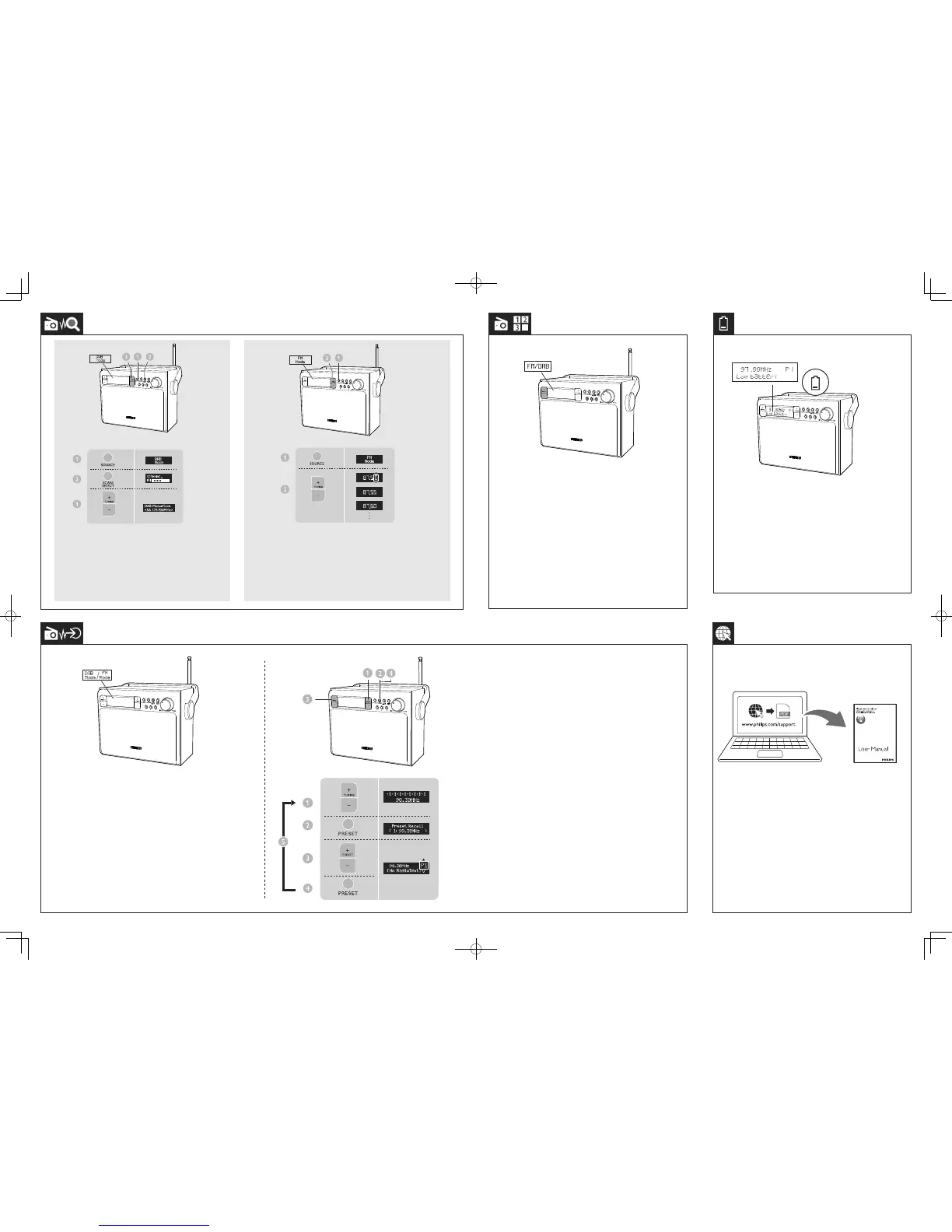
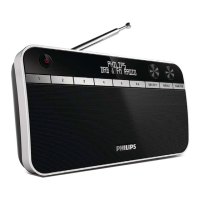
Tune to FM radio stations
1 PressSOURCErepeatedlytoselectFMradio.
2 PressTUNING +/-totunetoaradiostation.
3 PressandholdTUNING +/-totunetothenextstrongest
radiostation.
Tune to DAB radio stations
1 PressSOURCErepeatedlytoselectDABradio.
2 PressSCAN/SELECTtostartfullscan.
3 PressTUNING +/-tonavigatethroughtheavailable
DABstations.
Whenthebatteryislow,‘Lowbattery’appears.Replace
batteriesorconnecttoACpower.
Select a preset DAB/FM radio station
InDAB/FMmode,pressnumerickeys1, 2 or3toselect
presetstation1,2or3,orpressPRESET +/- repeatedly
toselectyourdesiredpresetnumber.
Store DAB/FM radio stations automatically
InDABmode,pressSCAN/SELECTtostartfullscan
ofallavailableDABradiostations(nostationstoredto
presets).
InFMmode,pressSCAN/SELECTtostoreallavailable
FMradiostationstopresets.
Store DAB/FM radio stations manually
1 TunetoaDAB/FMradiostation.
2 PressPROGRAMtoactivateprogrammingmode.
3 PressPRESET +/-toselectapresetnumber.
4 PressPROGRAMtoconrm.
5 Repeatsteps1to4tostoreotherDAB/FMstations.
Tip: Atstep2,youcanalsopressandholdpresetkey1, 2or3
tosavethecurrentstationtothecorrespondingposition
directly.
Todownloadthefullusermanual,visitwww.philips.com/support.
AE5020_05_SUM_V1.0.indd 2 4/9/2014 4:59:07 PM



 To Previous Page