Set clock
c
In standby mode, you can set clock manually.
Tip
In clock setting mode, press and hold • HR/MIN for one second, and
the hour/minute digits increase or decrease continuously.
Select DST (daylight saving time) mode
For countries with daylight saving time (DST), the clock radio offers you
DST option to adjust summer time.
In standby mode, press and hold 12/24H·DST for two seconds.
The clock advances by one hour and » [DST] is displayed.
Tip
To exit DST mode, repeat the above operation. •
To select 12/24 hour format, press • 12/24H·DST repeatedly.
4 Set alarm timer
Set alarm time
d
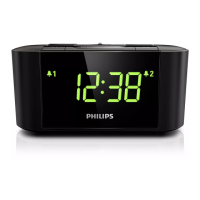
In standby mode, you can set two alarms to ring at different time.


 To Next Page