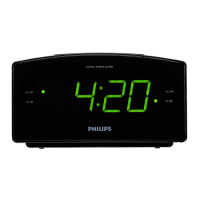
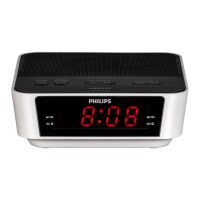
1 Press ALARM 1 or ALARM 2 repeatedly to turn on or off the
alarm timer.
If the alarm timer is turned on, »
AL1 or AL2 appears.
If the alarm timer is turned off, »
disappears.
Repeat alarm
1 When the alarm rings, press REPEAT ALARM/BRIGHTNESS
CONTROL .
The alarm repeats ringing minutes later. »
E Tip
You can press • TUNING+/- to adjust interval (5-15 minutes) to
repeat alarm.
Reset alarm
1 When the alarm rings, press SLEEP/ALARM RESET .
The alarm stops but the alarm settings remain. »
Stop alarm ring
1 When the alarm rings, press the corresponding ALARM 1 or
ALARM 2 .
The alarm stops but the alarm settings remain. »
View the alarm settings
1 Press ALARM 1 or ALARM 2 to view the alarming setting time.
[ »
AL1] or [ AL2] appears.


 To Next Page