» [AL1] or [AL2] is displayed if the alarm timer is on and
disappears if it is off.
To stop the ringing alarm, press the corresponding
AL1/AL2.
» The alarm repeats ringing for the next day.
Snooze alarm
When alarm sounds, press SNOOZE.
» The alarm snoozes and repeats ringing nine minutes later.
Set sleep timer
This clock radio can switch to standby mode automatically after a
preset period.
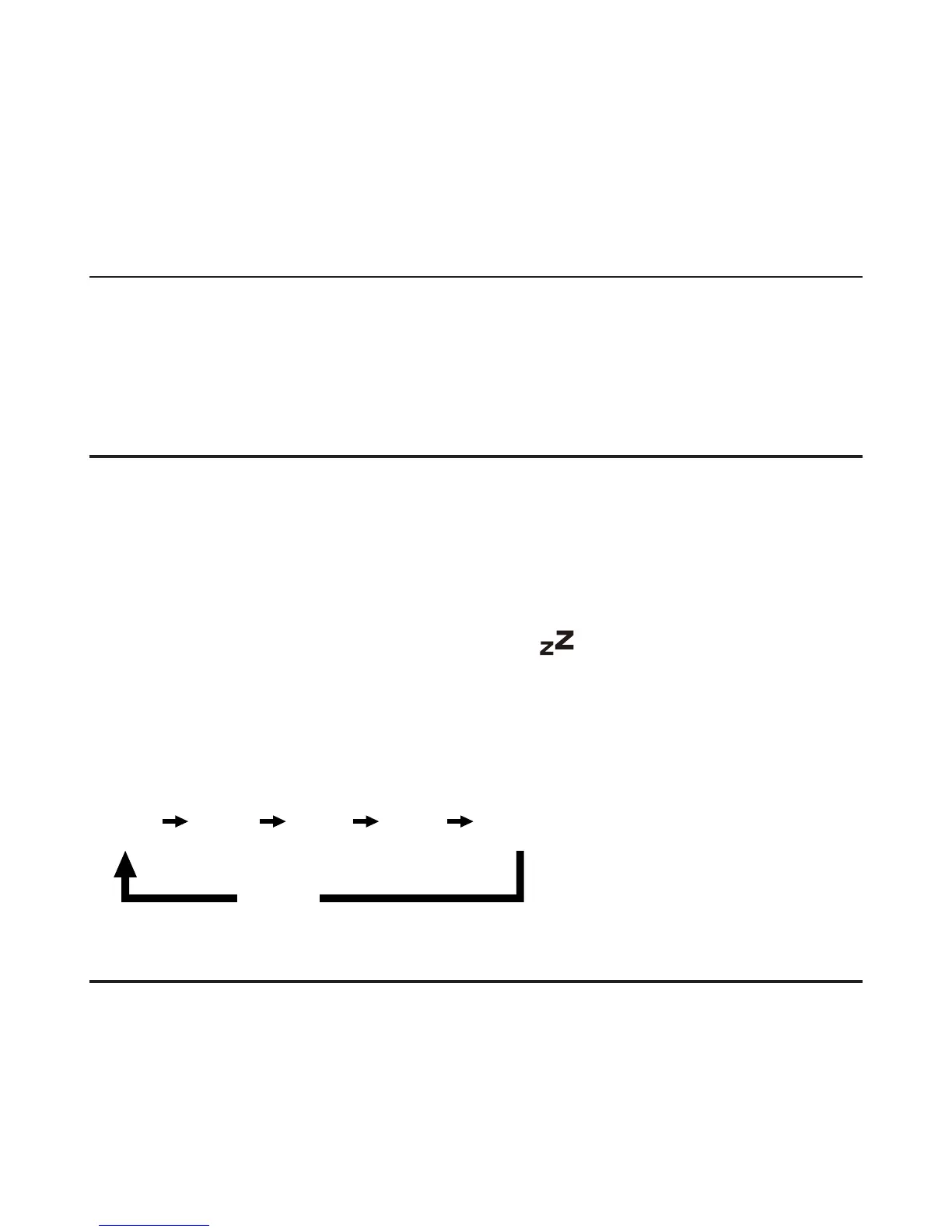
Press SLEEP
» When the sleep timer is activated,
appears.
To deactivate the sleep timer:
Press SLEEP repeatedly until [OFF] appears.
15 30 60 90 120
off
Adjust display brightness
Press BRIGHTNESS repeatedly to select different brightness levels.



 To Next Page