9 EN
Program radio stations
manually
Note
•
You can store up to 20 FM radio stations.
Automatically
Press and hold
for 1 second
or more to activate automatic program
mode.
»
(scanning)is displayed.
» All available stations are
programmed.
» The rst programmed radio station is
broadcast automatically.
Manually
1 Tune to a radio station.
2 Press and hold for
1 second or more to activate
program mode.
» The preset number will appear.
3 Repeatedly press to
allocate a number to this radio
station.
4 Press again to store the
station.
5 Repeat the above steps 1 to 4 for
each station you want to store in
memory with a preset number.
Note
•
If the unit is unplugged or if a power failure
occurs, the preset stations will not be
erased.
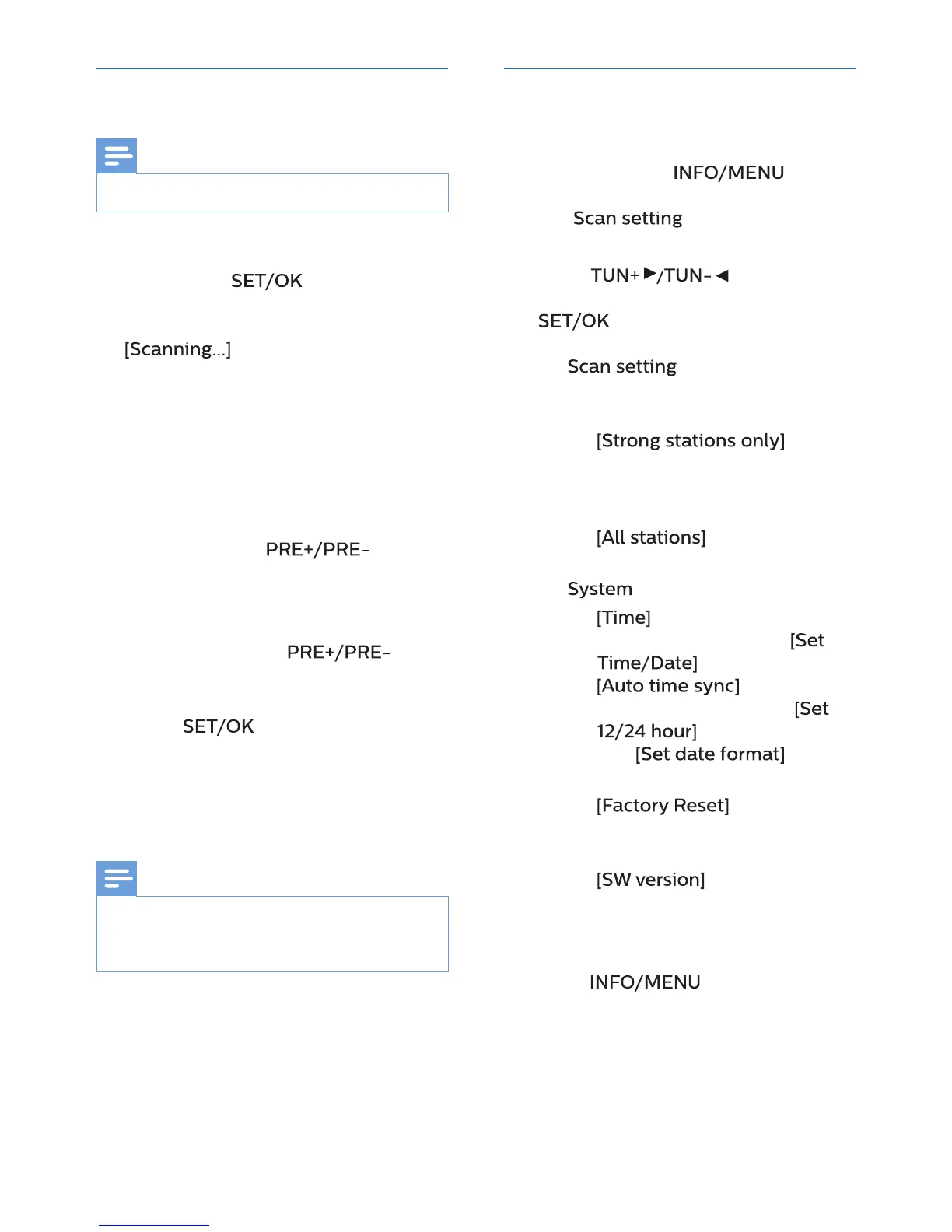
Use the menu
When you listen to radio, you can
access the menu for control options.
1 Press and hold for
1 second or more.
» [
] (scan setting) is
displayed.
2 Press to select
a menu option, and then press
to conrm the option or
enter the lower-level menu.
»
(scan setting)
Search and store radio stations
automatically:
»
(strong
stations only) for radio
stations with strong signal
only,
»
(all stations) for
all radio stations.
»
(system)
»
(time) for setting time
and date information:
(set time/date),
(automatic
time synchronization),
(set 12/24 hour)
and
(set
date format).
»
(factory reset)
for resetting all radio settings
to the factory default status.
»
(software
version) for displaying
the current version of the
rmware.
3 Press to exit the menu.



 To Next Page