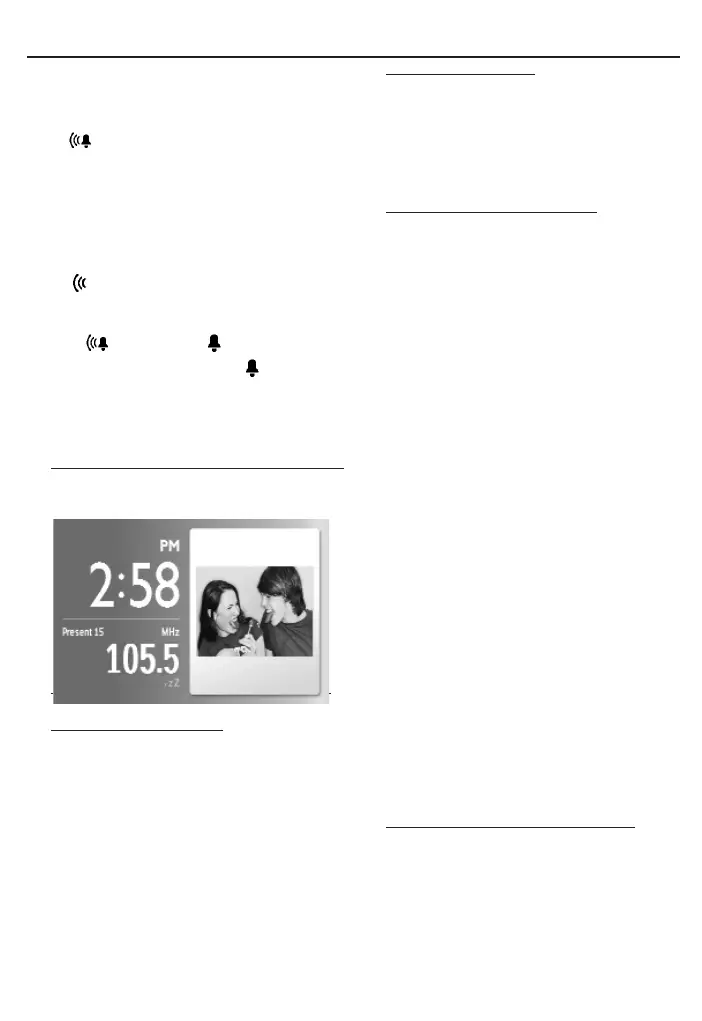
Digital tuner
1 During the alarm call, press any button except
REPEAT ALARM /
BRIGHTNESS
CONTROL
.
➜ is displayed.
Repeat alarm
This will repeat your alarm call at 9-minute
intervals.
1 During the alarm call, press
REPEAT ALARM /
BRIGHTNESS
CONTROL
.
➜ flashes.
Switching off the alarm completely
1 Press repeatedly ALARM 1 or ALARM 2
until is changed to .
➜When alarm is deactivated, is dispalyed.
Helpful hints:
During alarm call, if no button is pressed, alarm
call will last 30 minutes.
Tuner
Tuning to radio station
1 Press TUNER to switch on radio (FM only).
2 Press and hold 12for about 2 seconds, then
release.
➜The radio automatically tunes to a station
of sufficient reception.
3 Repeat step 2 if necessary until you find the
desired station.
• To tune to a weak station, press 12briefly
and repeatedly until you have found optimal
reception.
Turning on/off radio
• To turn off radio, press OK.To turn on radio,
press OK again.
To improve reception:
FM: Extend and adjust the pigtail for optimum
reception.
Programming radio stations
You can store up to a total of 20 FM radio
stations in the memory, manually or automati-
cally (Auto store).
Manual programming
1 Tune to your desired station (See “Tuning to
radio station”).
2 Press and hold TUNER for about 2 seconds,
then release.
➜Preset number will flash.
3 Press 34 once or more to allocate a
number from 1 to 20.
➜Preset number will flash.
4 Press TUNER again to confirm.
5 Repeat steps 1-4 to store other stations.
Note:
– You can erase a preset station by storing
another frequency in its place.
Auto store
Autostore automatically starts programming
radio stations from preset 1. Any previous
presets e.g. manually programmed will be
erased.
1 In TUNER mode, press MENU to display
tuner menu.
2 Press 4 to select “Tuner Auto Program”.
3 Press OK.
➜Available stations are programmed (FM).
After all stations are stored, the first auto-
store preset station will then automatically
play.
To listen to a preset or autostore
station
Press 34 once or more until the desired
preset station is displayed.
AJL308_55_CCR 2008.3.25 14:20 Page 7



 To Next Page