19
English
EN
Install Songbird on your computer
1 Go to www.philips.com/songbird.
2 Download the latest Songbird application.
3 Follow on-screen instructions to install
Songbird on your computer.
Sync music from PC to Android
powered device
Note
Make sure that both your computer and Android
powered device are installed with Songbird app.
1 Connect your Android powered device to
the computer with a USB cable.
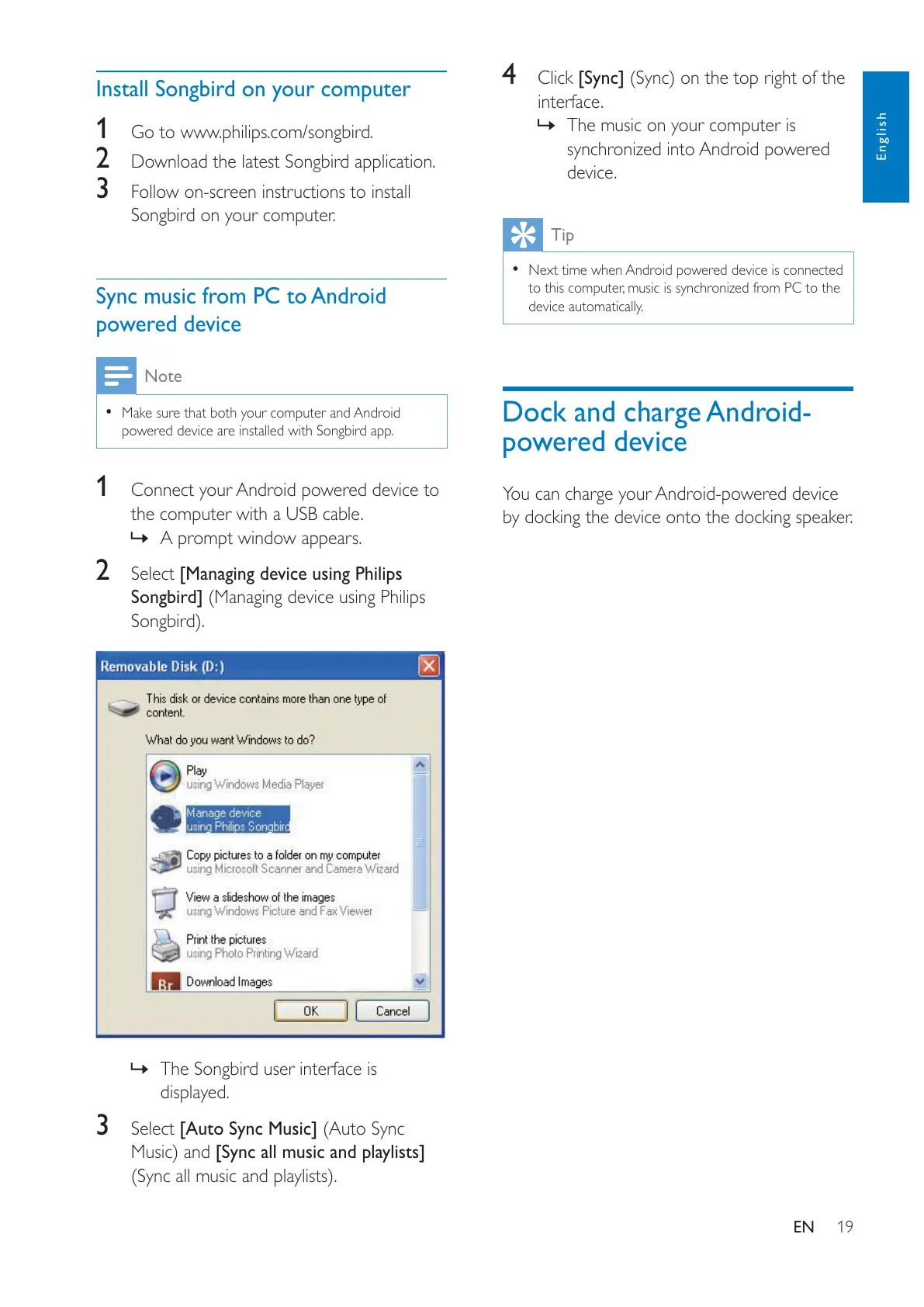
» A prompt window appears.
2 Select [Managing device using Philips
Songbird] (Managing device using Philips
» The Songbird user interface is
displayed.
3 Select [Auto Sync Music] (Auto Sync
[Sync all music and playlists]
4 Click [Sync]
interface.
» The music on your computer is
synchronized into Android powered
device.
Tip
Next time when Android powered device is connected
to this computer, music is synchronized from PC to the
device automatically.
Dock and charge Android-
powered device
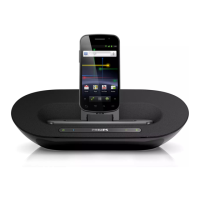
You can charge your Android-powered device
by docking the device onto the docking speaker.


 To Next Page