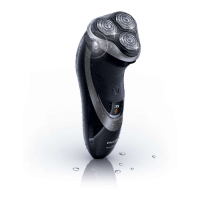
Replacement
Replacement reminder
The shaving head symbol will light up to indicate that the shaving heads
need to be replaced. Replace damaged shaving heads right away.
Only replace the shaving heads with original HQ9 (AT941/AT940/AT918)
or HQ8 (AT897/AT896/AT894/AT891/AT890/AT889/AT887/AT886/
AT881/AT872/AT811/AT797/AT796/AT790/AT770/AT756/AT753/
AT751/AT750) Philips Shaving Heads.
1 The shaving head symbol lights up orange continuously.
2 Switch off the shaver. Disconnect the shaver from the mains or
remove it from the charging stand (AT941/AT940 only).
3 Press the release button to open the shaving unit.
4 Pull the shaving unit off the shaver.
5 Turn the lock anticlockwise (A) and remove the retaining frame (B).
6 Remove the shaving heads and place new ones in the shaving unit.
Make sure that the projections of the shaving heads t exactly into the
recesses.
A
B
ENGLISH14



 To Next Page
 Loading...