- 6 -
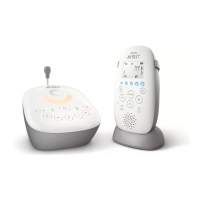
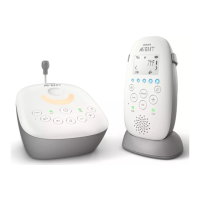
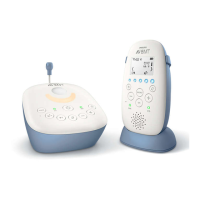
Functions and feedback on the baby unit
Nightlight
The nightlight produces a soft glow that comforts your baby.
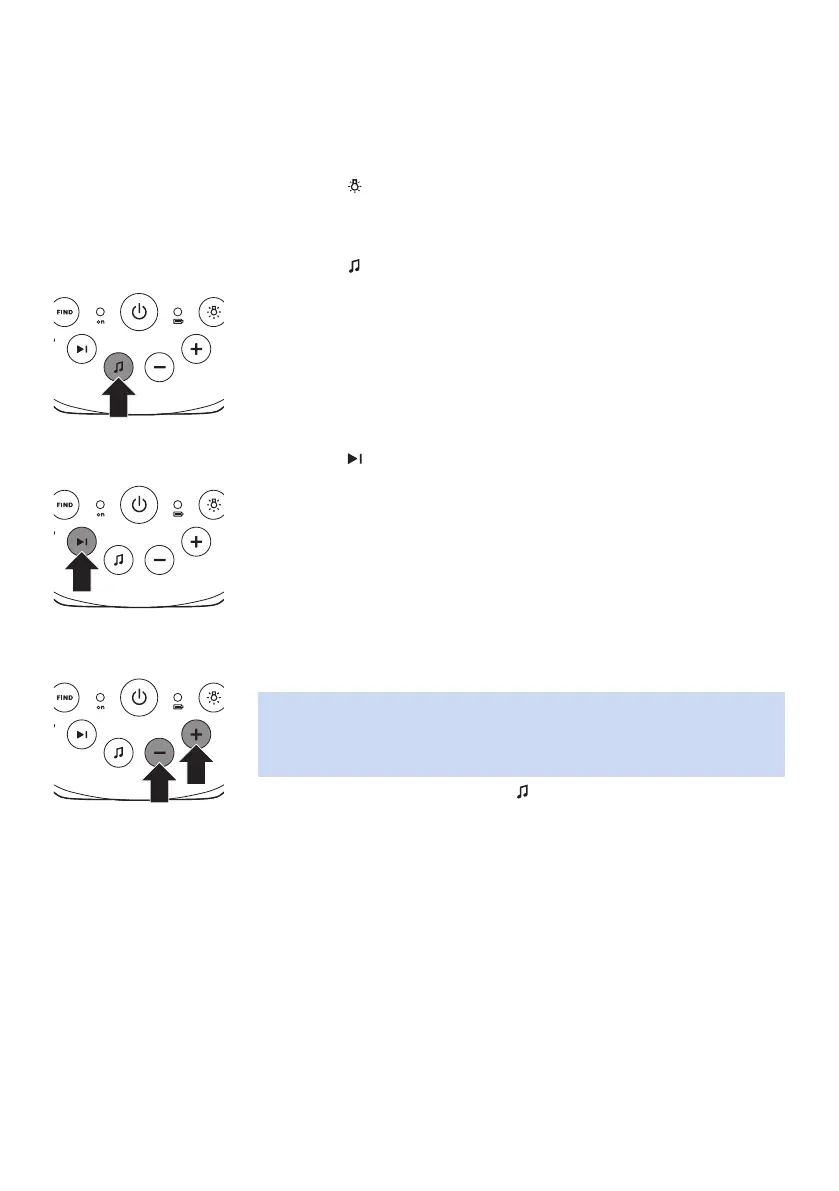
1 Press the button on the baby unit to switch the nightlight on or o.
Lullaby function
1 Press the button on the baby unit to play the last selected lullaby.
The selected lullaby repeats for 15 minutes.
2 Press the button to select another lullaby from the list.
3 To adjust the sound level of the lullaby, press the volume + or the
volume – button the baby unit.
Note: You can only set the loudspeaker volume on the baby unit when
a lullaby is playing. If you set the volume for the lullaby higher, the
sound will also be louder when you use the talk function on the parent
unit.
4 To stop lullaby playing, press the button on the baby unit.








 To Next Page