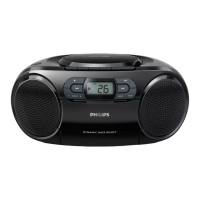
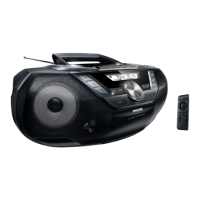
Playing a CD
• This CD player plays Audio Discs including
CD-Recordables (CD-R) and CD-Rewritables
(CD-RW).
• MP3, CD-ROM, CD-I, CDV,VCD, DVD or
computer CDs are not possible for playback.
IMPORTANT!
CDs encoded with copyright protection
technologies by some record companies may
be unplayable by this product.
1 Adjust the Source selector to CD.
2 Open the CD door, and insert a CD with the
printed side facing up, then press the CD
door gently to close.
➜ Display shows --, and later the total
number of tracks. (See 3)
3 Press
2;
to start playback.
4 To pause playback, press
2;
.
➜
Display: 2 flashes.
(See 4)
5 To resume, press
2;
again.
6 To stop CD playback, press
9
.
Helpful hints:
CD play will also stop when:
– you open the CD door;
– you select
FM
,
MW
or
OFF
sound source;
– the CD has reached the end.
Selecting a different track
• Press
∞/ §
once or repeatedly until the
desired track number appears in the display.
• In the pause/stop position, press 2; to start
playback.
Finding a passage within a
track
1 During playback, press and hold ∞ or § .
➜ The CD is played at high speed and with
reduced volume.
2 When you recognize the passage you want,
release ∞ or § to resume normal playback.
Helpful hints:
– When your searching reaches the end of the
last track, the CD goes to stop mode.
CD Player


 To Next Page