RECORDING GENERAL INFORMATION
16
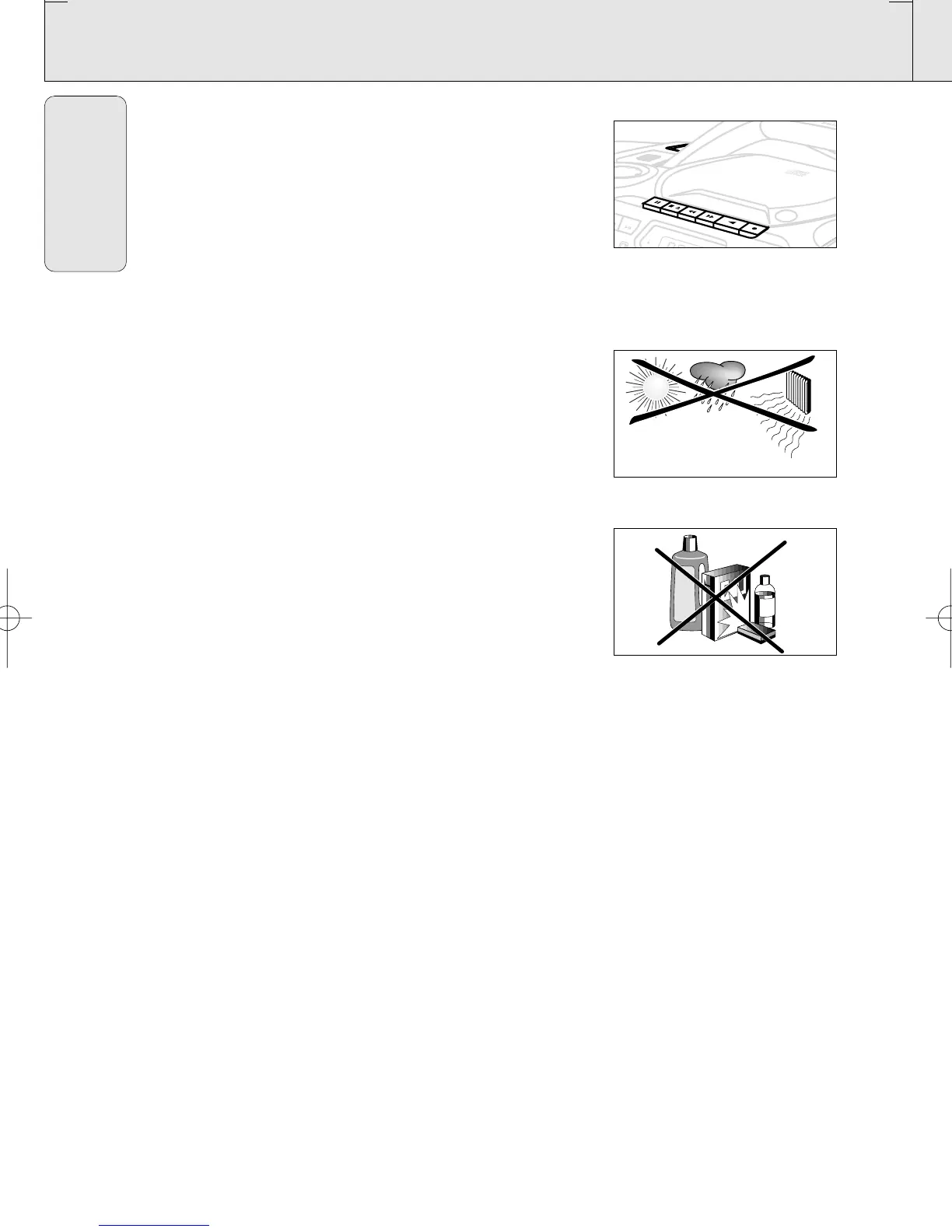
Recording from the tuner
1. Tune to the desired radio station (see Tuning to radio stations).
2. Press OPEN•STOP /9 to open the cassette door.
3. Insert a suitable tape into the cassette deck and close the
cassette door.
4. Press RECORD 0 to start recording.
5. For brief interruptions, press PAUSE ; To resume recording,
press PAUSE ; again.
6. To stop recording, press OPEN•STOP /9.
General maintenance
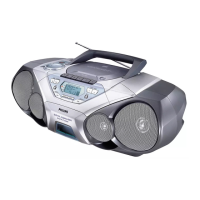
• Do not expose the set, batteries, CDs or cassettes to humidity,
rain, sand or excessive heat caused by heating equipment or
direct sunlight.
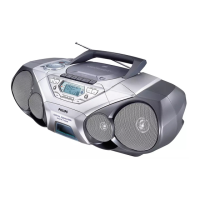
• To clean the set, use a soft, slightly dampened chamois leather.
Do not use any cleaning agents containing alcohol, ammonia,
benzene or abrasives as these may harm the housing.
Safety information
• Place the set on a hard and flat surface so that the system
does not tilt. Make sure there is adequate ventilation to
prevent the system from overheating.
• The mechanical parts of the set contain self-lubricating
bearings and must not be oiled or lubricated.
AZ 1560/17
page 16
English
CD REWRITABLE COMPATIBLE
CD SYNCRO STRAT RECORDI
NG
A
Z
1
5
6
0
C
D
R
A
D
I
O
C
A
S
S
E
T
T
E
R
E
C
O
R
D
E
R
O
P
E
N
C
L
O
S
E
S
T
O
P
P
L
A
Y
•
P
A
U
S
E
P
R
O
G
SOUND CONTROL CEN
F
M
B
A
T
L
O
W
E
N
T
E
R
V
O
L
U
M
E
XP AZ 1560/17 19-09-2000 13:06 Pagina 16



 To Next Page