19
English
EN
3 Connect the USB storage device to the
(USB) connector on this player.
4 Press , and select [Setup].
5 Select [Advanced] > [Software update]>
[USB].
» If an upgrade media is detected, you
are prompted to start the update.
6 Follow the instructions on the TV screen
to update the software.
» When the update is complete, this
player automatically turns off and on
again.
Caution
• Do not turn off the power or remove the USB storage
device when the software update is in progress because
you might damage this player.
5 Specifications
Note
• Specications are subject to change without notice
Region code
This player can play discs with the following
region codes.
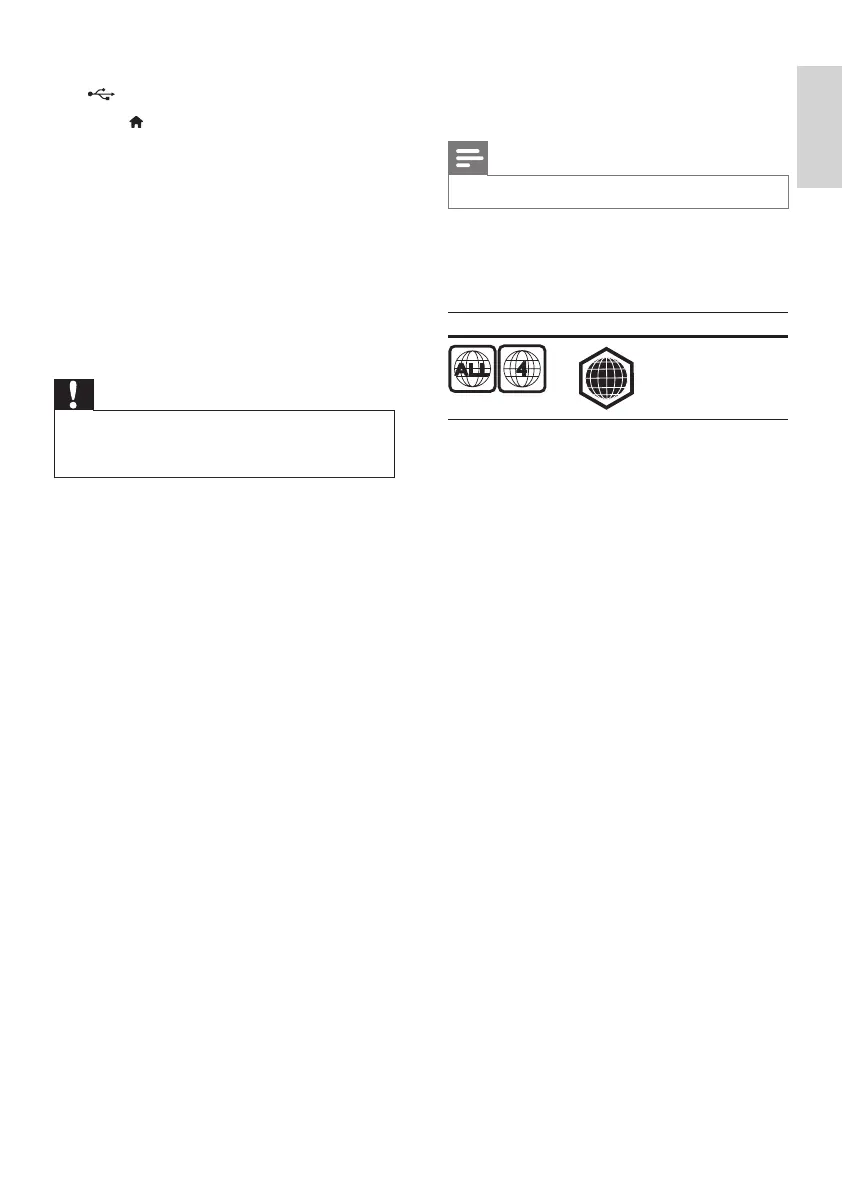
DVD Blu-ray Countries
Latin America
Playable media
• BD-Video, BD 3D
• DVD-Video, DVD+R/+RW, DVD-R/-RW,
DVD+R/-R DL (Dual Layer)
• VCD/SVCD
• Audio CD, CD-R/CD-RW, MP3 media,
WMA media, JPEG les
• DivX (Ultra)/DivX Plus HD media, MKV
media
• USB storage device
File format
• Video: .avi, .divx, .mp4, .mkv, .wmv
• Audio: .mp3, .wav
• Picture: .jpg, .gif, .png
Video
• Signal system: PAL / NTSC
• Composite video output: 1 Vp-p (75 ohm)
• HDMI output: 480i/576i, 480p/576p, 720p,
1080i, 1080p, 1080p/24Hz
Audio
• 2 Channel analog output
• Audio Front L&R : 2 Vrms (> 1 kohm)
• Digital output: 0.5 Vp-p (75 ohm)
• Coaxial
• HDMI output
• Sampling frequency:
• MP3: 32 kHz, 44.1 kHz, 48 kHz
• WMA: 44.1 kHz, 48 kHz
A



 To Next Page