EasyManua.ls Logo

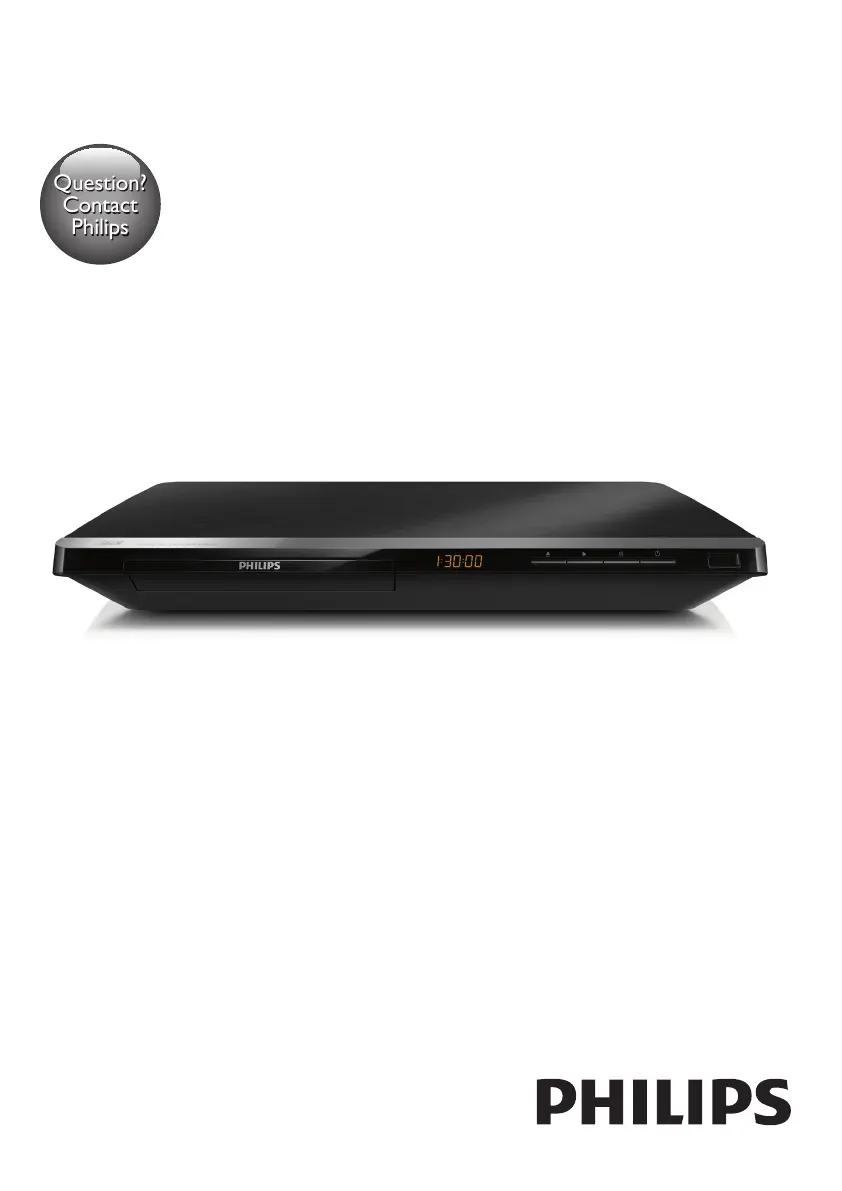
Philips BDP5650/55 - User Manual

Philips BDP5650/55
30 pages
Print Icon
To Next Page IconTo Next Page
Loading...
BDP5650
www.philips.com/welcome
User manual
Always there to help you
Register your product and get support at
Question?
Contact
Philips

Questions and Answers

  • S
    Seth MoraSep 8, 2025
    Why is there no secondary audio output for the Picture-in-Picture feature on my Philips Blu-ray Player?
    • V
      Victoria WardSep 8, 2025
      When [Bitstream] is selected under the [HDMI Audio] or [Digital Audio] menu, interactive sound like secondary sound for Picture-in-Picture feature is muted. Deselect [Bitstream].
  • A
    Anthony ReidAug 25, 2025
    How to fix no audio output from TV with Philips BDP5650/55 Blu-ray Player?
    • M
      masontinaAug 25, 2025
      If there's no audio output from the TV, make sure the audio cables are connected to the audio input of the TV and that the TV is switched to the correct source input for the player.
  • M
    mark47Aug 25, 2025
    What to do if my Philips Blu-ray Player cannot play a disc?
    • C
      collinsabigailAug 26, 2025
      If your Philips Blu-ray Player won't play a disc: * Clean the disc. * Make sure the disc is correctly loaded. * Ensure the player supports the disc type and region code. * If it's a DVD±RW or DVD±R, make sure the disc is finalized.
  • C
    Catherine SteeleSep 18, 2025
    Why I cannot access BD-Live features on Philips BDP5650/55 Blu-ray Player?
    • A
      Angela MarquezSep 18, 2025
      If you cannot access BD-Live features on your Philips Blu-ray Player, ensure that the player is connected to the network and that the network installation is complete. Also, verify that the Blu-ray disc supports BD-Live features. As a last resort, clear memory storage.
  • J
    Jason JordanSep 8, 2025
    What to do if I cannot access BD-Live features on Philips BDP5650/55?
    • O
      ostephensonSep 8, 2025
      To access BD-Live features, ensure that: * The player is connected to the network. * The network installation is complete. * The Blu-ray disc supports BD-Live features. * Clear memory storage.
  • M
    Michael JohnsonSep 12, 2025
    What to do if Philips Blu-ray Player disc does not play high-definition video?
    • B
      Briana GonzalezSep 12, 2025
      If the disc does not play high-definition video, make sure that the disc contains high-definition video and that the TV supports high-definition video.
  • J
    Julie GarciaSep 3, 2025
    Why is there no sound on my Philips Blu-ray Player when using an HDMI connection?
    • C
      calebharrisSep 3, 2025
      If you can't hear any sound through the HDMI output, it might be because the connected device is not HDCP compliant or is only DVI-compatible.
  • E
    ericdominguezSep 3, 2025
    What to do if my Philips BDP5650/55 Blu-ray Player is not showing a picture?
    • D
      Dana RomanSep 3, 2025
      Ensure that the TV is switched to the correct source input for the Blu-ray player.
  • Q
    qmitchellSep 23, 2025
    Why I cannot see 3D effects on Philips BDP5650/55?
    • E
      edwardsmichaelSep 23, 2025
      If you cannot see 3D effects on your Philips Blu-ray Player, ensure that 3D output is turned on. Verify that the disc title being played is Blu-ray 3D compliant, the TV is 3D and HDMI compliant, and the TV is set to 3D mode. Also, make sure that the 3D glasses are activated.
  • L
    leeheatherAug 29, 2025
    Why Smart TV does not work on Philips Blu-ray Player?
    • B
      Benjamin ReedAug 29, 2025
      If the Smart TV function isn't working on your Philips Blu-ray Player, verify that the network is correctly connected and the network installation is complete. You may also need to check the router connection.

Philips BDP5650/55 Specifications

General IconGeneral
BrandPhilips
ModelBDP5650/55
CategoryBlu-ray Player
LanguageEnglish

Related product manuals