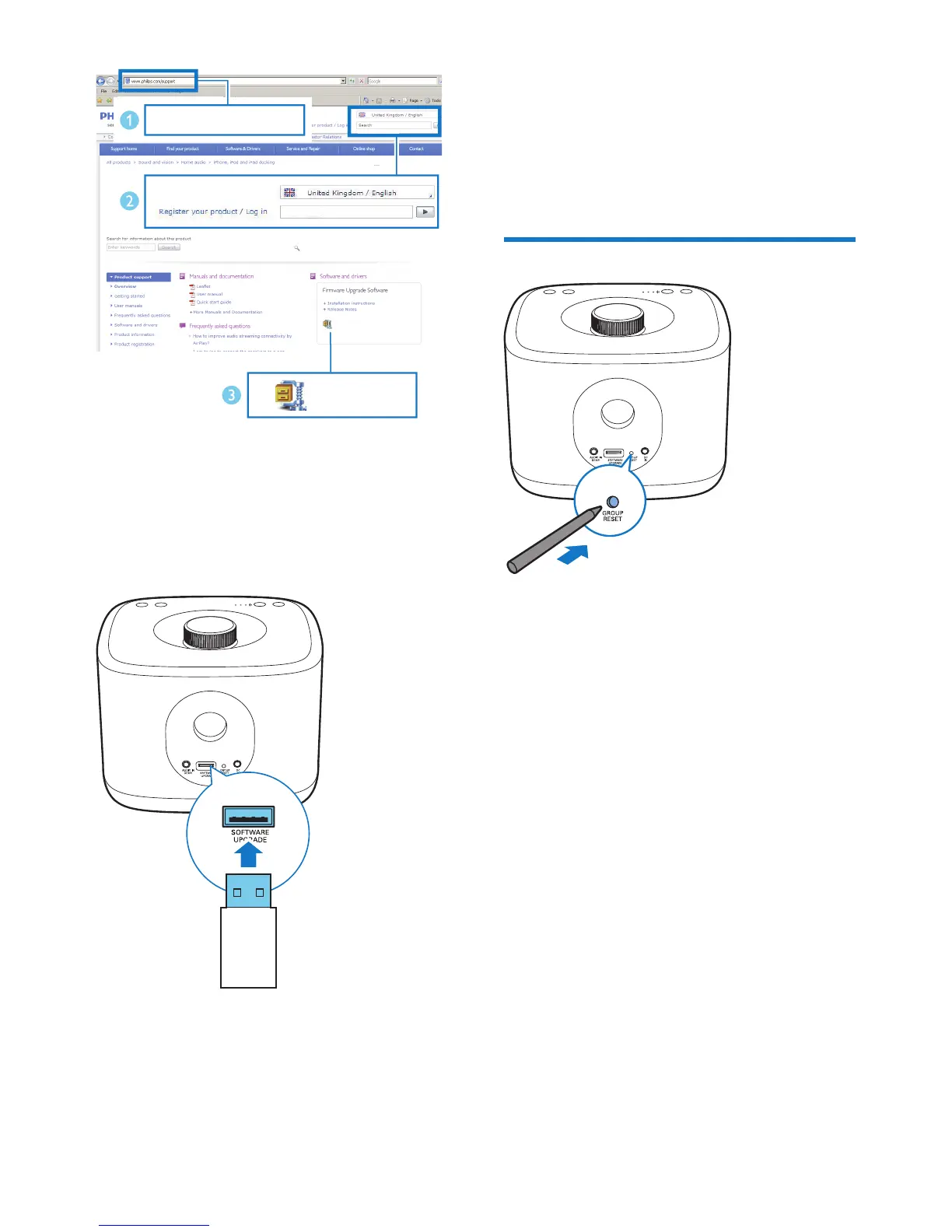
3 Unzip and save the upgrade le (BM5.bin)
to the root directory of a USB stick.
4 Disconnect the AC power of the speaker.
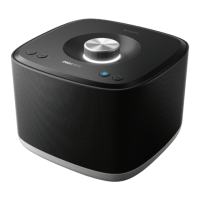
5 Plug the USB stick into the USB socket on
the back of the speaker.
6 Connect AC power again and turn on the
speaker.
www.philips.com/support
XXXX
XXXX. zip
7 Do not remove the USB stick, and wait for
around 3 to 4 minutes for completion of
the rmware upgrade.
» At completion of rmware upgrade, all
indicators on the speaker ash at the
same time.
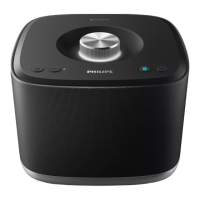
Reset group status
• In case of any grouping issues, you can
reset the speaker with a sharp object such
as a needle.
» The speaker reboots automatically.



 To Next Page