1
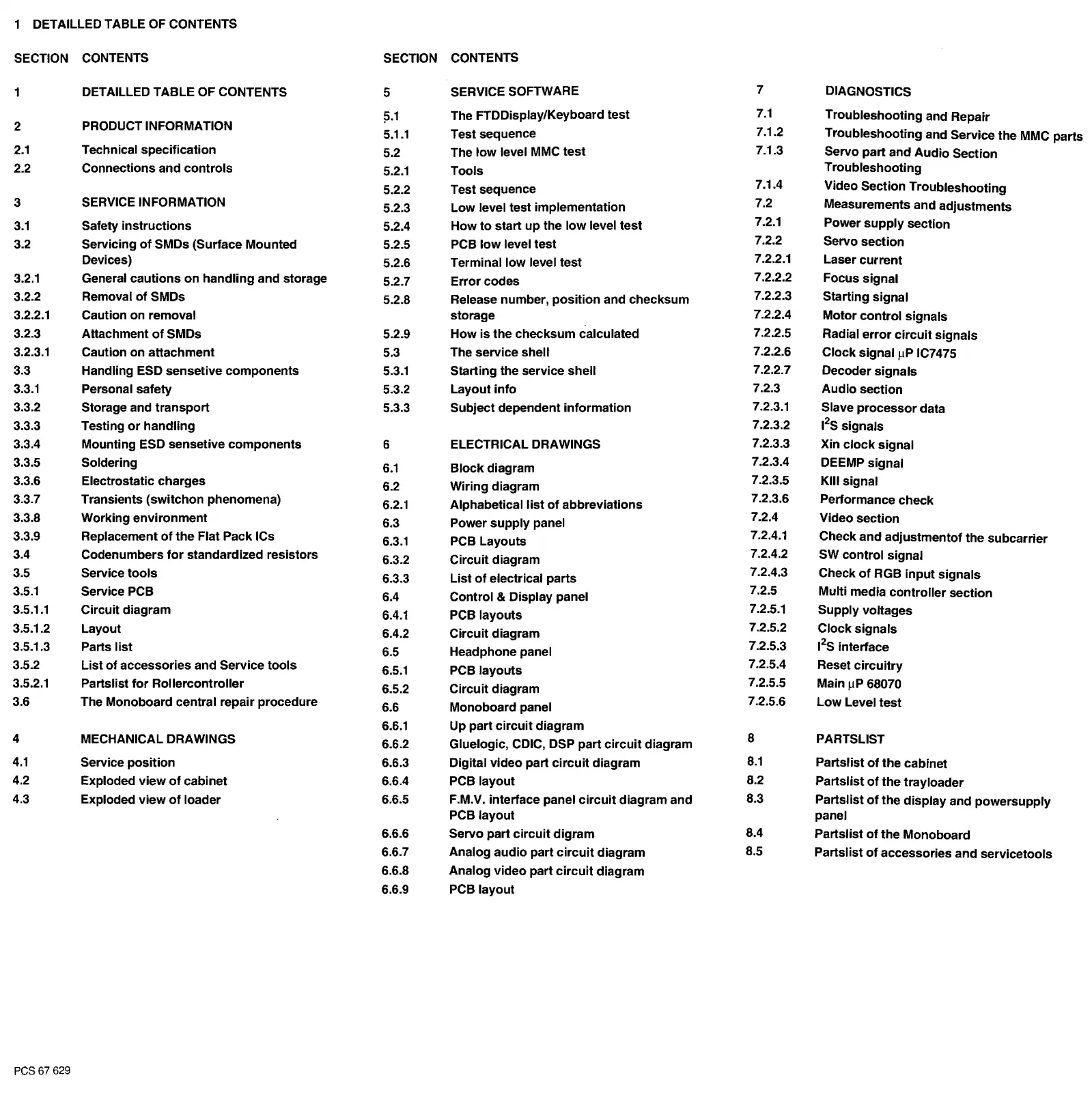
DETAILLED TABLE OF CONTENTS
SECTION
CONTENTS
SECTION
CONTENTS
1
DETAILLED TABLE OF CONTENTS
5
SERVICE SOFTWARE
7
DIAGNOSTICS
l5.1
The FTDDisplay/Keyboard
test
7.1
Troubleshooting and Repair
2
PRODUCT INFORMATION
5.1.1
Test sequence
7.1.2
Troubleshooting
and Service the MMC parts
2.1
Technical specification
5.2
The
low
level
MMC
test
7.1.3
Servo part and
Audio
Section
2.2
Connections and
controls
5.2.1
Tools
Troubleshooting
5.2.2
Test sequence
7.1.4
Video Section Troubleshooting
3
SERVICE INFORMATION
5.2.3
Low level test implementation
7.2
Measurements and
adjustments
3.1
Safety
instructions
5.2.4
How
to
start
up
the
low
level test
7.2.1
Power
supply
section
3.2
Servicing
of
SMDs (Surface Mounted
5.2.5
PCB
low
level
test
7.2.2
Servo section
Devices)
5.2.6
Terminal
low
level test
7.2.2.1
Laser
current
3.2.1
General
cautions
on
handling
and storage
5.2.7
Error
codes
7.2.2.2
Focus signal
3.2.2 Removal
of
SMDs
5.2.8
Release number,
position
and checksum
7.2.2.3
Starting signal
3.2.2.1 Caution on removal storage
7.2.2.4
Motor
control
signals
3.2.3
Attachment
of
SMDs 5.2.9
How
is
the
checksum calculated
7.2.2.5
Radial
error
circuit
signals
3.2.3.1
Caution on
attachment
5.3
The service
shell
7.2.2.6
Clock
signal µP IC7475
3.3
Handling ESD sensetive
components
5.3.1
Starting the service
shell
7.2.2.7
Decoder
signals
3.3.1
Personal safety 5.3.2 Layout
info
7.2.3
Audio
section
3.3.2
Storage and
transport
5.3.3 Subject dependent information
7.2.3.1
Slave
processor
data
3.3.3
Testing
or
handling
7.2.3.2
1
2
S signals
3.3.4 Mounting ESD sensetive
components
6 ELECTRICAL DRAWINGS
7.2.3.3
Xin
clock
signal
3.3.5 Soldering
6.1
Block
diagram
7.2.3.4
DEEMP signal
3.3.6 Electrostatic charges
6.2 Wiring diagram
7.2.3.5
KIii signal
3.3.7
Transients
(switchon
phenomena)
6.2.1
Alphabetical
list
of
abbreviations
7.2.3.6
Performance
check
3.3.8 Working
environment
6.3
Power
supply
panel
7.2.4
Video section
3.3.9 Replacement
of
the
Flat Pack ICs
6.3.1
PCB Layouts
7.2.4.1
Check
and
adjustmentof
the
subcarrier
3.4
Codenumbers
for
standardized resistors
6.3.2
Circuit
diagram
7.2.4.2
SW control signal
3.5
Service
tools
6.3.3
List
of
electrical parts
7.2.4.3
Check
of
RGB
input
signals
3.5.1
Service PCB
6.4
Control
& Display panel
7.2.5
Multi media
controller
section
3.5.1.1
Circuit diagram
6.4.1
PCB layouts
7.2.5.1
Supply voltages
3.5.1.2 Layout
6.4.2
Circuit diagram
7.2.5.2
Clock
signals
3.5.1.3
Parts
list
6.5
Headphone panel
7.2.5.3
1
2
S interface
3.5.2
List
of
accessories and Service
tools
6.5.1
PCB
layouts
7.2.5.4
Reset
circuitry
3.5.2.1 Partslist
for
Rollercontroller
6.5.2
Circuit diagram
7.2.5.5
Main µP 68070
3.6
The Monoboard central repair procedure
6.6
Monoboard panel
7.2.5.6
Low
Level
test
6.6.1
Up part
circuit
diagram
4
MECHANICAL DRAWINGS
6.6.2 Gluelogic, CDIC, DSP part
circuit
diagram
8
PARTSLIST
4.1
Service
position
6.6.3 Digital video part
circuit
diagram
8.1
Partslist
of
the cabinet
4.2
Exploded
view
of
cabinet 6.6.4 PCB
layout
8.2
Partslist
of
the
trayloader
4.3
Exploded
view
of
loader
6.6.5
F.M.V. interface panel
circuit
diagram and
8.3
Partslist
of
the
display
and powersupply
PCB layout panel
6.6.6
Servo part
circuit
digram
8.4
Partslist
of
the
Monoboard
6.6.7
Analog
audio
part
circuit
diagram
8.5
Partslist
of
accessories and servicetools
6.6.8 Analog
video
part
circuit
diagram
6.6.9
PCB layout
PCS67
629


 To Next Page
 Loading...