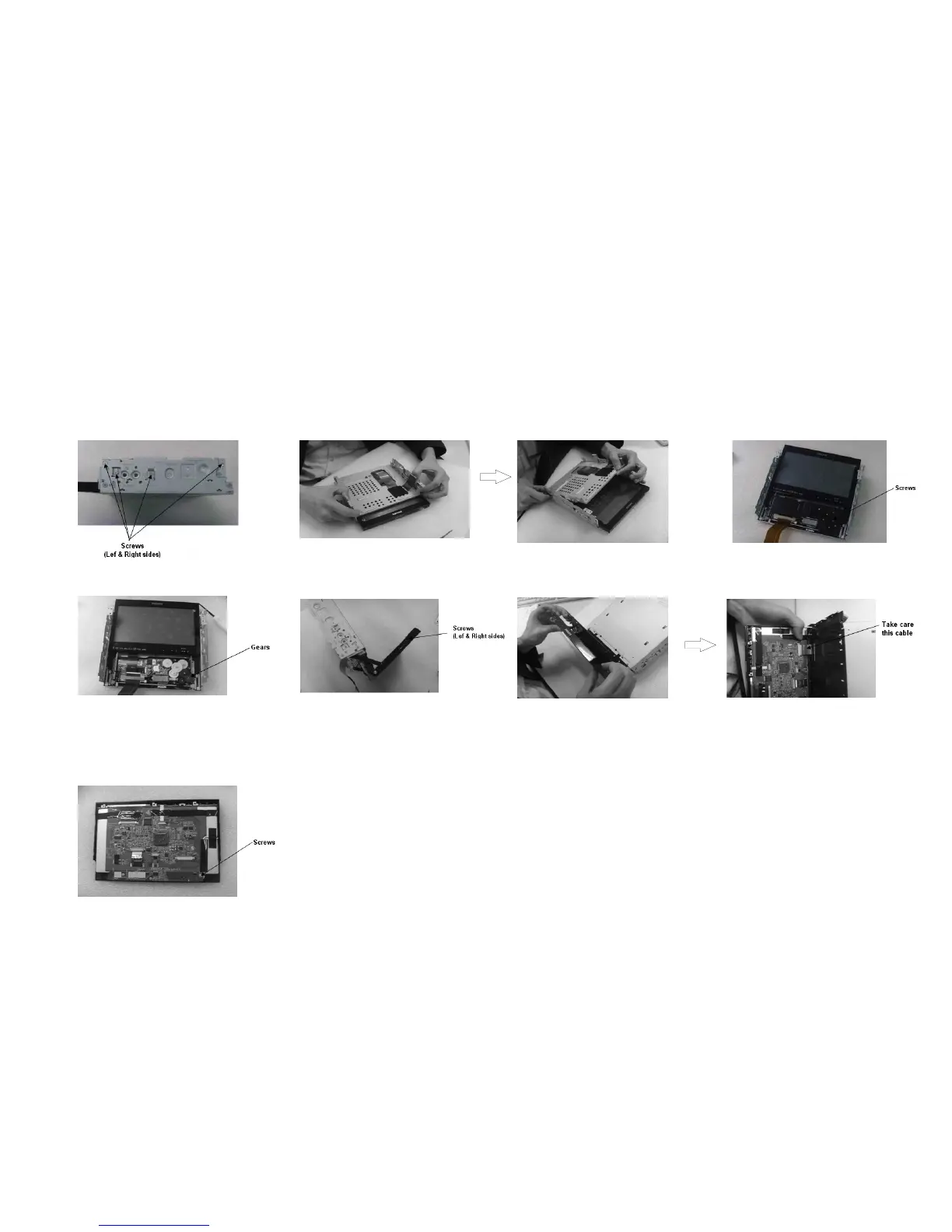
12. Take out the eight screws fastened the underprop
board.
12. Take out the eight screws fastened the
board.underprop
17. Take out the display module.
18. Take out the three screws fastened the TFT
driver board and the connection-peg to take
out the TFT driver board.
14. Take out the five screws fastened the
gear board.
15. Take out the gears.
16. Loosen and take out the four screws
with a screw-driver.
Disassembly Diagram
3-2 3-2



 To Next Page