11EN
Congure your phone
Set the date and time
Before using the telephone system, set the
date and time if prompted.
1. Press .
2. Press
▼
/
▲
to select [HS SETTINGS] > [DATE
& TIME], press to conrm each selection.
3. Set [DATE FORMAT], then press to
conrm.
4. Set [TIME FORMAT], then press to
conrm.
5. Select [SET DATE], press the numeric
buttons to enter the date, then press to
conrm.
6. Select [SET TIME], press the numeric
buttons to enter the time, then press to
conrm.
Set the display language
The LCD language is preset to English. You can
select from English/Hebrew.
To reset the language, see the following steps.
1. Select > [HS SETTINGS] > [LANGUAGE],
press to conrm each selection.
2. Select a language, then press to
conrm.
»
The language setting is saved.
Check for dial tone
Press . If you can hear a dial tone, the
installation is successful. Your phone is now
ready to use.
If you do not hear a dial tone,
• Make sure the installation procedures
described above are properly done.
• It may be a wiring problem. If you have
changed your telephone service to
digital service from a cable company or a
VoIP service provider, the telephone line
may need to be rewired to allow all
existing telephone jacks to work. Contact
your cable or VoIP service provider for
more information.
Operating range
When the handset is out of range, the
handset displays Out of range.
If there is a call while the handset is out of
range, it may not ring, or if it does ring, the
call may not connect well when you press .
Move closer to the telephone base, and then
press to answer the call.
If the handset moves out of range during a
telephone conversation, there may be
interference. To improve reception, move
closer to the telephone base.
What is standby mode?
Your phone is in standby mode when it is idle.
The date and time and missed calls are
displayed on the standby screen.
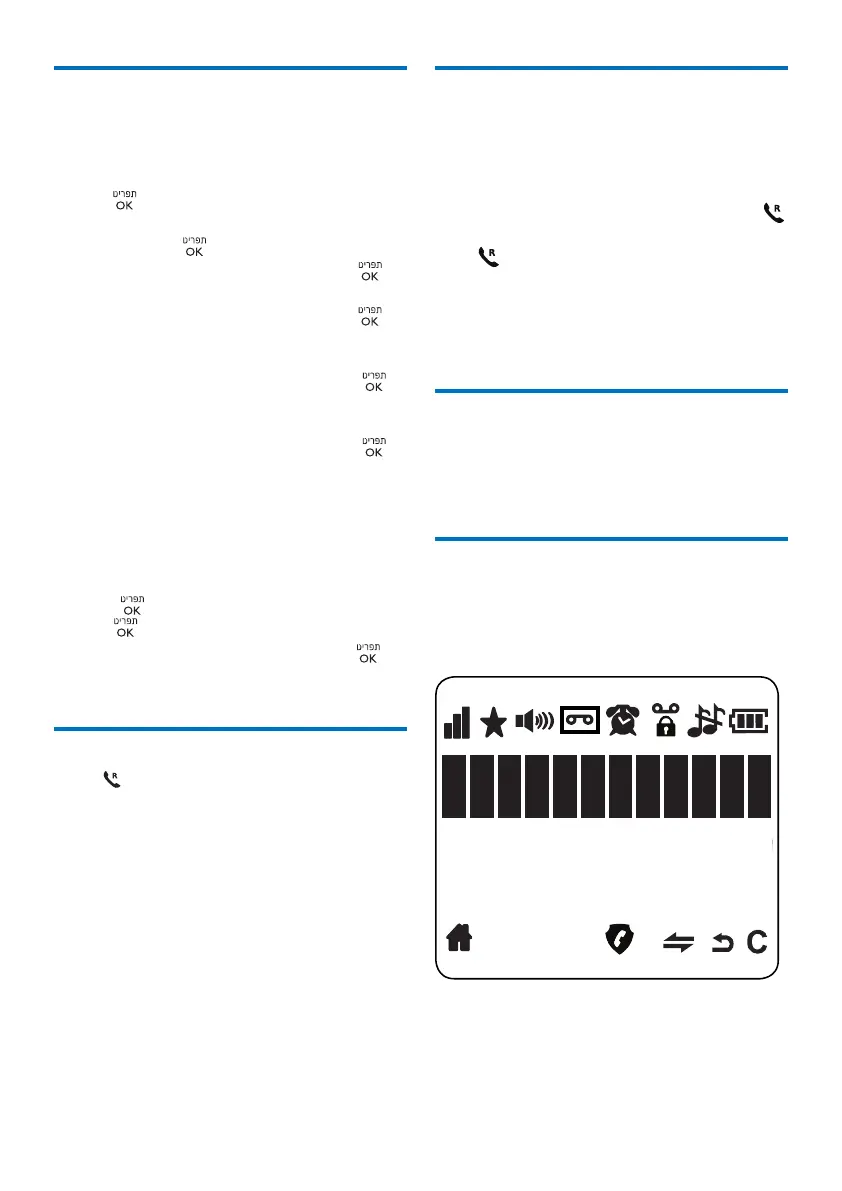
Display icons
In standby mode, the icons shown on the
main screen tell you what features are
available on your handset.



 To Next Page