17EN
5 Intercom and
conference
calls
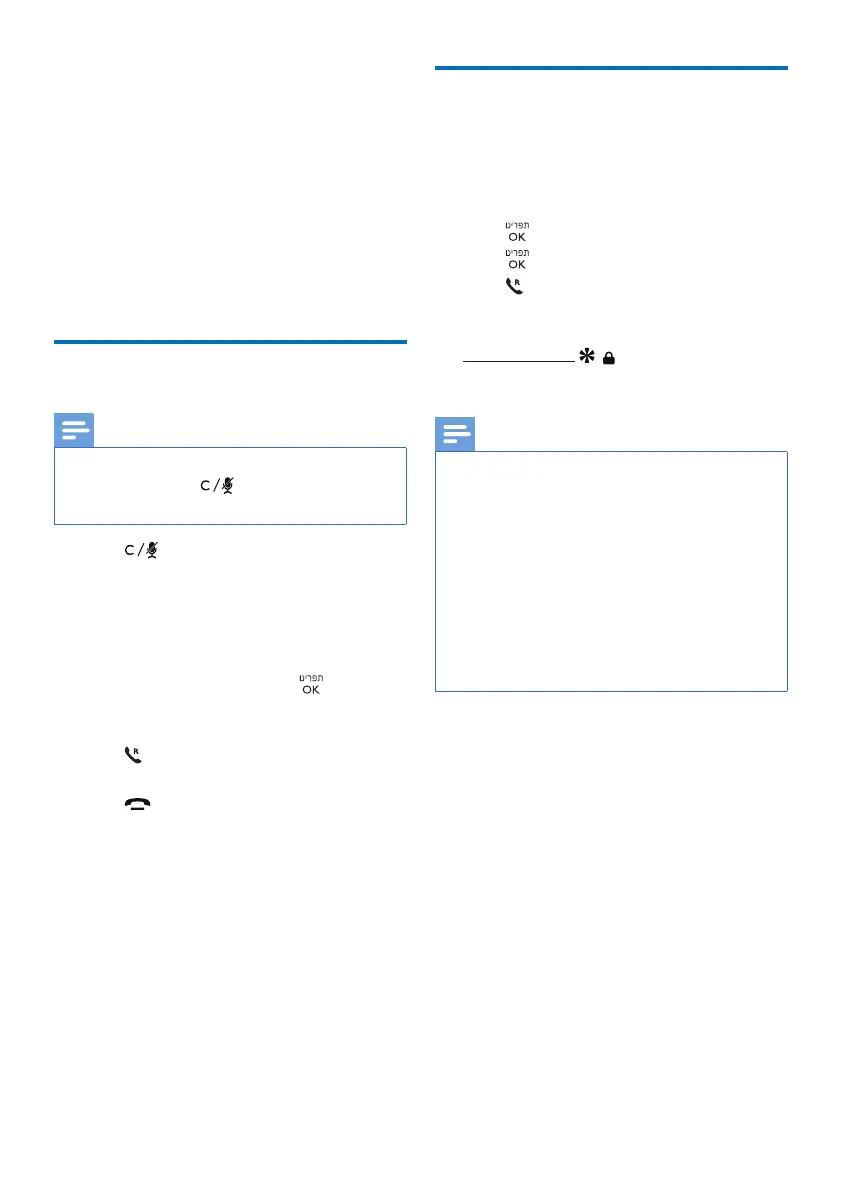
An intercom call is a call to another handset
that shares the same base station. A
conference call involves a conversation
between you, another handset user and the
outside callers.
Make a call to another handset
Note
• If the base station only has 2 registered
handsets, press to call the other
handset.
1
Press .
»
For multi-handset versions, the
handsets available for intercom are
displayed, then go to step 2.
»
For two-handset versions, the other
handset rings, then go to step 3.
2
Select a handset, then press to
conrm.
»
The selected handset rings.
3
Press on the selected handset.
»
The intercom is established.
4
Press to end the intercom call on
either handset or put the initiating
handset back to the cradle.
Make a conference call
A 3-way conference call is between you,
another handset user and the outside callers.
It requires two handsets to share the same
base station.
1
Press on the handset during a call.
2
Press again to select [INTERCOM].
3
Press to answer call on destination
handset.
»
[INTERCOM] displays.
4
Press and hold on either handset.
»
[CONFERENCE] displays.
Note
• If a handset hangs up during the
conference call, the other handset
remains connected to the external call.
• If the external caller or recipient hangs
up during the conference call, the two
handset remains connected to each
other.
• Only when both the two handsets and
the external caller or recipient hang up
during the conference call, can the call
ended.



 To Next Page