EN18
6 Text and
numbers
You can enter text and numbers for handset
name, phonebook records, and other menu
items.
Enter text and numbers
1
Press once or several times on the
alphanumeric key to enter the selected
character.
2
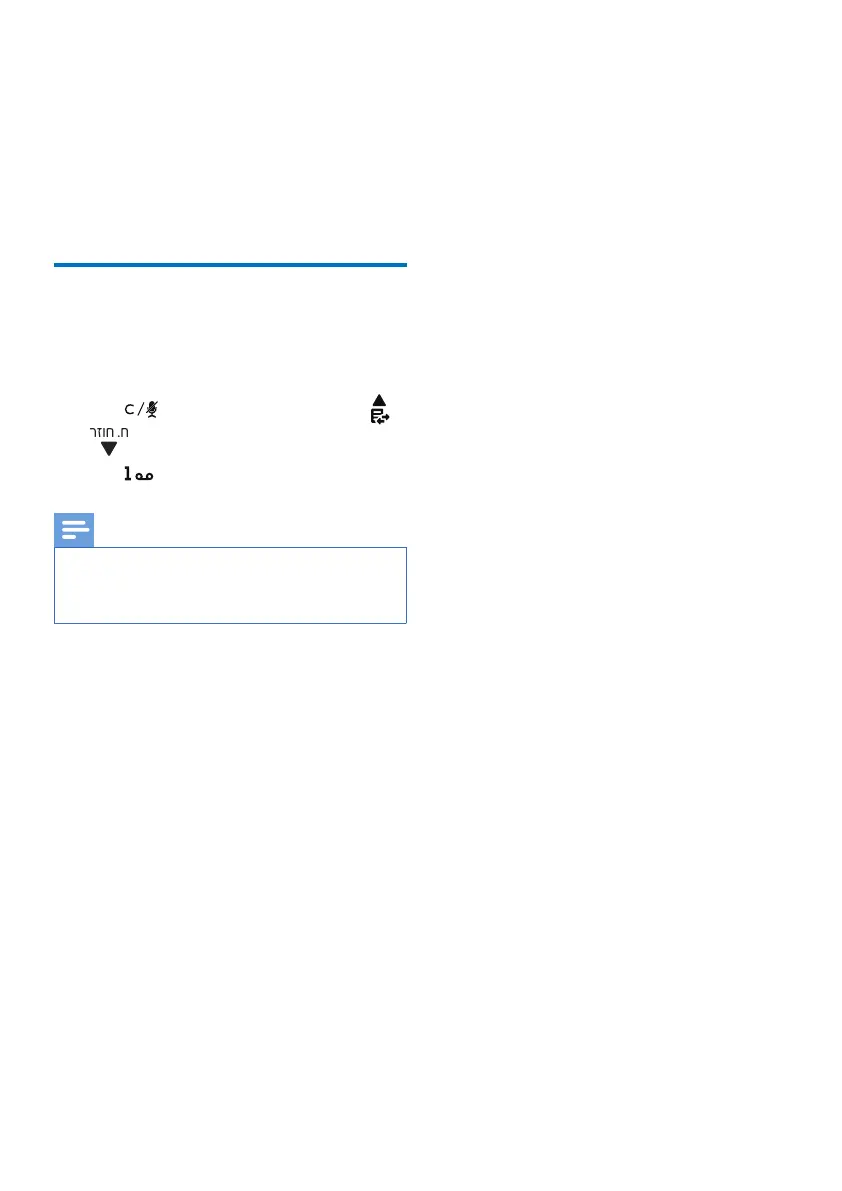
Press to delete a character. Press
/ to move the cursor left or right.
3
Press to add a space.
Note
• For information on key mapping of
characters and numbers, see Chapter 20
‘Appendix’.



 To Next Page