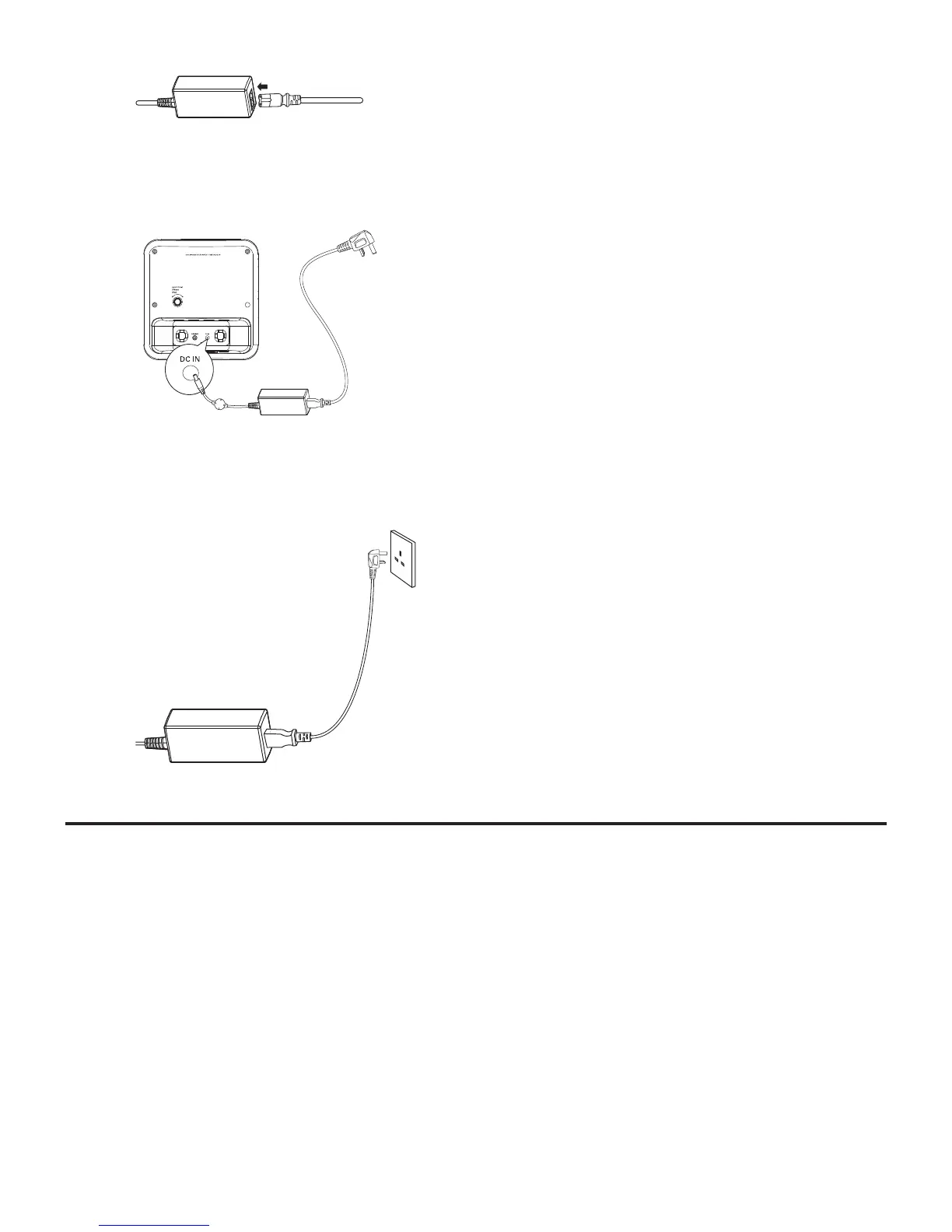
1 Prepare the AC power adaptor.
2 Connect one end of the AC adaptor to the DC IN socket on
the main unit.
3 Connect the other end of the AC adaptor to the wall outlet.
Set time and date
1 In standby mode, press and hold TIME SET/AUTO SCAN for
2 seconds.
The hour digits are displayed and begin to blink. »
2 Press TUNING +/- to set the hour.
3 Press TIME SET/AUTO SCAN to confirm.
The minute digits are displayed and begin to blink. »
4 Repeat steps 2-3 to set the minute, year, month, day and 12/24
hour format.



 To Next Page