EasyManua.ls Logo

Philips DC632 - CD Changer Operation; CD Playback; Track Selection (Next;Previous); Scan Function

Philips DC632
19 pages
Print Icon
To Next Page IconTo Next Page
To Previous Page IconTo Previous Page
Loading...
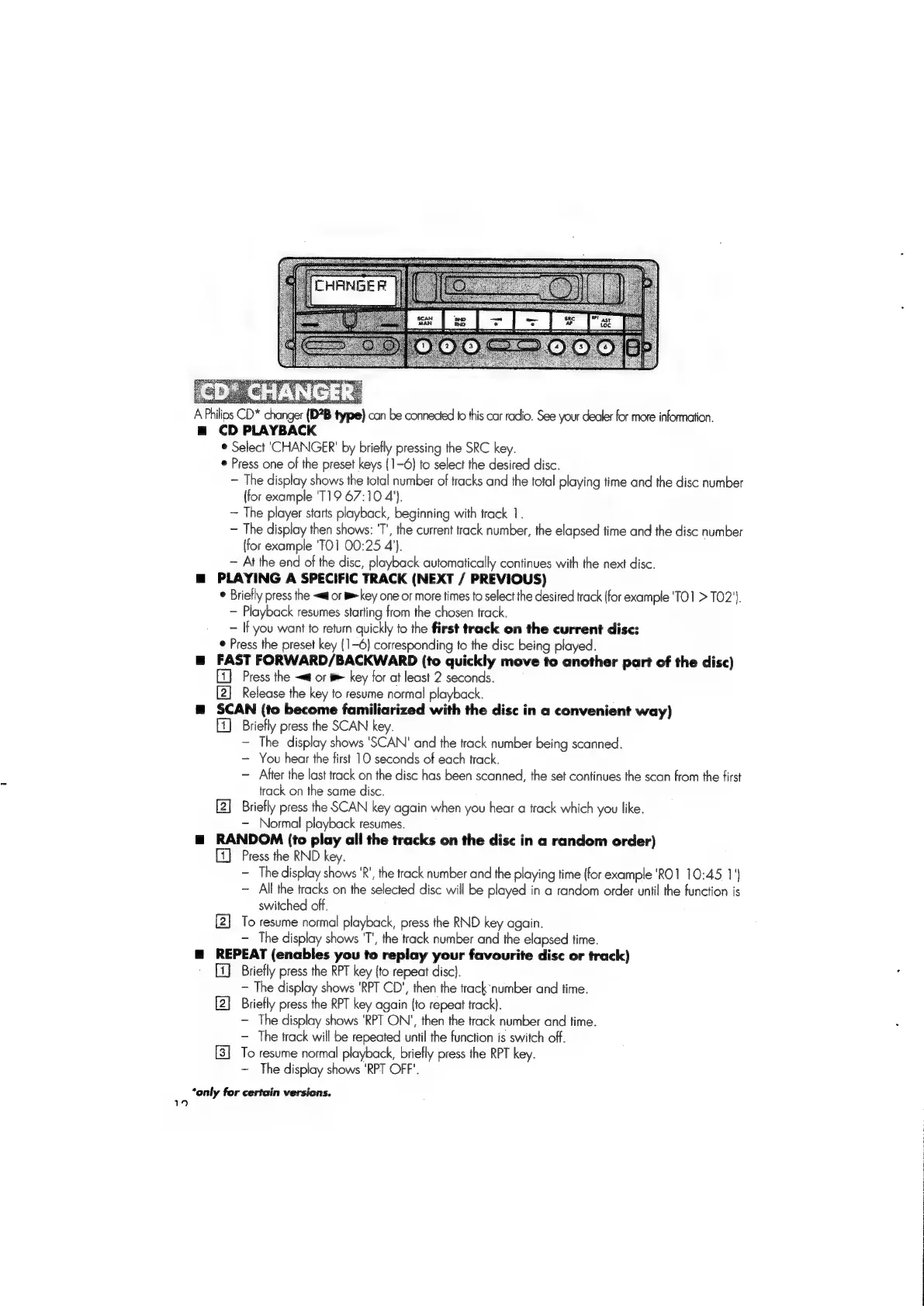
A
Philios
CD*
changer
(D?B
type)
can
be
connected
fo
this
car
radio.
See
your
dealer
for
more
information.
m=
CD
PLAYBACK
®
Select
‘CHANGER’
by
briefly
pressing
the
SRC
key.
*
Press
one
of
the
preset
keys
(1-6)
to
select
the
desired
disc.
The
display
shows
the
total
number
of
tracks
and
the
total
playing
time
and
the
disc
number
(for
example
'T19
67:10
4’).
~—
The
player
starts
playback,
beginning
with
track
1.
The
display
then
shows:
'T',
the
current
track
number,
the
elapsed
time
and
the
disc
number
(for
example
'TO]
00:25
4’).
~
At
the
end
of
the
disc,
playback
automatically
continues
with
the
next
disc.
m
PLAYING
A
SPECIFIC
TRACK
(NEXT
/
PREVIOUS)
®
Briefly
press
the
<<
or
B
key
one
or
more
times
to
select
the
desired
track
{for
example
'TO1
>
T02').
Playback
resumes
starting
from
the
chosen
track,
If
you
want
to
return
quickly
to
the
first
track
on
the
current
disc:
¢
Press
the
preset
key
{1-6}
corresponding
to
the
disc
being
played.
@
FAST
FORWARD/BACKWARD
(to
quickly
move
to
another
part
of
the
disc)
Press
the
~«@
or
#
key
for
at
least
2
seconds.
[2]
Release
the
key
to
resume
normal
playback.
m@
SCAN
(to
become
familiarized
with
the
disc
in
a
convenient
way)
[1]
Briefly
press
the
SCAN
key.
The
display
shows
'SCAN'
and
the
track
number
being
scanned.
You
hear
the
first
10
seconds
of
each
track.
Atter
the
last
track
on
the
disc
has
been
scanned,
the
set
continues
the
scan
from
the
first
track
on
the
same
disc.
[2]
Briefly
press
the
SCAN
key
again
when
you
hear
a
track
which
you
like.
Normal
playback
resumes.
mg
RANDOM
(to
play
all
the
tracks
on
the
disc
in
a
random
order)
Press
the
RND
key.
-
The
display
shows
'R’,
the
track
number
and
the
playing
time
(for
example
'RO1
10:45
1")
All
the
tracks
on
the
selected
disc
will
be
played
in
a
random
order
unti!
the
function
is
switched
off,
[2]
To
resume
normal
playback,
press
the
RND
key
again.
The
display
shows
TT’,
the
track
number
and
the
elapsed
time.
m@
REPEAT
(enables
you
to
replay
your
favourite
dis¢
or
track)
'
[i]
Briefly
press
the
RPT
key
{to
repeat
disc}.
-
The
display
shows
'RPT
CD’,
then
the
track
number
and
time.
[2]
Briefly
press
the
RPT
key
again
(to
repeat
track).
The
display
shows
'RPT
ON’,
then
the
track
number
and
time.
The
track
will
be
repeated
until
the
function
is
switch
off.
To
resume
normal
playback,
briefly
press
the
RPT
key.
~
The
display
shows
‘RPT
OFF’.
“only
for
certain
versions.
4

Related product manuals