EasyManua.ls Logo

Philips DC633 - Traffic and News Announcements; Traffic Announcements (TA) Mode; News Bulletins (PTY NEWS) Mode

Philips DC633
19 pages
Print Icon
To Next Page IconTo Next Page
To Previous Page IconTo Previous Page
Loading...
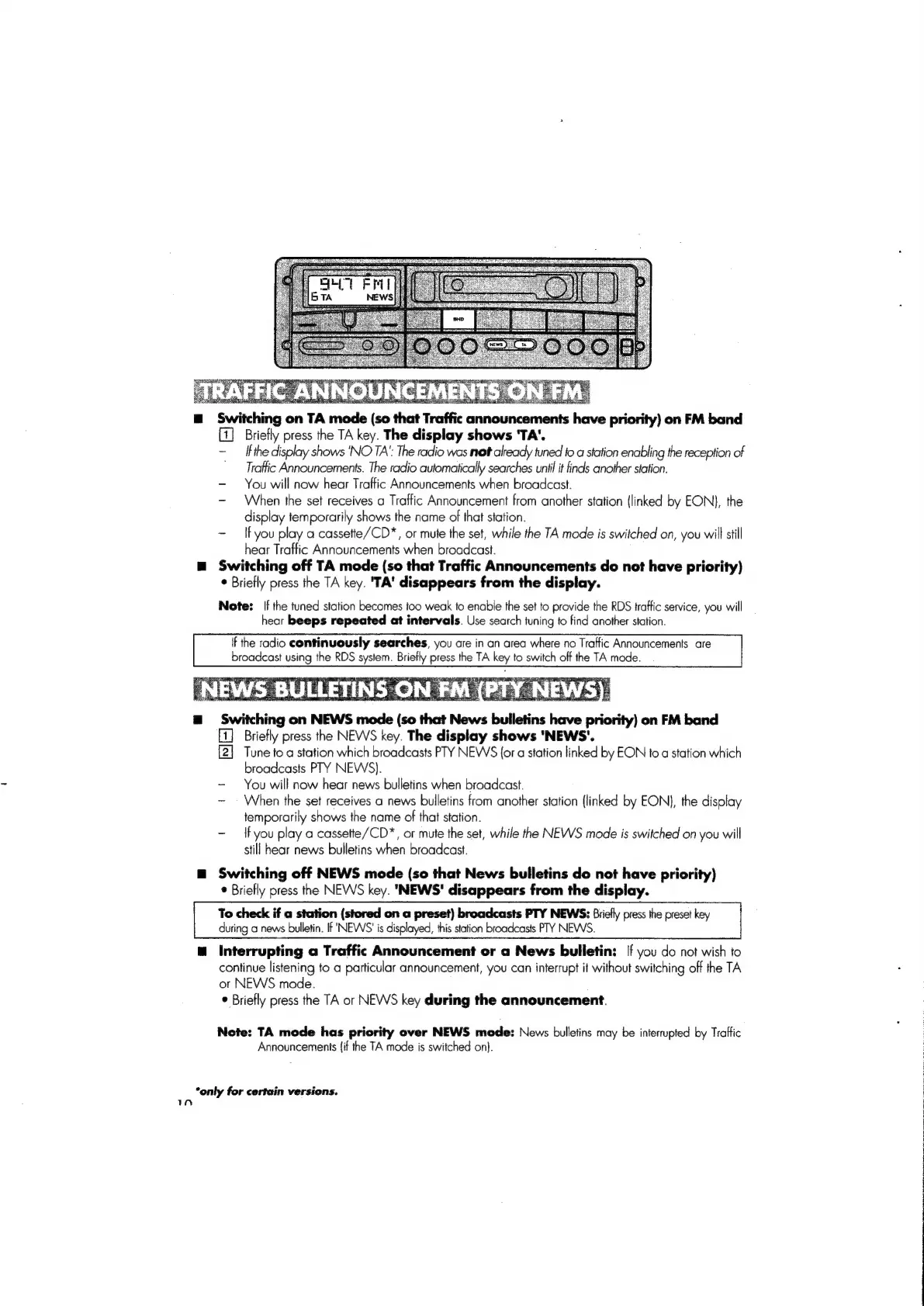
Switching
on
TA
mode
(so
that
Traffic
«
announcements
have
priority)
on
FM
band
a
Briefly
press
the
TA
key.
The
display
shows
'TA'.
If
the
display
shows
‘NO
TA’:
The
radio
was
net
already
tuned
fo
a
station
enabling
the
reception
of
Traffic
Announcements.
The
radio
automatically
searches
until
it
finds
another
station.
-
You
will
now
hear
Traffic
Announcements
when
broadcast.
When
the
set
receives
a
Traffic
Announcement
from
another
station
{linked
by
EON),
the
display
temporarily
shows
the
name
of
that
station.
~
Ifyou
play
a
cassette/CD*,
or
mute
the
set,
while
the
TA
mode
is
switched
on,
you
will
still
hear
Traffic
Announcements
when
broadcast.
Switching
off
TA
mode
(so
that
Traffic
Announcements
do
not
have
priority)
*
Briefly
press
the
TA
key.
'TA'
disappears
from
the
display.
Note:
[f
the
tuned
station
becomes
too
weak
to
enable
the
set
to
provide
the
RDS
traffic
service,
you
will
hear
beeps
repeated
at
intervals.
Use
search
tuning
to
find
another
station.
If
the
radio
continuously
searches,
you
are
in
an
area
where
no
Traftic
Announcements
are
broadcast
using
the
RDS
system.
Briefly
press
the
TA
key
to
switch
off
the
TA
mode.
a
Swing
on
NEWS
mode
(s0
th
that
News
bulletins
have
eens
on
FM
band
mn
Briefly
press
the
NEWS
key.
The
display
shows
'NEWS'.
[2]
Tune
to
a
station
which
broadcasts
PTY
NEWS
{or
a
station
linked
by
EON
to
a
station
which
broadcasts
PTY
NEWS).
-
You
will
now
hear
news
bulletins
when
broadcast.
~
When
the
set
receives
a
news
bulletins
from
another
station
(linked
by
EON},
the
display
temporarily
shows
the
name
of
that
station.
-
{Fyou
play
a
cassette/CD*,
or
mute
the
set,
while
the
NEWS
mode
is
switched
on
you
will
still
hear
news
bulletins
when
broadcast.
Switching
off
NEWS
mode
(so
that
News
bulletins
do
not
have
priority)
*
Briefly
press
the
NEWS
key.
"NEWS'
disappears
from
the
display.
To
check
if
a
station
(stored
on
a
preset)
broadcasts
PTY
NEWS:
Briefly
press
the
preset
key
during
a
news
bulletin.
If
'NEWS'
is
displayed,
this
station
broadcasts
PTY
NEWS.
Interrupting
a
Traffic
Announcement
or
a
News
bulletin:
[f
you
do
not
wish
to
continue
listening
to
a
particular
announcement,
you
can
interrupt
it
without
switching
off
the
TA
or
NEWS
mode.
®
Briefly
press
the
TA
or
NEWS
key
during
the
announcement.
Note:
TA
mode
has
priority
over
NEWS
mode:
News
bulletins
may
be
interrupted
by
Traffic
Announcements
{if
the
TA
mode
is
switched
on].
*only
for
certain
versions.

Related product manuals