EasyManua.ls Logo

Philips DC633 - Preset Stations and Auto-Store; Storing and Recalling Preset Stations; Auto-Store Function

Philips DC633
19 pages
Print Icon
To Next Page IconTo Next Page
To Previous Page IconTo Previous Page
Loading...
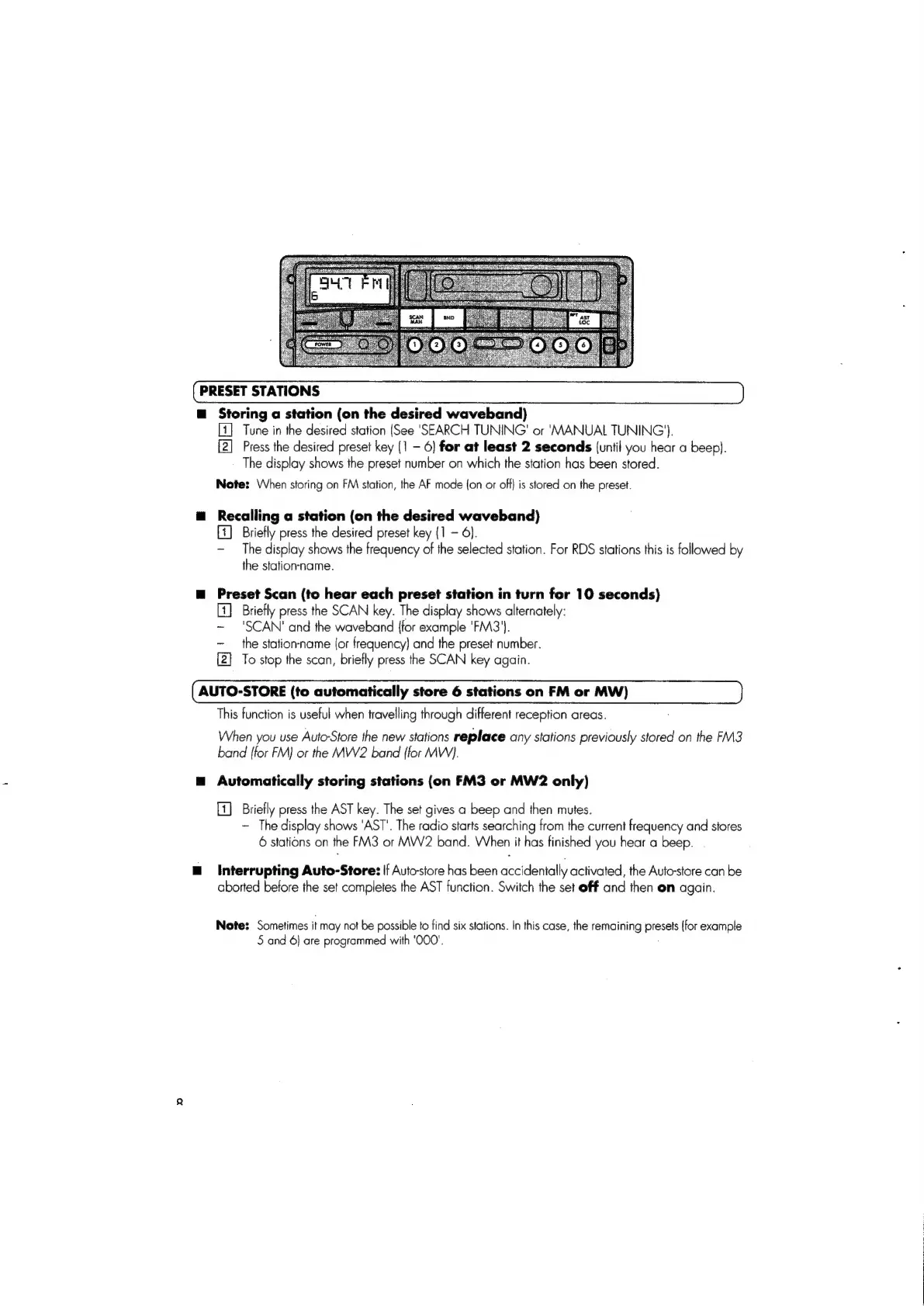
PRESET
STATIONS
@
Storing
a
station
(on
the
desired
waveband)
[4]
Tune
in
the
desired
station
(See
‘SEARCH
TUNING'
or
‘MANUAL
TUNING’).
[2]
Press
the
desired
preset
key
(1
-
6]
for
at
least
2
seconds
(until
you
hear
a
beep).
The
display
shows
the
preset
number
on
which
the
station
has
been
stored.
Note:
When
storing
on
FM
station,
the
AF
mode
(on
or
off)
is
stored
on
the
preset.
@
Recalling
a
station
(on
the
desired
waveband)
[1]
Briefly
press
the
desired
preset
key
(1
~
6).
-
The
display
shows
the
frequency
of
the
selected
station.
For
RDS
stations
this
is
followed
by
the
station-name.
m
Preset
Scan
(to
hear each
preset
station
in
turn
for
10
seconds)
Briefly
press
the
SCAN
key.
The
display
shows
alternately:
~
'SCAN'
and
the
waveband
{for
example
'FM3'}.
~
the
station-name
(or
frequency)
and
the
preset
number.
[2]
To
stop
the
scan,
briefly
press
the
SCAN
key
again.
AUTO-STORE
(to
automatically
store
6
stations
on
FM
or
MW)
This
function
is
useful
when
travelling
through
different
reception
areas.
When
you
use
Auto-Store
the
new
stations
replace
any
stations
previously
stored
on
the
FM3
band
{for
FM)
or
the
MW2
band
{for
MW).
=
Automatically
storing
stations
(on
FM3
or
MW2
only)
[1]
Briefly
press
the
AST
key.
The
set
gives
a
beep
and
then
mutes.
~
The
display
shows
‘AST’.
The
radio
starts
searching
from
the
current
frequency
and
stores
6
stations
on
the
FM3
or
MW2
band.
When
it
has
finished
you
hear
a
beep.
Interrupting
Auto-Store:
If
Autostore
has
been
accidentally
activated,
the
Auto-store
can
be
aborted
before
the
set
completes
the
AST
function.
Switch
the
set
off
and
then
en
again.
Note:
Sometimes
it
may
not
be
possible
to
find
six
stations.
In
this
case,
the
remaining
presets
(for
example
5
and
6}
are
programmed
with
‘000'.

Related product manuals