13
Operation
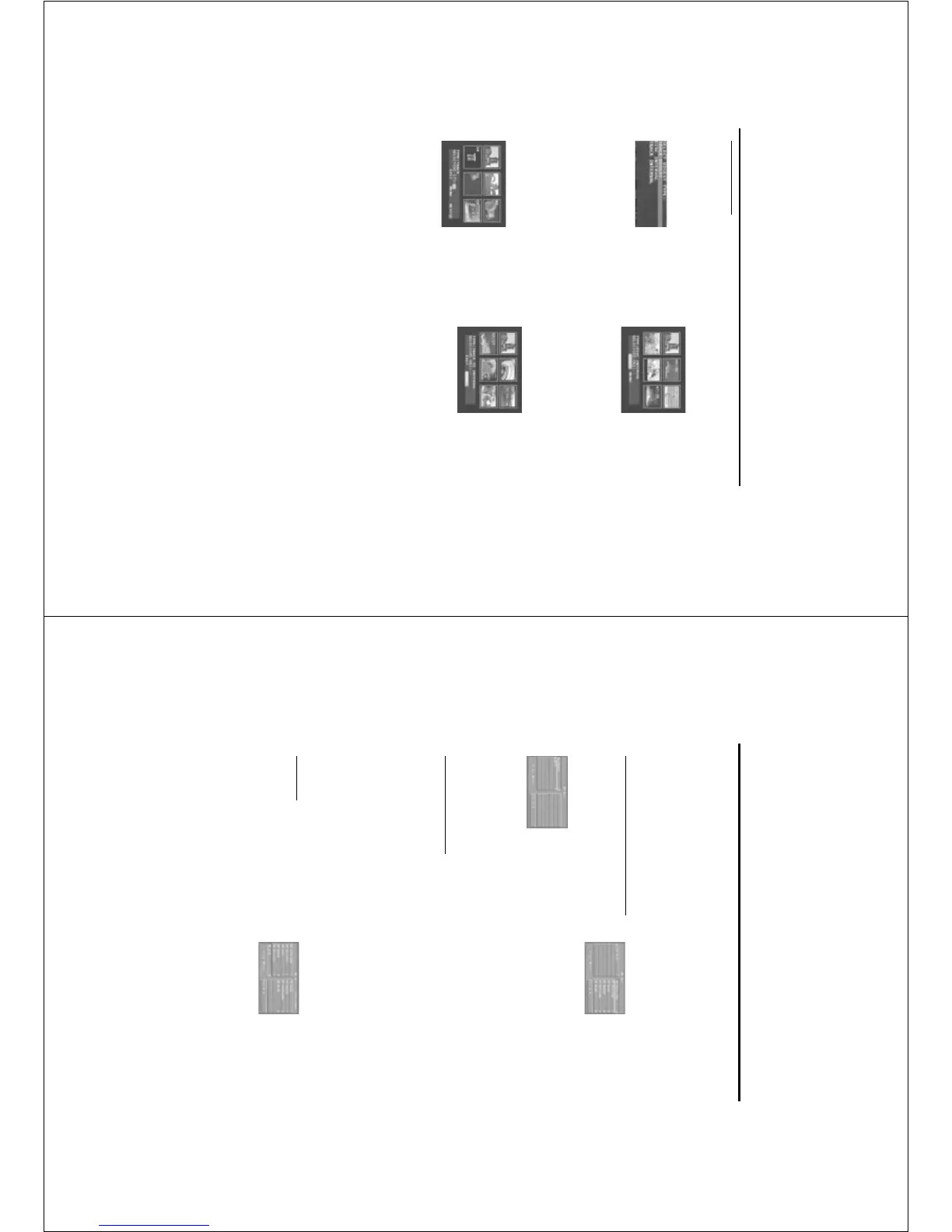
2 Disc Interval
This function is used to divided a disc into six
parts by regular intervals and display them on one
page to help you preview the whole disc.
- To choose the desired track, please press 341 2
to highlight the second line and input the numerical
keys on the place beside “SELECT”.
- Press the OK key to confirm.
3 Track Interval
This function is used to divided a single track into
six parts by regular intervals and display them on
one page to help you preview the selected track.
- To choose the desired track, please press 341 2
to highlight the second line and input the numerical
keys on the place beside “SELECT”.
- Press the OK key to confirm.
Preview Function
0 Press the PREVIEW key to enter previewing
menu.
0 Press 34 key to highlight TRACK DIGEST, DISC
INTERVAL or TRACK INTERVAL.
0 Press OK key to open one option.
0 After you enter the menu of any digest type,
➜ To quit preview function: Press 341 2 to
highlight EXIT and press OK to confirm.
➜ To return to the previewing menu for selecting
the other digest type: Press 341 2 to highlight
MENU and press OK to confirm.
1 Track Digest
This function will minify the picture of every track
in order to display every six of these tracks on
the screen to help you know the content of
every track on the disc.
- To choose the desired track, please press 341 2
to highlight the second line and input the
numerical keys on the place beside “SELECT”.
➜ Select the others out of the current six by
pressing the ¡1 or
2™ key to open the previous
or next page.
- Press the OK key to confirm.
14
This player can playback JPEG format pictures and
MP3 files on a personally recorded CD-R/RW
disc or commercial CD, and especially can be
compatible with Kodak Photo CD.
0 Playback pictures or songs one by one
automatically.
0 Album and track selection.
0 Repeat (disc / album / track / picture).
0 Draw out any musics or pictures from the disc to
playback them together.
0 Maximum files numbers in one folder is 500.
0 Maximum files Programmable is 100.
General Operation
0 If you choose WITH MENU in the Setup Menu
(Please refer to the MP3 & JPEG navigator below
), the Picture CD/MP3 CD menu will be shown
on the screen before playback.
0 At any time during playback, press DISC MENU
one time to return to the menu for Selection/
Repeat / Shuffle / Single playback.
0 Both columns on every page of the menu contain
six files or folders, you can press 1 2 to highlight
either of the column and then press 2™ or ¡1 to
open the next or previous six files or folders.
MP3 & JPEG Navigator
1 At STOP mode, press the SYSTEM MENU key to
open the setup menu.
2 Press the 3 4 key to highlight PREFERENCE.
3 Press OK to open the PREFERENCE menu.
4 Press the 3 4 to highlight the MP3/JPEG NAV
menu.
5 Press the 2 key to enter the menu.
6 Press the 3 4 key to highlight the NO MENU
or WITH MENU item.
➜ NO MENU: playback all files in sequence
under the burning date automatically.
➜ WITH MENU:playback files in the selected
folder.
8 Press the OK key to confirm your selection.
Play Mode
Auto Playback
After you choose NO MENU, the DVD player
will playback Picture CD/MP3 CD in sequence
automatically when it is loaded.
Selection Playback
0 One way is to press the number of your favourite
file at any time during the playback.
0 The other is to select in the menu, and also don’t
forget to make MP3 at STOP mode.
1 Press DISC MENU to open the Picture CD/MP3
CD menu.
2 After the menu is shown on the screen, press the
3 4 key to select the folder you want and press
the OK to open it.
3 Press the 2 to enter the file list.
4 Press the 3 4 to highlight one option, or press
its number directly at this time.
➜ You also can press 2™ or ¡1 to go to the
next or previous page.
5 press OK key to confirm.
➜ The playback will start from this selected file to
the last in this folder.
Repeat / Shuffle / Single Playback
0 When the Picture CD/MP3 CD menu is shown
on the screen, Press REPEAT key repeatedly, the
button beside PLAY MODE will display different
option,
➜ SINGLE: The file will be played one time and
then return to the menu.
➜ REPEAT ONE: For the JPEG picture, it will be
still on the screen. For the MP3 music, it will be
replayed time after time.
➜ REPEAT FOLDER: All files in this folder will be
replayed time after time.
➜ SHUFFLE: All files in this folder will be played
at random without any repeat.
0 If you press REPEAT key during playback, the
option will be displayed on the screen accordingly.
Program Playback
1 When the Picture CD/MP3 CD menu is shown
on the screen, Press DISC MENU key.
➜ The left column is the original files and the
right one is the programed files.
2 Press the 3 4 to select one file.
➜ You also can press 2™ or ¡1 to open the
next six files to choose.
Picture CD & MP3 Playback



 To Next Page