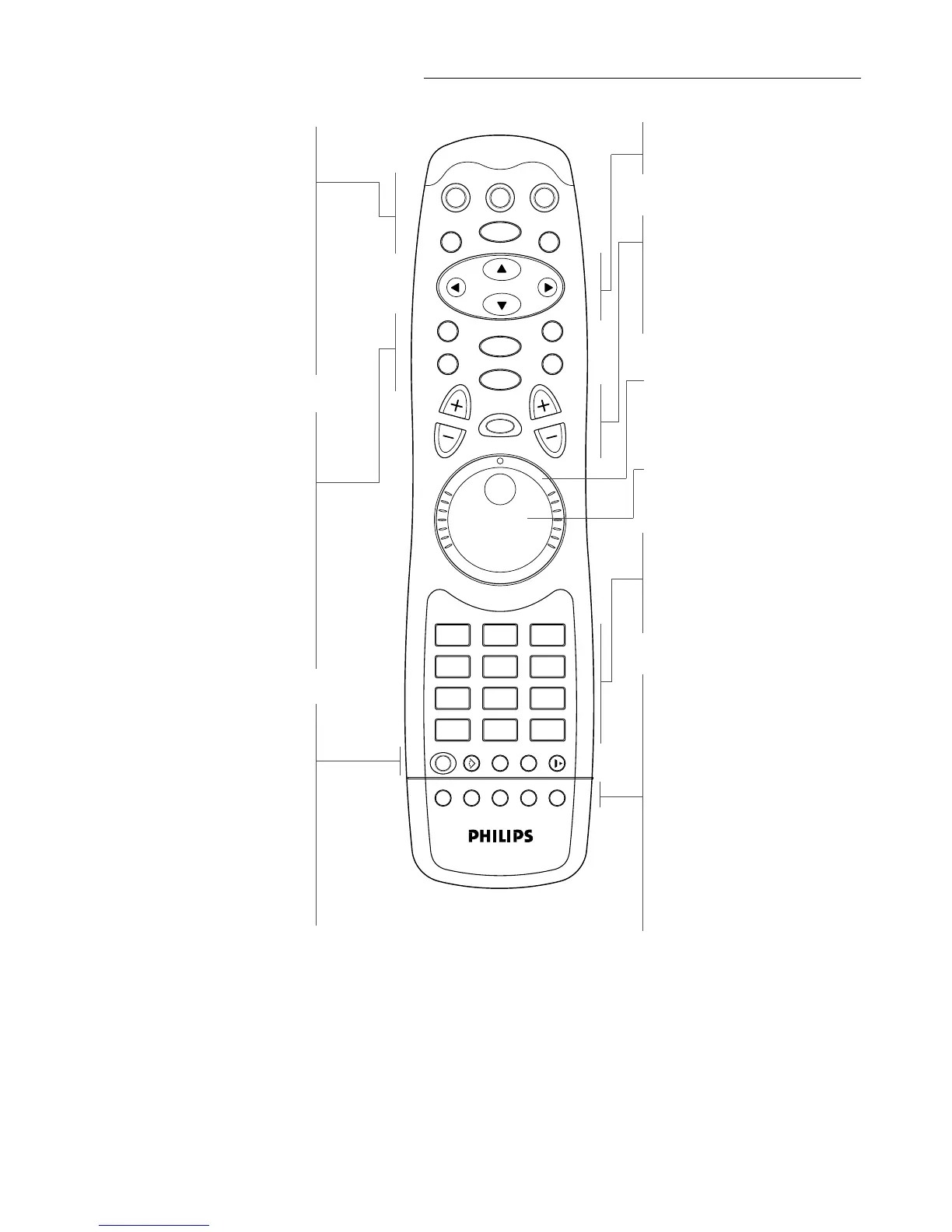
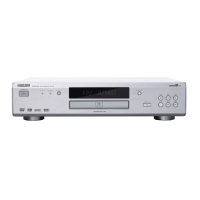
Remote control
FUNCTIONAL OVERVIEW 13
TV ON-OFF
TV/DVD
- mode selector TV/DVD
DVD ON-OFF
TITLE
- activate TITLE
TV MUTE H
- DVD-mode: selects Stereo, Dolby
Surround, 3D Sound reproduction
- TV-mode: mute ON/OFF
MENU
- DVD menu
RETURN
- go back to previous menu
2
- play
ENTER
- acknowledge menu selection
J
- previous chapter or track
EJECT / 9
- eject / stop
K
- next chapter or track
SETUP
- select player settings menu (in
stop mode only)
ANGLE }
- select DVD camera angle
SUBTITLE Z
- subtitle language selector
AUDIO
- language selector
RESUME 2
- resumes playback from where the
disc stopped
tuvw
- (left/right/up/down) cursor
movement
TV VOL +/-
- Volume up/down
JOG/PAUSE
- mode selector JOG/PAUSE
TV P
- TV channel selection
SHUTTLE
- alternative fast forward and
rewind
JOG
- frame-by-frame playback
0-9 numerical key pad
T- C
- mode selector title/chapter
m (MENU OSD)
- On Screen Display ON/OFF
SCAN
- playback of the first 10 seconds
of each chapter within a title
(DVD) or the first 10 seconds of
each track on a disc (VCD/CD)
REPEAT A-B
- repeat sequence
REPEAT
- repeat chapter, track, title, disc
SHUFFLE
- playback tracks in random order
FTS
- FTS active



 To Next Page