91
a No picture appears on the TV after switching
Check the display of your DVD recorder.
'PRO': 'Progressive Scan' is on
No display: 'Interlaced' is on. Switch your TV to the corresponding
input jack or select the corresponding connection. You can also
switch the Component video output signal as follows:
1 Disconnect the recorder's power cord.
2 Hold down N on the DVD Recorder while reconnecting the
power cord. 'PRO' (progressive scan) appears on the display.
3 If you want to switch back, repeat steps 1 and 2 . 'PRO' disappears
from the display. The DVD Recorder is switched to 'Interlaced.'
Problem
Sound settings
Depending on the audio outputs being used, this menu provides you with a selection of settings.
If you are only using the analog audio outputs (red and white AUDIO L/R OUT , AUDIO L/R
OUT jacks), select 'Off' in the 'Digital output' menu.
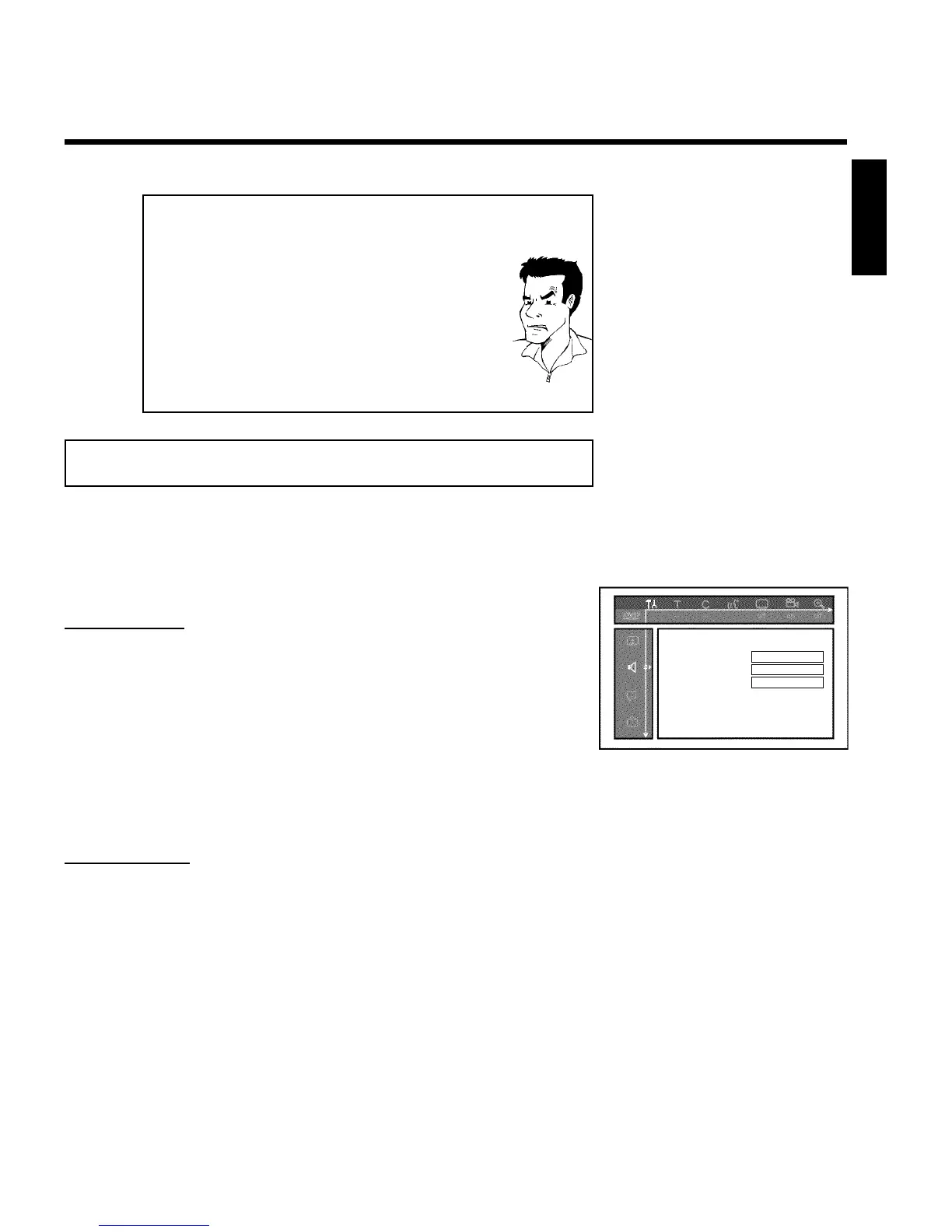
Sound
Digital output All
Analog output Stereo
Night mode Off
'Digital output'
You can select one of the following settings for devices that are connected to the COAX
OUT or OPTICAL AUDIO OUT jacks:
'All' : Dolby Digital and DTS signals are going out unchanged to the digital output. MPEG-2
multi-channel signals are converted to PCM (Pulse Code Modulation).
Use receivers/amplifiers with a digital multichannel sound decoder.
'PCM only' : Dolby Digital and MPEG-2 multi-channel signals are converted to PCM (Pulse Code
Modulation).
For receivers/amplifiers without a digital multichannel sound decoder.
'Off' : digital output is off.
For devices with an analog audio input.
'Analog output'
You can select from the following settings for devices connected to the analog outputs ( AUDIO
L/R OUT , AUDIO L/R OUT ).
'Stereo' : For devices that use neither DolbySurround nor TruSurround. Only use this setting
when the DVD Recorder is connected to a stereo TV.
'Surround' : Dolby Digital and MPEG-2 multi-channel are mixed to a Dolby Surround-compatible
two-channel output signal.
For devices with a Dolby Surround / Pro Logic decoder .
ENGLISH
User preferences














 To Next Page