35
Inserting a disc
OPENING P01
1
Press the OPEN/CLOSE J button on the front of the
Recorder. The disc tray will open. 'OPENING' will appear in the
display, then 'TRAY OPEN' when the disc tray has already been
opened.
2
Carefully place the disc into the tray with the label facing up, then
press PLAY G or OPEN/CLOSE J .'CLOSING' then
'READING' will appear on the display. This indicates that the disc
is being read.
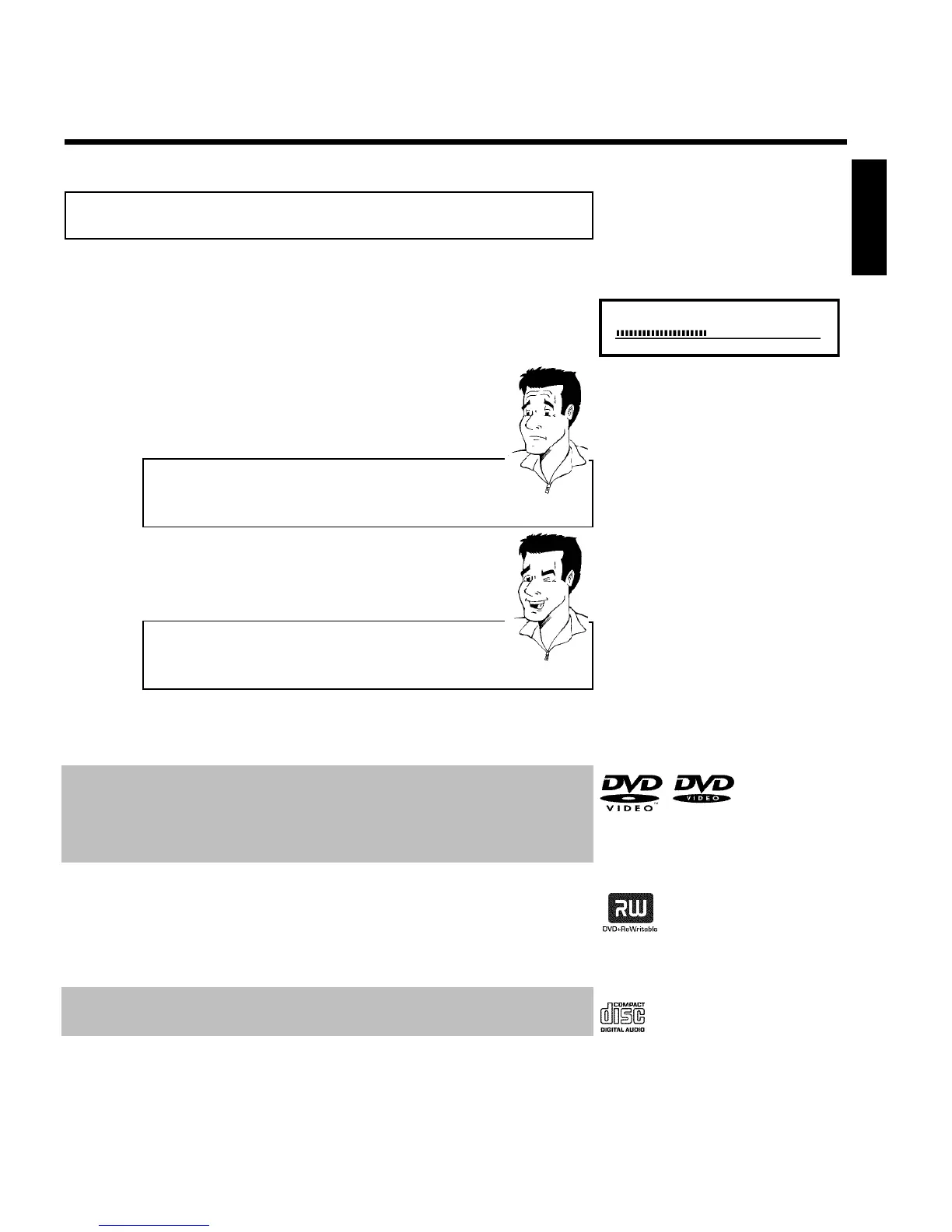
How do I insert doublesided DVDs?
Double-sided DVDs do not have labels on either side. The label for each
side is placed in the middle (on the inner ring). To play a specific side,
the label on the side you want to play must be on top.
?
Opening/Closing the tray using the remote control
You can also use the remote control to open and close the disc tray.
To do this, hold down the STOP h button on the remote control until
'OPENING' (opens) or 'CLOSING' (closes) appears in the display.
Tip
3
Playback starts automatically.
A menu may appear during playback of a DVD. If the titles and chapters are numbered, press a
number button on the remote control. You can also select a menu item with D , C , A ,
B , or with the number buttons 0..9 and confirm with OK .
You can also call up the menu any time by pressing DISC-MENU on the remote control.
For more information, read section 'Playing a DVD video disc'.
When playing a DVD+RW, the Index Picture screen appears. Choose the title you want to play
with B , A or N , O .
Confirm with OK .
For more information, read section 'Playing a DVD+RW or DVD+R'.
If playback does not start automatically, press PLAY G .
For more information, read section 'Playing Audio CDs'.
ENGLISH
Playback














 To Next Page